Struggling with lag spikes during a crucial Apex Legends match or buffering just as the best part of a Showmax series hits? It’s a classic South African frustration. Often, the culprit isn’t your ISP, but a misunderstanding of a crucial concept: bandwidth. Understanding what bandwidth is, and how it works in your home, is the first step to crushing lag and enjoying the smooth, fast internet you’re actually paying for. Let's break it down. 🚀
So, What is Bandwidth, Really?
Think of your internet connection as a highway. Bandwidth is the number of lanes on that highway. The more lanes you have, the more cars (data) can travel at the same time without causing a traffic jam (lag or buffering). Speed, or latency (ping), is how fast those cars are travelling.
You can have a very high speed limit, but if you only have one lane, everything slows to a crawl during peak hour. This is why a high "speed" connection can still feel sluggish if your bandwidth is too low for your household's needs. For gamers, low latency is critical, but sufficient bandwidth ensures other devices don't choke your connection mid-game.
Understanding Bandwidth in a South African Home
Your home network is busier than the N1 at 5 PM. One person is streaming a 4K movie, another is on a Teams call, your phone is backing up photos to the cloud, and you’re trying to download the latest game update. Each of these activities is a car on your digital highway.
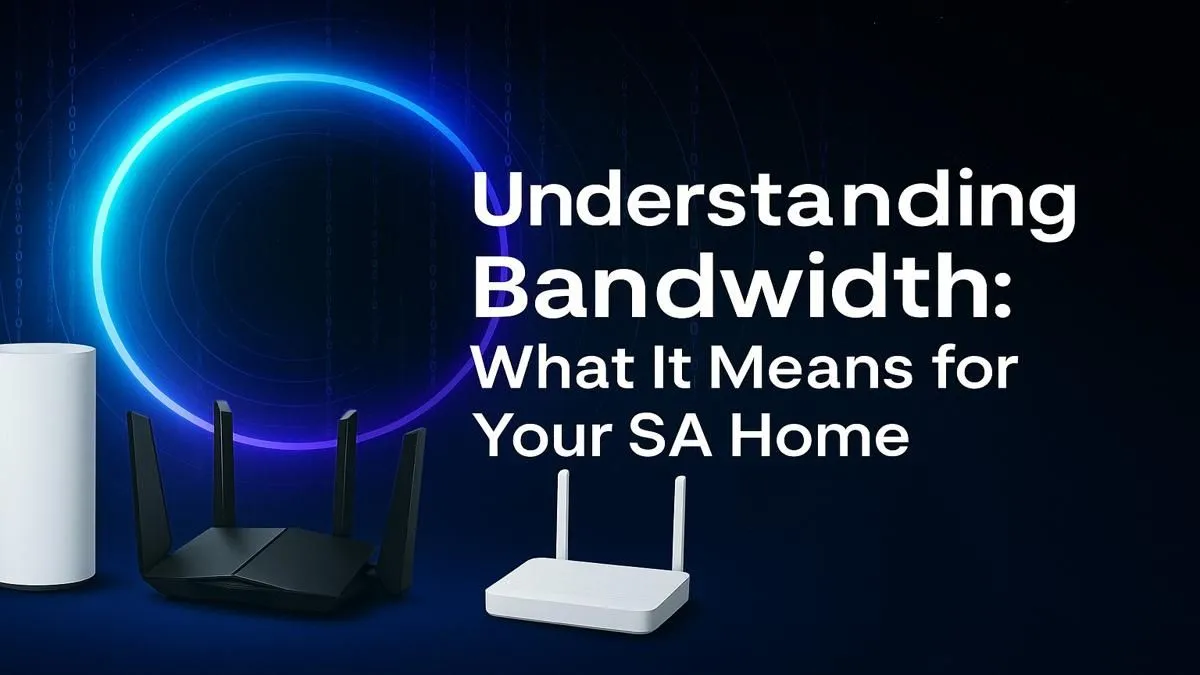
This is where having the right hardware becomes non-negotiable. The free router your ISP gave you might not be equipped to manage all that traffic efficiently. Investing in a quality wireless router is often the single biggest upgrade you can make to your home network, acting as a smart traffic controller for all your devices.
Check Your Real Speed ⚡
Don't just trust your ISP's advertised speeds. Use a reliable service like Speedtest by Ookla to measure your download speed, upload speed, and ping. Run the test at different times of the day to get a true picture of your connection's performance. A high download is great for streaming, but a solid upload speed is vital for smooth gaming and video calls.
How Much Bandwidth Do You Actually Need?
There’s no one-size-fits-all answer, but we can break it down by typical South African households:
The Solo User or Couple
- Activities: HD streaming (Netflix, YouTube), social media, web browsing, maybe some casual gaming.
- Recommendation: A 25-50 Mbps connection is usually plenty. You can stream, browse, and game without getting in each other's way.
The Connected Family
- Activities: Multiple HD or 4K streams, work-from-home video calls, online classes, and competitive gaming happening simultaneously.
- Recommendation: Look for 100 Mbps or more. This ensures there are enough "lanes" for everyone's data without causing slowdowns. For larger homes, dead spots can be a real problem; strategically placed Wi-Fi range extenders can ensure consistent coverage from the living room to the braai area.
The Power User or Hardcore Gamer
- Activities: Streaming your gameplay on Twitch, downloading massive files (hello, Call of Duty updates), 4K video editing, and running multiple data-heavy applications.
- Recommendation: 200 Mbps and above is your sweet spot. This provides the headroom needed for demanding tasks while ensuring your ping remains stable for competitive play.
Common Bottlenecks Killing Your Bandwidth 🔧
Even with a fat fibre pipe coming into your house, several things can still slow you down. Understanding these common issues is key to optimising your home network.
- Wi-Fi Congestion: If you live in a complex or a dense suburb, your Wi-Fi might be competing with your neighbours' signals. Switching your devices to the 5GHz band on your router can often provide a cleaner, faster connection.
- Physical Obstacles: Thick walls, metal appliances, and even water (like in a fish tank) can weaken Wi-Fi signals. The further you are from your router, the weaker the signal.
- Outdated Hardware: Your PC or laptop's ability to receive a Wi-Fi signal is just as important as the router's ability to send it. If your machine is a few years old, upgrading to a powerful wireless adapter can make a world of difference, especially for gaming.
Ultimately, understanding what bandwidth is gives you the power to diagnose your connection woes. It’s not just about the line from your ISP; it’s about having the right gear to make the most of it. ✨
Ready to Uncap Your Internet's True Potential?
A slow connection isn't something you have to live with. From powerful routers to signal-boosting extenders, the right hardware can transform your online experience. Explore our complete range of wireless networking gear and finally get the speed you pay for.