

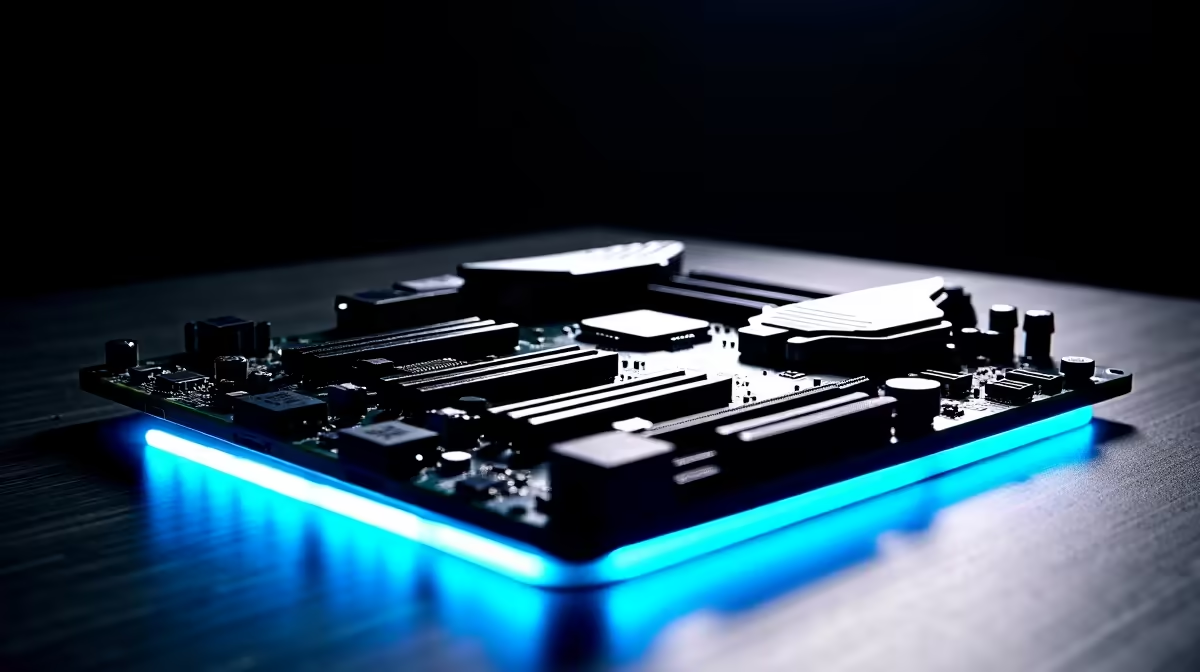
BIOS Flashback is one of the most useful features on modern motherboards, allowing you to update the BIOS firmware without having a compatible CPU installed. This is especially valuable when a new processor requires a BIOS update that the board does not yet support out of the box.
Quick Answer
What is BIOS Flashback and how does it work? BIOS Flashback is a motherboard feature that lets you update the BIOS using only a USB drive and the PSU for power - no CPU, RAM, or GPU required. You place the correct BIOS file on a USB drive, plug it into a designated port, press the Flashback button, and the board updates itself automatically.
🔧 How BIOS Flashback Works Step by Step
BIOS Flashback (also called Q-Flash Plus by Gigabyte, FlexKey by MSI, and USB BIOS Flashback by ASUS) operates independently of the main system components. Here is the general process:
- Download the correct BIOS file from your motherboard manufacturer's support page. Use the model number on your board, not just the product name.
- Format a USB drive to FAT32. Use a drive between 4GB and 32GB for best compatibility. NTFS and exFAT are not supported by all implementations.
- Rename the BIOS file according to your manufacturer's naming convention. ASUS requires the file to be named something like
FLASHBACK.BIN. Gigabyte may require a specific name likegigabyte.bin. Check your manual. - Place the USB in the dedicated BIOS Flashback port - this is a specific USB port on the I/O panel, usually colour-coded or labelled. Do not use a random USB port.
- Connect the PSU 24-pin power connector to the motherboard. The board needs power but no other components.
- Press and hold the BIOS Flashback button (usually 3 seconds) until the indicator LED begins flashing.
- Wait for the process to complete. The LED pattern changes or turns solid when done. Do not cut power during the flash - this can brick the board.
📊 When Do You Need BIOS Flashback?
| Scenario | Does Flashback Help? |
|---|---|
| New CPU not detected on older board | Yes - flash BIOS before installing CPU |
| Corrupted BIOS after failed update | Yes - recovers the board |
| Board boots but won't POST | Sometimes - depends on corruption level |
| New platform with no compatible CPU owned | Yes - the main use case |
The most common real-world scenario is buying a new-generation CPU (like AMD Ryzen 7000 on an X570 board that needs a BIOS update, or Intel Core Ultra on a Z690 board) without owning an older compatible CPU to perform the update the traditional way.
💡 Tips for a Successful BIOS Flash
Use a USB 2.0 flash drive. Faster USB 3.0 drives occasionally cause compatibility issues with BIOS Flashback. An older or slower USB 2.0 drive is more reliable for this specific task.
Download only from the official manufacturer site. Never use third-party BIOS files. A corrupted or wrong BIOS file can permanently damage your motherboard.
Verify the BIOS version. If you're flashing to add CPU support, check the manufacturer's CPU compatibility list to confirm which BIOS version adds support for your processor.
Don't interrupt the flash. Once the Flashback LED starts blinking, leave the board alone. A power interruption mid-flash can leave the board in an unrecoverable state.
Not all motherboards have Flashback. This feature is most common on mid-range and high-end boards. Budget boards may not include it. Check your board's specifications before assuming it's available.
❓ Frequently Asked Questions
Do I need RAM or a GPU for BIOS Flashback to work? No. BIOS Flashback requires only the motherboard, a PSU connected via the 24-pin ATX connector, and the USB drive in the correct port. No CPU, RAM, or GPU is needed.
Can BIOS Flashback fix a dead motherboard? Sometimes. If the board is dead due to a corrupted BIOS, Flashback can recover it. If the failure is due to physical damage to the board, Flashback cannot help.
How long does a BIOS Flashback take? Typically 3–8 minutes. The indicator LED will blink during the process and change state when complete. Always wait for the LED to stop blinking before disconnecting power.
Evetech carries All CPUs & Processors and Graphics Card Deals — check live stock and pricing before you buy.
Ready to Find Your Perfect Match? Shop at Evetech











