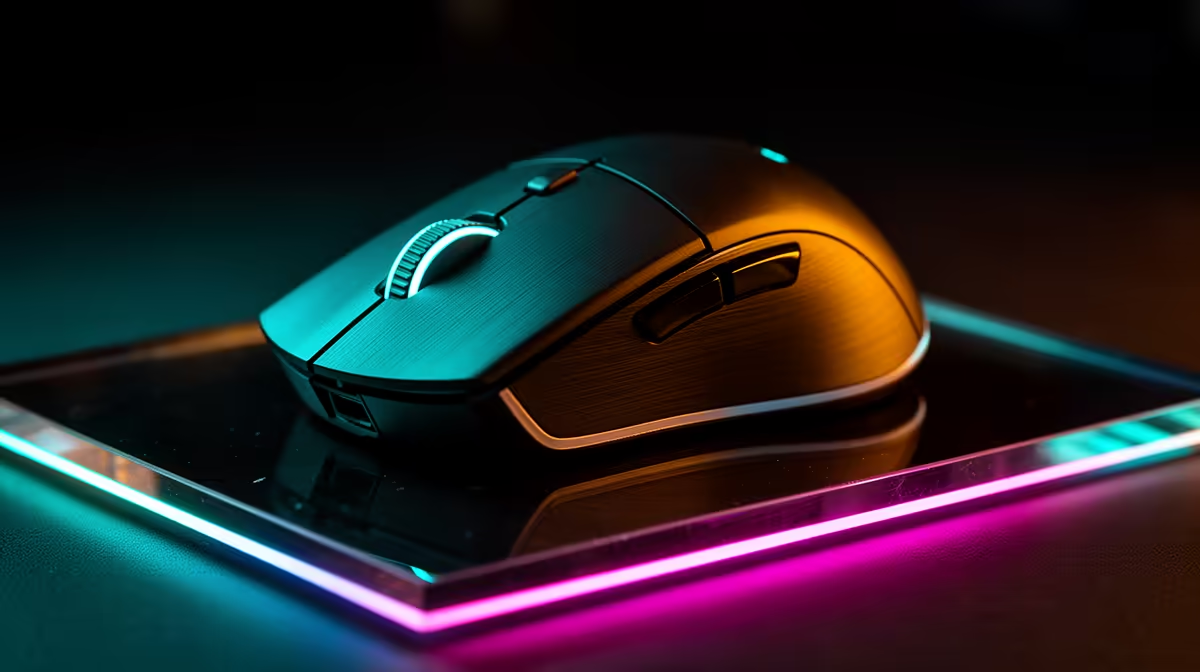
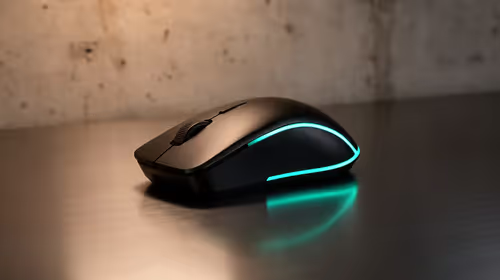
8000Hz polling sends mouse position updates eight times more often than the old 1000Hz standard, and SA builders should check whether their PC and game actually benefit before paying for it. Confirm CPU headroom first.
Quick Answer
8000Hz polling trims input latency and smooths motion only when a strong CPU and a fast panel back it up; otherwise the extra CPU overhead can cost frames. SA builders should check CPU headroom and pair it with a 240Hz monitor before enabling it.
What 8000Hz Actually Does
At 8000Hz the mouse reports position 8,000 times a second versus 1,000, which can make motion feel smoother and trim input lag. The benefit is subtle and easiest to feel on a 240Hz or faster monitor.
How To Test It Safely
Enable the higher rate, then watch frame rate and 1% lows in a CPU-heavy scene. If frames drop or stutter appears, step back to 1000 or 2000Hz, which most players cannot tell apart in feel.
Who Should Bother
Competitive players on strong systems and fast panels gain the most. For casual play or mid-range CPUs, 1000Hz to 2000Hz is plenty and avoids the extra load.
Monitor Refresh Matters
8000Hz polling shows its smoothness best on a 240Hz or faster panel, where the screen can keep up with the extra updates. On a 60 or 144Hz monitor much of the benefit is invisible.
FAQ
Is 8000Hz polling worth it for SA gamers?
Only with a fast CPU and a 240Hz monitor. The smoother motion and slightly lower input lag are subtle, and on weaker systems the extra CPU load can cost frames, so check headroom first.
How do I test if 8000Hz helps me?
Turn it on, then watch frame rate and 1% lows in a demanding scene. If frames fall or stutter appears, drop to 1000 or 2000Hz, which most players cannot distinguish in normal play.
Can 8000Hz polling hurt performance?
Yes, on a weak CPU. The higher report rate adds processing overhead that can cause stutter or lost frames in CPU-heavy games, so confirm your CPU has spare headroom before enabling it.
Buyer Tip
Check your board's QVL and enable the EXPO or XMP profile after install, then verify the rated speed in BIOS before you trust the kit.