



850W PSU Planning for RTX 5080 Super Builds in SA
850W for RTX 5080 Super needs a full-build check, not a simple yes. Review GPU guidance, CPU draw, transient load, connectors, PSU quality, and upgrade plans before deciding.
Read moreRX 9070 XT build losing FPS can come from driver changes, heat, CPU limits, background tasks, storage stalls, or game settings. Compare one repeatable game run, check frame pacing, and review recent updates before hardware swaps.
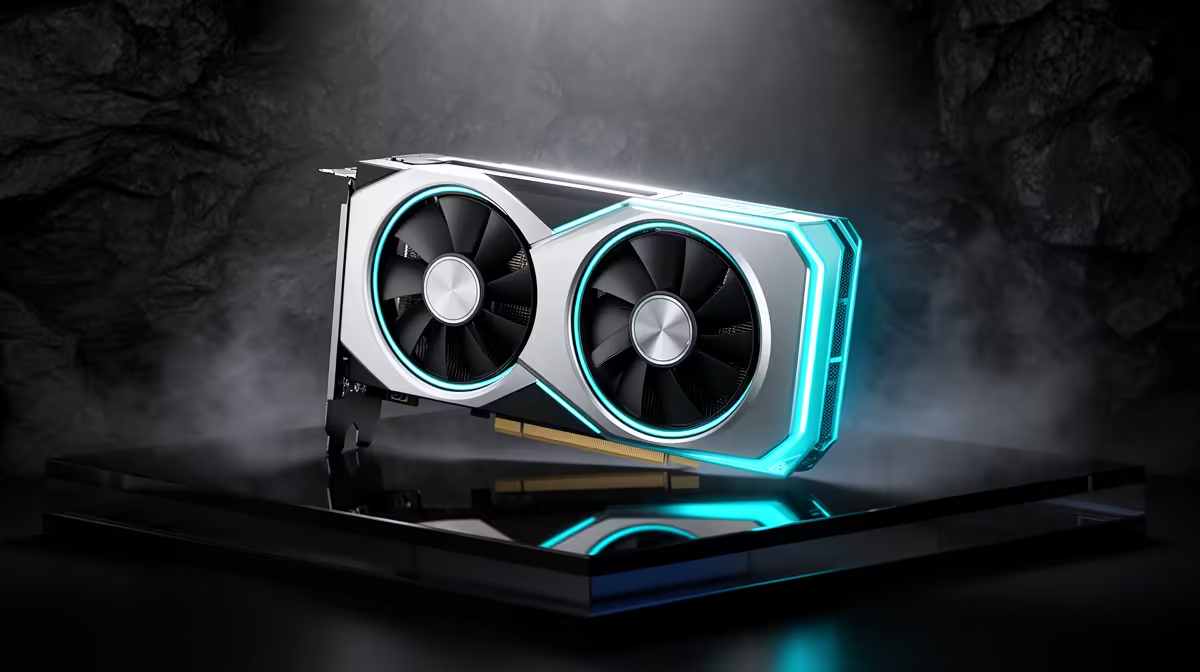
Lost FPS on an RX 9070 XT build is usually thermal throttling, a stale driver, or a background hog, not a dead card. Watch GPU temp in HWiNFO64 (throttling starts near 90C), reinstall a clean AMD Adrenalin 25.x driver, and check the CPU is not pinned at 100%. Most rigs recover full frames after a clean driver pass.
Open Event Viewer (Windows Logs then System) and look for Kernel-Power 41 (a dirty restart), WHEA-Logger 18 and 19 (a hardware error), and Display TDR 4101 (a driver timeout). Sort by the timestamp of the last fault so you compare like with like. In HWiNFO64, log a five-minute gaming run and check whether the FPS drops you see coincide with a temperature spike, a clock drop, or a voltage dip. A reboot or freeze wipes the screen evidence, so the log is the only honest record of what actually happened.
Run DDU in Safe Mode, then reinstall a clean AMD Adrenalin 25.x driver. In the motherboard firmware, enable Resizable BAR (Smart Access Memory) and confirm the card is in the top PCIe x16 slot. Confirm a 750W-class power supply such as a Corsair RM750e or Cooler Master MWE 750, and reseat the power connector fully. Watch temperatures: idle should sit around 35-44C, sustained load around 65-75C, and throttling kicks in near 90C.
Most call-outs we see locally are not faulty parts at all. Dust build-up from a dry Highveld winter, a cheap unbranded cable, a half-seated power connector, or a stale driver after a feature update cover the bulk of them. Before you budget for a replacement, work the free fixes first: a clean driver pass, a CMOS reset, a dust-out, and a known-good cable cost nothing. If a part genuinely is faulty, every component sold through Evetech carries a local warranty, so you log the RMA here rather than chasing an overseas seller. A quality power supply is the cheapest insurance: a 750W unit from around R1,500 protects a build worth far more.
The usual causes are thermal throttling (watch for the part passing 90C in HWiNFO64), a stale driver after an update, or a background process pinning the CPU. A clean driver pass and a temperature check recover most lost frames.
Log both in HWiNFO64 during a session. If GPU usage drops below 95% while FPS falls, the CPU or a background task is the limit; if the GPU stays pinned and clocks fall, it is heat or power.
Often, yes. Removing the old driver with DDU and installing a clean AMD Adrenalin 25.x driver clears corrupted shader caches and leftover profiles that quietly cost frames after a feature update.
Fix the cause, not the symptom. Before you shop for parts, run DDU and reinstall a clean AMD Adrenalin 25.x driver on a clean session, then re-test on one repeatable scene. If a part is genuinely faulty, log the local warranty through Evetech rather than guessing.
850W for RTX 5080 Super needs a full-build check, not a simple yes. Review GPU guidance, CPU draw, transient load, connectors, PSU quality, and upgrade plans before deciding.
Read more
FPS drops blamed on a wireless gaming headset often point to input, driver, USB, network, or system-load checks. Use a quick SA-friendly troubleshooting flow to isolate software, firmware, thermals, storage, and game settings before replacing
Read more
1440p is the sweet spot for Polokwane gamers because it balances sharper visuals with manageable GPU demand. Compare refresh rate, graphics card tier, monitor size, and game settings before choosing a display.
Read more
240Hz monitors are mainstream in SA esports because smoother motion and lower input feel matter in Sandton matches. See how GPU frame rates, panel choice, desk setup, and local budget decide whether 240Hz is a smart upgrade from 144Hz.
Read more
4K monitors still cost more for gamers because resolution, refresh rate, panel quality, and GPU demands raise the bar. Polokwane buyers should compare screen size, ports, adaptive sync, and whether 1440p is a better fit.
Read more
Edenvale gpu price pressure questions need cautious SA context because pricing can move with availability, exchange rates, specs, and warranty support. Treat the trend as a planning signal, not a fixed price promise.
Read more
Cyber Monday gaming chair is a cautious guide for seasonal tech deal planning. Compare spec priorities, timing, warranty support, and realistic SA price checks for SA buyers without assuming live prices, availability, or exact benchmark results.

Pre-Black Friday wired gaming mouse buying planning should focus on shape, specs, warranty, and usual price bands. Use this SA guide to shortlist sensible options before deal periods without assuming live discounts.

ATX 3.1 vs ATX 3.0 for Competitive Esports comes down to GPU power connectors, PSU quality, cable routing, headroom, and upgrade plans. SA buyers should match the choice to their setup instead of assuming one option always wins.

Wi-Fi 6E vs Wi-Fi 6 depends on Couch co-op gaming needs, platform limits, and budget fit. Compare compatibility, latency, upgrade path, and real setup constraints before choosing for an SA build.

How to fix FPS drops on AM5 motherboard starts with BIOS, chipset drivers, cooling, and memory stability. South African gamers can work through power, EXPO, refresh-rate, overlay, and game-setting checks before spending on new hardware.

RX 9070 XT build frame pacing issues needs a step-by-step check before replacing parts. Review drivers, settings, thermals, power, background apps, display limits, cables, and game options before changing hardware.

Low fps on rtx 5080 build in south africa usually needs a settings, driver, thermal, or power check first. Work through safe SA troubleshooting steps before replacing parts or assuming a full upgrade.

1440p is the sweet spot for Mbombela gamers because it sharpens detail without demanding 4K-level GPU power. SA buyers should weigh monitor refresh rate, graphics card tier, desk size, and game mix before moving up from 1080p.
850W for RTX 5080 Super needs a full-build check, not a simple yes. Review GPU guidance, CPU draw, transient load, connectors, PSU quality, and upgrade plans before deciding.

Bluetooth headset or 2.4GHz wireless headset decisions in SA hinge on latency, device support, battery, and dongle access. Gamers should match the headset to competitive play, couch use, calls, and platform ports.
FPS drops blamed on a wireless gaming headset often point to input, driver, USB, network, or system-load checks. Use a quick SA-friendly troubleshooting flow to isolate software, firmware, thermals, storage, and game settings before replacing

ATX 3.1 vs ATX 3.0 for streaming on Twitch and YouTube Difference explained is mostly about compatibility, budget, upgrade path, and setup fit. SA buyers should check device support and real needs before expecting a clear win from either option.