

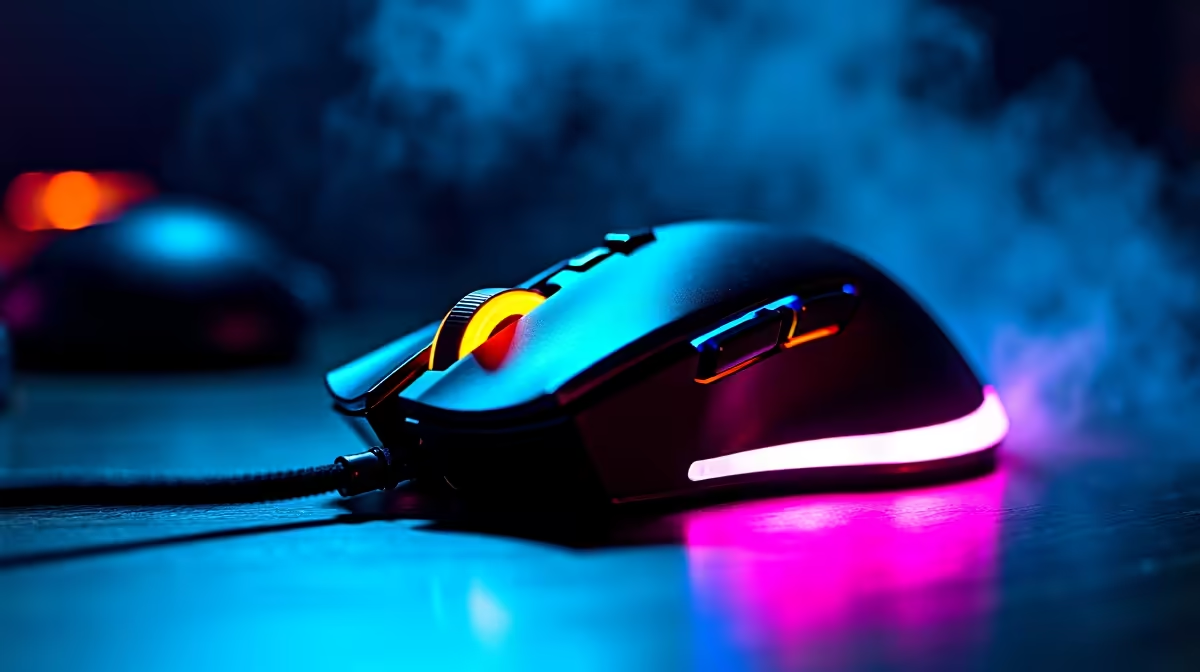
South African summers are unforgiving. When the January heatwave hits, your gaming room quickly turns into a sauna. Suddenly, you miss that crucial flick shot because your hand is sliding off your gear. If you are constantly wondering why is my gaming mouse running hot in SA summer, you are not alone. Let us look at what causes this sweaty situation, how your hardware impacts room temperatures, and the easiest ways to fix it before your next competitive match 🔥.
The Science Behind a Hot Gaming Mouse
Under the hood, your peripheral works incredibly hard. High polling rates, advanced optical sensors, and bright RGB lights generate surprising amounts of warmth. When you grip a solid plastic shell tightly for hours during a marathon session, that heat has nowhere to go. Upgrading to a modern, reliable gaming mouse with a honeycomb shell can drastically improve airflow directly to your palm.
Room Temperatures Play a Massive Role
Your PC components dump exhaust heat right into your immediate environment. If you are pushing high frame rates on a top-tier gaming PC, your ambient room temperature will spike fast. Combine that hardware exhaust with a 35-degree afternoon in Pretoria or Durban... your peripherals will naturally absorb that surrounding ambient heat. Keeping your gaming area well-ventilated with an open window or a ceiling fan is crucial for both your hardware and your own comfort.
Watch Out for Laptop Exhaust
Sometimes the heat is not actually coming from the mouse itself. If you play on a notebook, the side exhaust vents often blow directly onto your mouse hand. Modern premium gaming laptops have excellent internal cooling systems... but that hot air has to go somewhere. Positioning your machine properly is key to keeping your hands dry.
Quick Cooling Pro Tip ⚡
Turn off your mouse RGB lighting during the peak of summer. Those tiny LEDs generate a surprising amount of surface heat. Switching them off can drop the shell temperature noticeably and keep your palm dry during intense ranked matches.
Optimise Your Entire Setup
Good airflow always starts with your main rig. A well-ventilated pre-built desktop with proper intake fans keeps the whole room cooler compared to a struggling old system choking on dust. You should also consider pointing a small USB desk fan across your mousepad. It sounds completely basic... but it evaporates sweat instantly and cools the plastic surface.
Time for a Summer Upgrade? 🚀
If your old mouse still feels like a pocket warmer after tweaking your setup, it might actually be an internal electrical fault. Failing batteries in wireless mice can overheat dangerously. Do not risk a burn or a swollen battery just to save a few ZAR. Investing anywhere from R800 to R1500 in a modern peripheral is absolutely worth the daily comfort. Browse the latest tech specials to find a lightweight, breathable replacement that suits your exact grip style.
Ready to Upgrade Your Setup? Beating the heat means having the right gear. Whether you need a breathable honeycomb mouse or a rig with better airflow, we have you covered. Explore our massive range of gaming mice and find the perfect weapon to conquer the South African summer heat.











