

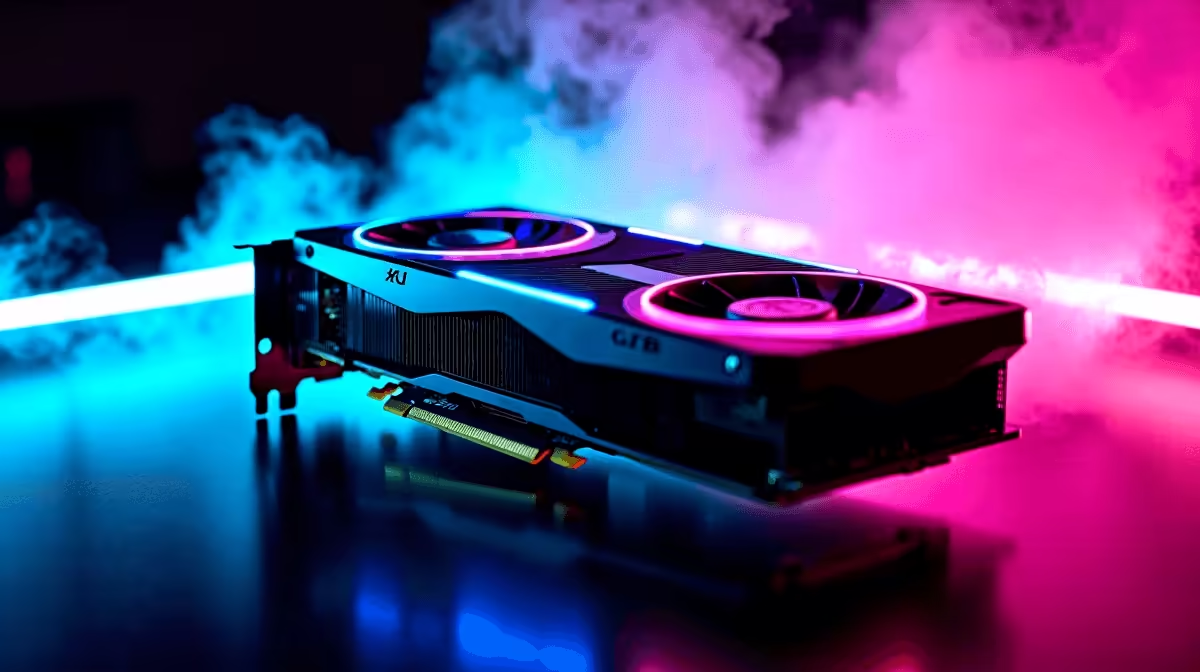
You just dropped a serious amount of ZAR on a brand-new rig or a massive upgrade. You excitedly press the power button, the fans spin up... but your monitor stays completely black. Or maybe Windows boots up, but it looks like a pixelated mess from 1998. Panic quickly sets in. If you are currently wondering why is my GPU not detected, take a deep breath. This is an incredibly common issue for South African gamers. Let us fix it together.
Hardware Checks When Your GPU Is Not Detected
Before you assume the absolute worst, check the physical connections inside your case. Modern graphics cards are incredibly heavy these days. Sometimes they sag or come slightly loose during transport. Turn off your PC entirely and unplug it from the wall. Open the side panel and ensure the card is pushed firmly into the PCIe slot until it clicks securely.
If you recently upgraded from a massive selection of graphics cards, your power supply might actually be the culprit. High-end GPUs demand serious wattage to function properly. Ensure those 8-pin or 12-pin PCIe connectors are fully seated. Sometimes a cable looks plugged in... but it is not making full contact.
Do not want to deal with stressful hardware tinkering? We completely get it. That is exactly why many locals prefer browsing gaming PC deals where the complicated assembly is already handled by Evetech professionals.
Troubleshooting Pro Tip 🔧
Always plug your monitor cable directly into the graphics card, not the motherboard ports. Plugging into the motherboard will bypass your dedicated GPU completely, leaving you staring at a blank screen.
Software Fixes for an Invisible Graphics Card
If the physical connections are solid, the issue might be software related. Windows updates can sometimes overwrite your display drivers unexpectedly. This leads to your system failing to recognise the hardware. You will want to download a tool called Display Driver Uninstaller. Boot your PC into Safe Mode, wipe the old drivers completely, and install the latest versions from NVIDIA or AMD.
Sometimes your motherboard BIOS needs an update to see newer hardware. This is especially true if you are upgrading an older desktop system. If flashing a motherboard BIOS sounds terrifying... you are certainly not alone. It is exactly why pre-built PCs are so popular in South Africa. They arrive fully updated and plug-and-play ready.
Dead Hardware vs Time for an Upgrade
You have reseated the card. You have checked the power cables. You have cleanly reinstalled Windows. If you are still asking why is my GPU not detected, the hardware itself might be faulty. Component failure happens to the best of us.
If your current setup is aging rapidly, replacing a single broken part might not be worth the cost. You could shift to portable power instead. Modern gaming laptops pack incredible desktop-tier performance into a backpack-friendly chassis. They are also absolutely perfect for surviving load-shedding with a full battery. 🚀
If you prefer staying with a traditional desktop, keep an eye out for components on sale. You can often find incredible value by checking out the latest tech specials to get your rig back online without breaking the bank. ⚡
Ready to Get Back in the Game? Hardware troubleshooting can be stressful, but upgrading your setup shouldn't be. Whether you need a replacement part or a completely new rig, Evetech offers maximum power and value in South Africa. Explore our massive range of gaming tech and find exactly what you need to achieve glorious high frame rates.











