

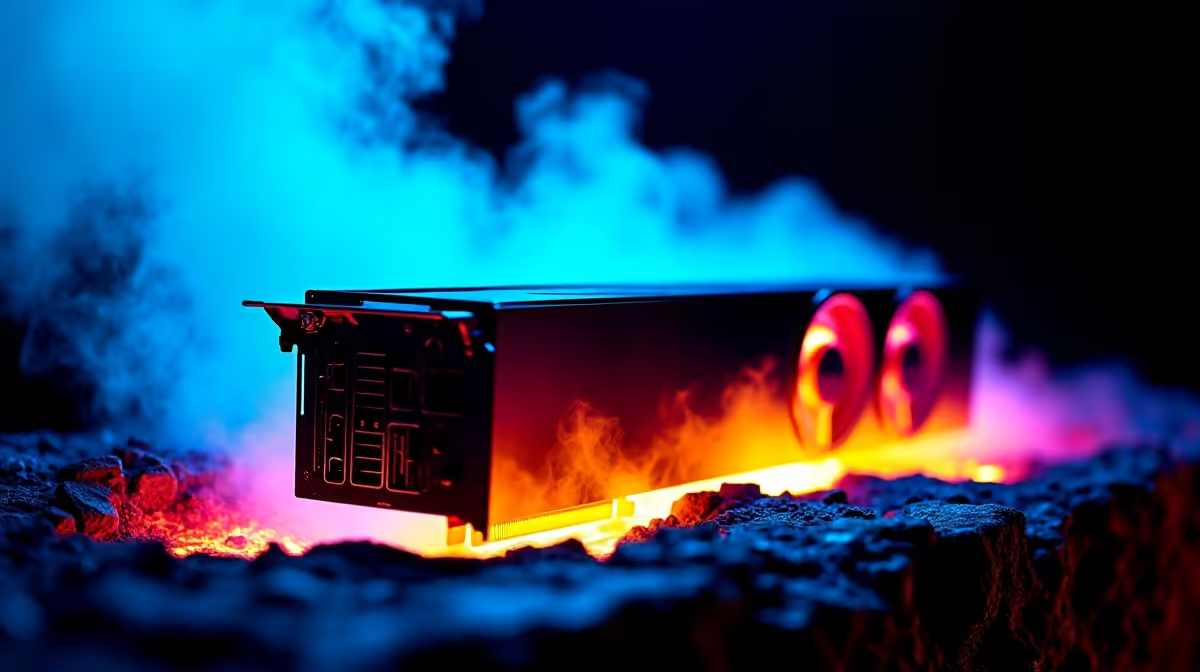
January in South Africa is brutal. You sit down for a sweaty session of Cyberpunk 2077, but your fans sound like a Boeing 737 taking off. You check your temps... 85 degrees. Panic sets in. Why is my RTX 5060 Ti running hot in SA summer? It is a common question right now. Let us break down exactly what is cooking your GPU and how to fix it before you lose performance. Nobody wants their expensive hardware melting down mid-match.
Understanding Ambient Temperatures ☀️
Your PC cooling system relies entirely on the air around it. If your room is sweltering at 32 degrees in Pretoria, your baseline temperature is already compromised. The RTX 5060 Ti is an incredibly efficient piece of hardware. However, it cannot perform magic when feeding on hot ambient air. Load shedding also plays a frustrating part here. When the power returns, your room aircon might take hours to cool the space down again. This ambient heat issue is exactly why many gamers switch to high-end gaming laptops. Advanced vapour chamber cooling is a lifesaver during the hotter months. But if you are strictly a desktop warrior... you need to look at your chassis airflow.
Airflow... The Silent Killer of Framerates
A cramped case with poor ventilation is a death sentence for modern GPUs. If your front intake fans are choked by a solid glass panel, your graphics card will suffocate quickly. This is why our pre-built PC deals always prioritise mesh front panels and high-static pressure fans. You want a clear wind tunnel from the front of your case straight to the rear exhaust. Cable management also plays a massive role here. A messy nest of wires will trap hot air inside the chassis. If your current rig feels like a desktop oven, you need a chassis upgrade. It might be time to check out our tech specials for a high-airflow case. Keeping that RTX 5060 Ti breathing easily is half the battle won.
Repasting and Smart Upgrades 🔧
Sometimes the hardware itself needs a little TLC. If you bought your GPU a while ago, the factory thermal paste might be drying out. Replacing it can drop temperatures by a massive margin. Pushing a card to 100% utilisation constantly will generate maximum heat. If your card is fundamentally struggling to push the frames you want... it is working too hard. It might be worth browsing the latest graphics cards if you need more raw horsepower. Alternatively, grabbing one of the best gaming PC deals starting around R15,999 ZAR could solve your summer heatwave woes entirely. Upgrading to a liquid-cooled setup is a fantastic long-term investment for local gamers.
Cooling Pro Tip ⚡
Download MSI Afterburner and set a custom fan curve. South African summers require aggressive cooling profiles. Set your GPU fans to hit 80% speed once the card reaches 70 degrees to prevent thermal throttling.
Ready to Beat the Heat? Do not let high temperatures ruin your summer gaming sessions. Whether you need a high-airflow case, better cooling solutions, or a completely new rig, Evetech has you covered. Explore our massive range of PC upgrades and find the perfect hardware to keep your framerates high and your temperatures low.











