

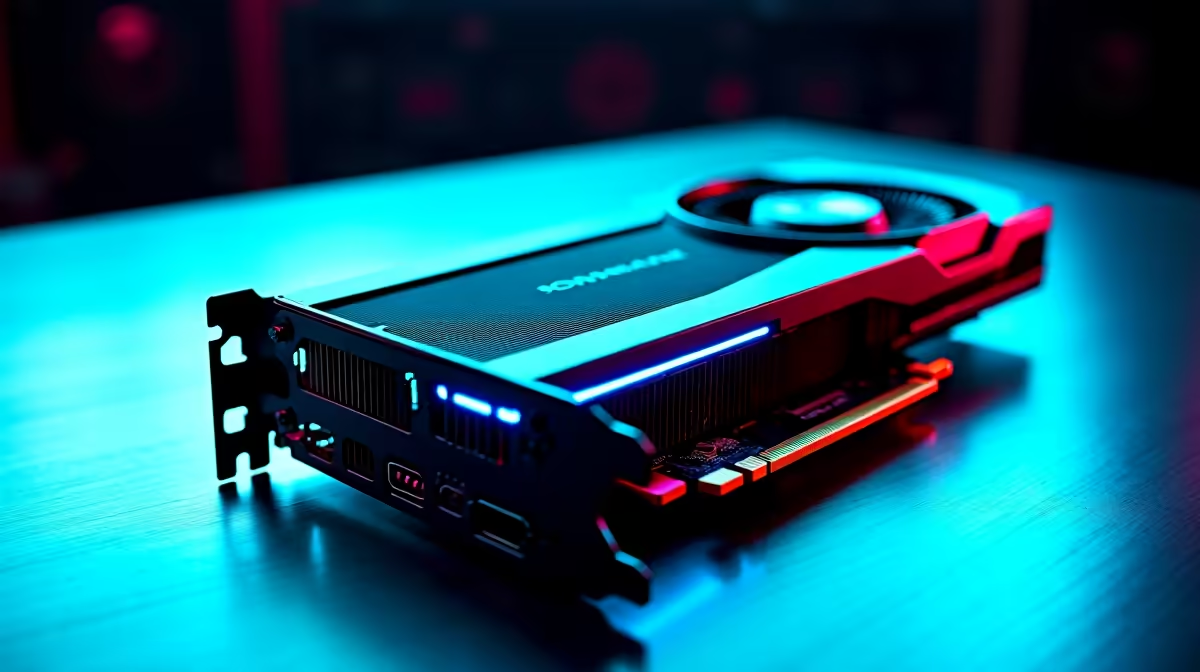
You just dropped serious ZAR on a dream rig. You boot up your favourite title, expecting buttery-smooth frames... but something feels off. If you are scratching your head wondering why your RTX 5070 Ti feels slow with a Ryzen 9 9950X, you are not alone. Let's dive into a quick bottleneck analysis to see why this powerhouse combo sometimes stutters and how to fix it.
The Dual-CCD Dilemma
The Ryzen 9 9950X is an absolute monster for productivity. It rocks 16 cores split across two Core Complex Dies (CCDs). However, gaming prefers single-CCD focus. When a game tries to communicate across both dies, you introduce cross-CCD latency.
This scheduling hiccup is often the primary reason why your RTX 5070 Ti is slow with a Ryzen 9 9950X in certain titles. If you are upgrading soon, researching the architecture of different desktop processors is crucial to avoid unexpected performance drops.
Fixing Core Parking ⚡
Ensure Xbox Game Bar is installed and updated on Windows 11. It tells the OS to park the second CCD while gaming on your 9950X, forcing all tasks onto the single fastest die. This simple trick helps optimise performance and instantly kills micro-stutters.
Resolution and GPU Bottlenecks 🖥️
Are you playing at 1080p? That is a massive waste of pixel-pushing power. At lower resolutions, the CPU works overtime while your graphics card barely breaks a sweat. To truly flex this hardware, you need a 1440p or 4K monitor.
If you are shopping for top-tier graphics cards, remember that they need high resolutions to stretch their legs properly. A GPU running at 50% usage isn't broken... it is just bored.
RAM Speeds and BIOS Updates
Your motherboard BIOS and RAM speed play a massive role in system stability. Slow DDR5 memory will choke your CPU, causing frame drops that look like GPU lag. AMD's sweet spot is usually around 6000MHz with tight timings.
If you prefer a setup where these tweaks and BIOS updates are handled for you by professionals, exploring pre-built computers takes the guesswork entirely out of the equation.
Is It Time to Rebalance Your Build? 🔧
Sometimes a flagship 16-core CPU is overkill for a mid-to-high-tier GPU if your primary goal is pure gaming. A processor with 3D V-Cache might actually yield better frames for your specific needs.
If you want a perfectly balanced machine without the headache of manual tuning, checking out our best gaming PCs is a very smart move. Alternatively, if you need to take that power on the road, modern gaming laptops offer incredible desktop-class performance without the complex scheduling quirks of high-end desktop chips.
Ready to Eliminate Bottlenecks? Mismatched hardware should never hold your frames hostage. For maximum power, choice, and value in South Africa, we have everything you need to build the perfect balanced rig. Explore our massive range of PC components and conquer your gaming world today.











