Quick Answer
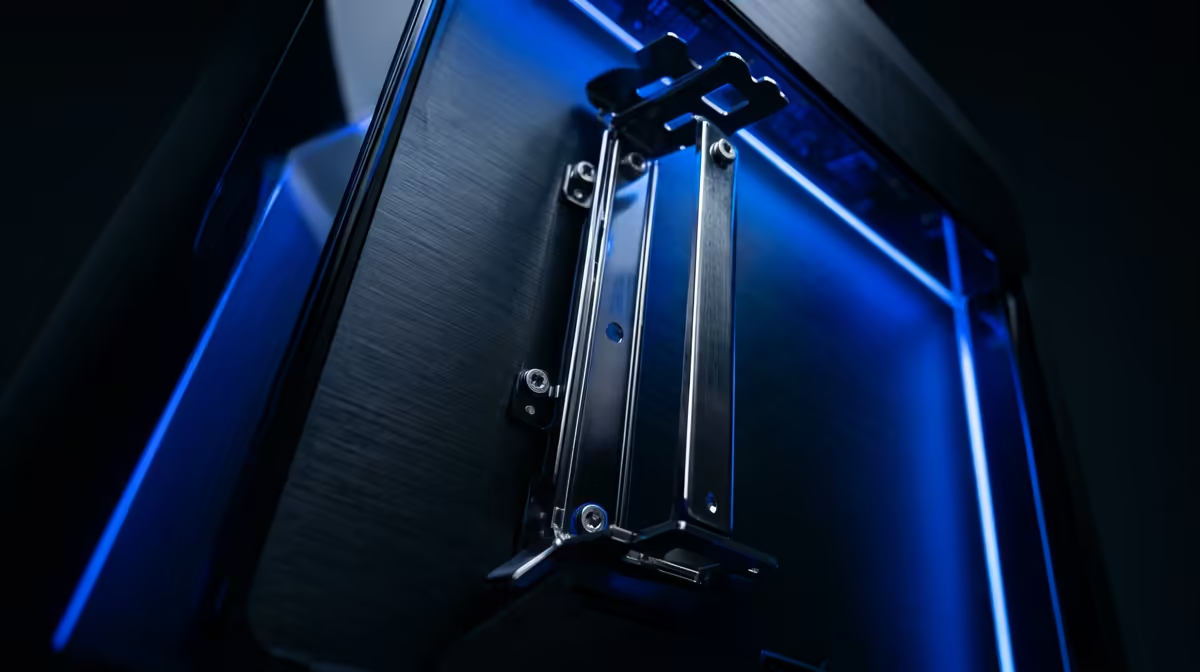
Vertical GPU mounts matter in enthusiast builds because they show off the graphics card, but they only make sense when airflow and riser-cable quality are handled properly. A safe SA build should budget roughly R800-R2,500 for a good mount and PCIe 4.0 riser, then check GPU temperature before and after the change.
Why builders like vertical mounts
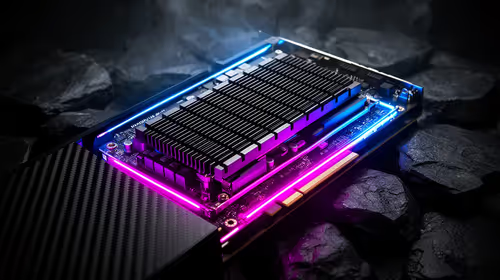
Modern graphics cards are often the visual centre of a gaming PC. A vertical mount displays the cooler, lighting and shroud through the side panel instead of hiding the card edge-on. In white builds, RGB builds and showcase cases, that can make the whole system look cleaner.
The practical risk is airflow. If the GPU fans sit too close to glass, temperatures can rise and fan noise can climb. A vertical mount is a design choice first, not a performance upgrade.
Riser cable and case checks
Use a proper PCIe 4.0 riser for modern cards such as GeForce RTX 4070 Super, RTX 5070 or Radeon RX 7800 XT. Cheap or mismatched risers can cause instability, black screens or forced lower link speeds. The case also needs enough slots and clearance for the GPU thickness.
Before ordering, check the card length, slot width, side-panel gap and whether the case brand offers a matching mount. A universal bracket can work, but a case-specific kit usually fits more cleanly.
Temperature target after installation
Run the same game or benchmark before and after the mount. If GPU temperature climbs by more than about 5-8 degrees Celsius, the mount is too close to the side panel or case airflow needs work. Keep the card horizontal if the vertical layout harms cooling.
FAQ
Does a vertical GPU mount improve fps?
No. It is mainly for appearance. FPS should stay similar if airflow and the riser cable are correct.
Can a bad riser cable cause crashes?
Yes. A poor riser can create signal issues, black screens or unstable PCIe behaviour, especially with modern high-bandwidth cards.
Is vertical mounting safe for large GPUs?
It can be safe if the case supports it and the fans have room to breathe. Always check thickness, cable bend and side-panel clearance.
Buyer check
Install the mount, then compare GPU temperature in the same game for 10 minutes; keep the layout only if cooling stays under control.