Quick Answer
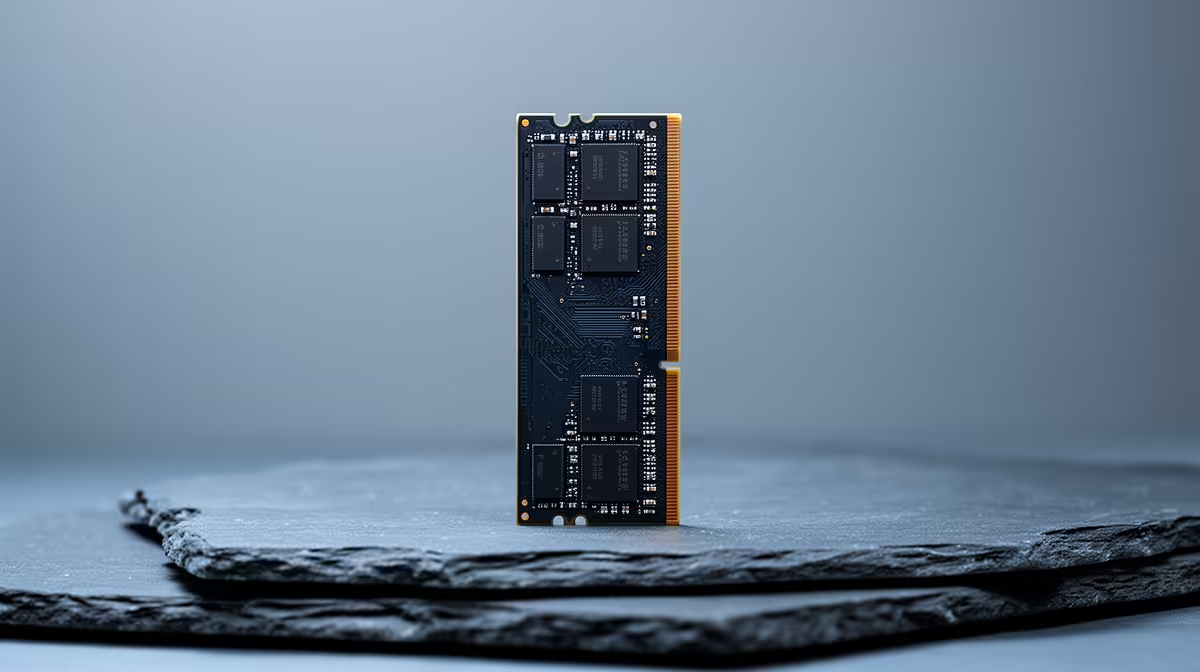
Yes, entry-level DDR5 is enough for school coding club projects: 16GB DDR5-5200 handles Python, Scratch, web projects and a couple of VS Code windows. A 16GB kit at Evetech runs around R900 to R1,300, though 32GB (about R1,400 to R2,200) future-proofs a shared club machine.
What Coding Club Workloads Really Need
Most school coding club work, beginner Python in VS Code or PyCharm, Scratch, HTML and CSS, micro:bit and Arduino, barely touches memory. 16GB comfortably runs an IDE, a browser with documentation tabs and a terminal at the same time. The pressure only appears with twenty browser tabs, a local database, or running Docker, which are advanced-club territory. For typical projects, an entry DDR5-5200 16GB kit is genuinely enough.
When To Stretch To 32GB
Step to 32GB if the same PC is shared and left logged in by several students, runs virtual machines or containers, or is also used for light video editing of club showcases. A 32GB DDR5-5600 kit (around R1,400 to R2,200) gives that headroom cheaply and outlasts a few cohorts of students. Pair either kit with a fast NVMe so project files and the IDE load quickly, which students notice more than raw RAM speed.
FAQ
Is 16GB enough for school Python projects?
Yes. Beginner and intermediate Python in VS Code or PyCharm, plus a browser and terminal, fit comfortably in 16GB. You only need more for VMs, containers or many heavy browser tabs.
Should a shared school PC have 32GB?
If several students share one logged-in machine or it runs VMs and light editing, 32GB is worth the small premium for headroom. A single-user beginner machine is fine on 16GB.
Does DDR5 speed matter for coding?
Barely. Compiling and running small projects is CPU and storage bound, so a DDR5-5200 or 5600 kit is plenty. A fast NVMe does more for everyday responsiveness than faster RAM.
For a single-student club PC, a 16GB DDR5 kit is enough; for a shared or VM-running machine, step to a 32GB kit at Evetech for years of headroom.