

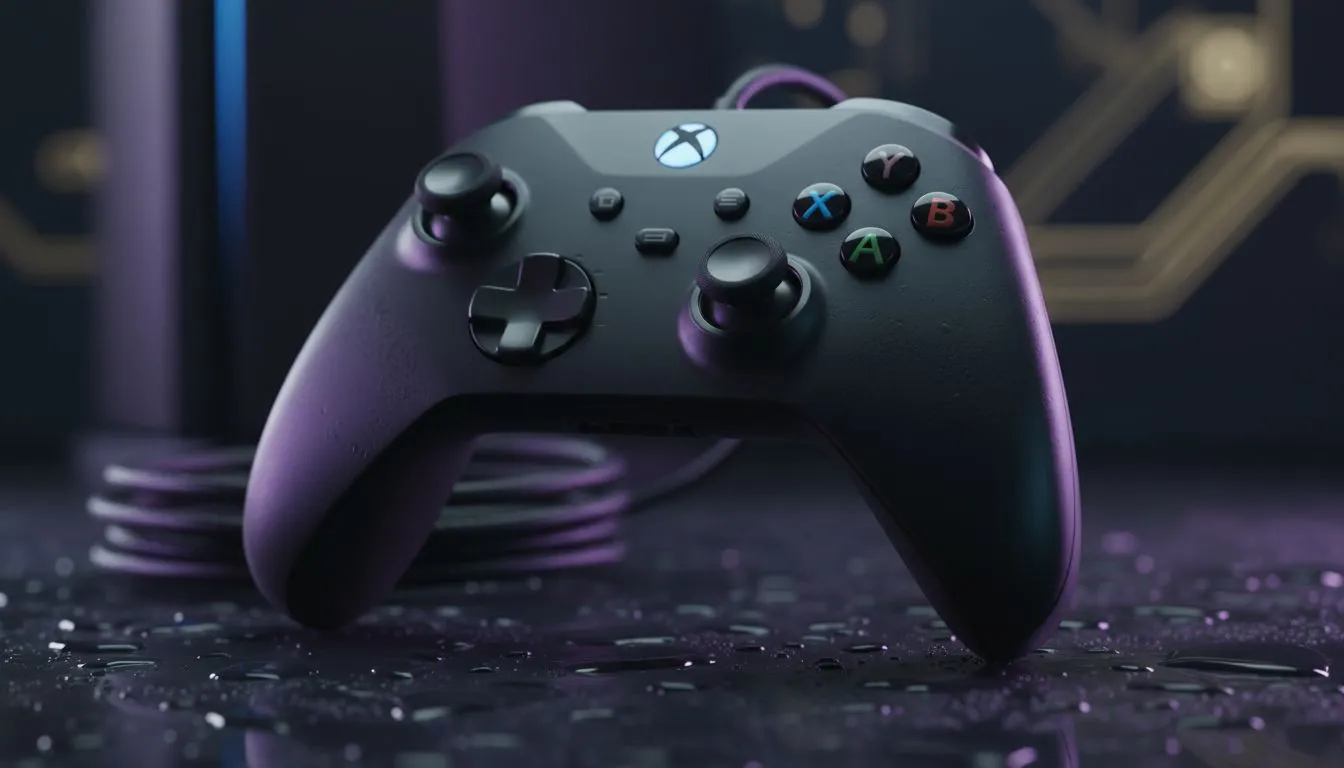
Plugging in Your Wired Xbox Controller on PC
Tired of Bluetooth lag or batteries dying mid-clutch in Warzone? If you want the lowest latency and most reliable connection, using a wired Xbox controller on PC is the definitive way to play. Whether you are rocking an official Microsoft pad or a high-end third-party alternative, getting your setup configured on Windows is a breeze. Let us get you into the action without the wireless headaches.
Most modern gamers in South Africa prefer the stability of a physical cable. When you browse the massive selection of gaming controllers available at Evetech, you will notice that wired options often provide superior polling rates. This is vital for competitive titles where every millisecond counts towards your victory. ⚡
How to Connect and Configure Your Controller on Windows
Windows 10 and 11 are designed to recognise Xbox hardware instantly. Simply plug your USB cable into a high-speed port on your motherboard or front I/O. Windows will automatically download the necessary drivers in the background. You will hear that familiar notification chime... and you are ready to go.
If your buttons feel slightly off, you can use the "Game Controllers" menu in the Control Panel to calibrate the thumbsticks. This ensures your deadzones are tight and your aim remains true. For those using official Xbox gear, the "Xbox Accessories" app from the Microsoft Store is a must-have. It allows you to remap buttons and update firmware with a single click. 🔧
Configuration Pro Tip ⚡
If you are experiencing stick drift or unresponsive triggers, type "joy.cpl" into your Windows search bar. This opens the legacy Game Controllers utility. It allows you to perform a raw calibration that often fixes issues that modern software might miss. It is a lifesaver for extending the life of your favourite peripheral.
Elevate Your Game with Competitive Hardware
While a standard pad gets the job done, professional-grade gear offers a distinct advantage. If you want the absolute pinnacle of speed, the Razer Wolverine V3 Tournament Edition is a beast. It features an 8K polling rate for near-zero input lag... something traditional wireless controllers simply cannot match. 🚀
Exploring Razer's premium lineup reveals features like mecha-tactile action buttons and interchangeable thumbsticks. These are designed for gamers who demand durability and customisation. Investing in a high-quality wired setup means no more scrambling for AA batteries when the load-shedding ends and the session begins. ✨
Troubleshooting Common Connection Issues
Sometimes Windows might be stubborn. If your wired Xbox controller PC setup is not responding, try a different USB port. Avoid using unpowered USB hubs... these often fail to provide enough juice for the controller's vibration motors. If the problem persists, check your Device Manager under "Xbox Peripherals" to ensure the driver is active and not disabled.
Ready to Find Your Perfect Match? The right controller can be the difference between a win and a loss. For maximum precision, choice, and the best value in South Africa, our range is hard to beat. Explore our massive range of gaming controllers and find the perfect tool to dominate your next match.











