

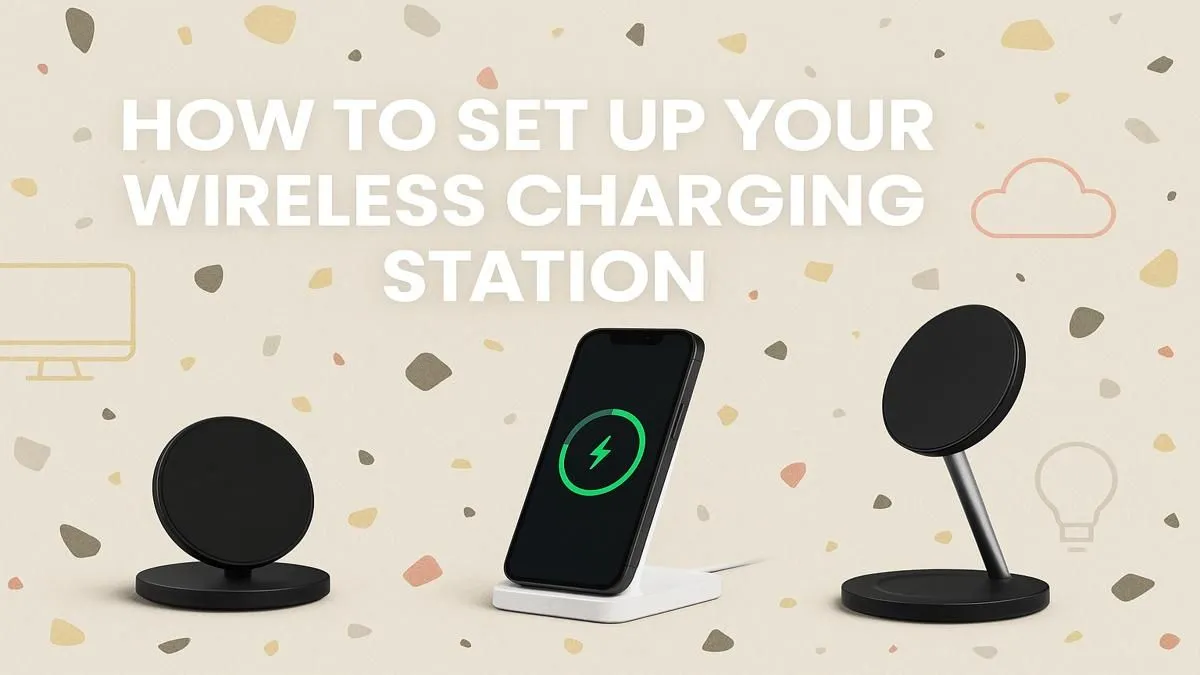
Tired of the snake pit of cables cluttering your desk? That tangled mess for your phone, headset, and smartwatch kills the clean aesthetic of your gaming setup. A proper wireless charging station setup is the simple, sleek solution you need. It's more than just convenience; it’s about creating an organised, efficient space where you can focus on the win. Let's get your station sorted and reclaim your desk from cable chaos. 🔧
Why a Wireless Charging Hub is Essential
Before we dive into the how-to, let's talk about the why. The primary benefit is decluttering your space. Swapping multiple cables for a single, elegant pad instantly makes your setup look more professional and streamlined. It’s the ultimate grab-and-go convenience—no more fumbling for the right connector in the dark. A clean desk is a clean mind, and a proper charger setup is the first step towards achieving that gaming zen.
Your Step-by-Step Wireless Charging Station Setup Guide
Getting your new charging hub up and running is a breeze. Follow these simple steps for a flawless and fast charging experience.
Step 1: Pick the Perfect Spot
Location is key. Choose a flat, stable surface on your desk or bedside table that’s easily accessible but out of the way of potential spills or knocks. Avoid placing your charger on top of other electronics or near your PC's exhaust vents, as excess heat can slow down charging speeds and affect battery health over time.
Step 2: Choose the Right Charger for Your Gear
Not all wireless chargers are created equal. Do you need to power just your phone, or your phone, watch, and earbuds simultaneously? Consider a multi-device station to handle everything at once. It's crucial to find the right charger for your needs to avoid disappointment. For reliability and performance, stick with reputable brands. You can explore quality options from brands like Promate that are built to last.
Step 3: Power It Up Correctly ⚡
Here's a step many people get wrong. Your wireless charger is only as fast as the power brick it's plugged into. Plugging it into a standard laptop USB port won't deliver enough juice for rapid charging. Always use the recommended wall adapter (often called a power brick) that came with your charger or one with an equivalent wattage. If you need a replacement, finding a matching power adapter is essential for getting the advertised speeds.
Check Your Case ✨
Not all phone cases are wireless-charging friendly. Thick, rugged cases or those with metal plates (for magnetic mounts) can block the connection. If you're having trouble, try removing the case. Most standard TPU or plastic cases under 5mm thick work perfectly, but it's always the first thing to check if charging seems slow or intermittent.
Step 4: Find the Sweet Spot
Wireless charging works by aligning induction coils in the charger and your device. When you place your device on the pad, look for a light or an on-screen indicator to confirm it’s charging. If it doesn’t start, shift it around slightly until it connects. Once you find the sweet spot, you’ll know exactly where to place it every time.
This simple process transforms your desk and complements your other wireless gaming accessories, creating a truly cable-free command centre.
Ready to Cut the Cords? A clean setup is a fast setup. Ditching the cable clutter is the first step to a more organised and efficient gaming station. Explore our massive range of chargers and power solutions and find the perfect hub to power your world.











