

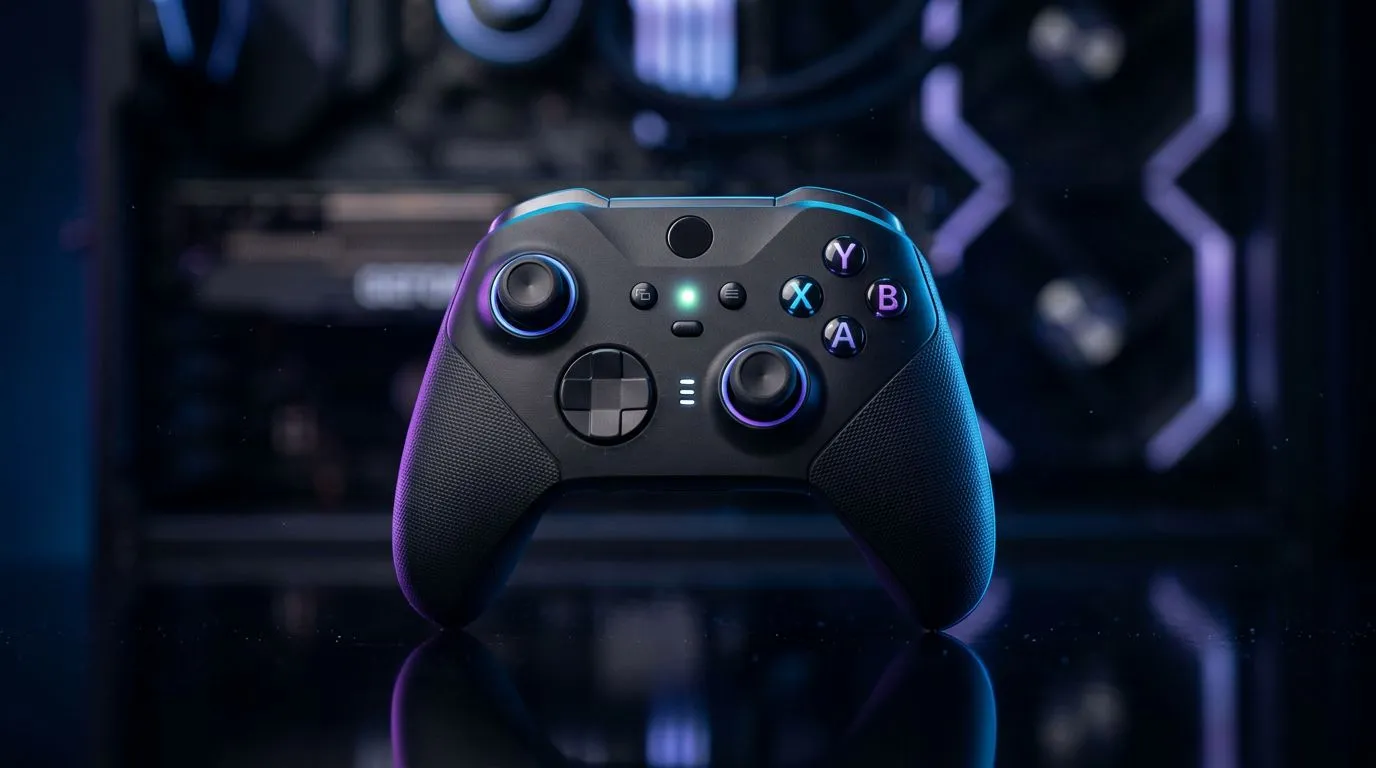
Wireless controller not connecting — quick 70‑word hook
Wireless controller trouble mid‑session? If your Wireless Controller Not Connecting to PC — Troubleshooting Guide is what you searched for, you’re in the right place. South African gamers: this short guide walks through checks you can do in under ten minutes to get back to the match. No jargon. Practical fixes, plus when to swap cables or buy a new pad. 🎮🔧
Wireless controller not connecting — first checks
Start simple. Unplug USB receivers and cables, then reconnect to a different USB port. Try a direct USB connection if Bluetooth is flaky. Restart Steam or the game; some titles need the controller re‑detected. If Windows doesn’t see the device, open Device Manager and look for unknown devices. For controller options and models, browse the Evetech gaming controller range to compare features and compatibility.https://www.evetech.co.za/PC-Components/buy-gaming-controllers-365
Wireless controller pairing on Windows — drivers and settings
Windows 10 and 11 usually pair via Bluetooth or a USB dongle. Ensure Bluetooth is on. In Settings > Devices, remove any old pairings then add the controller again. If pairing fails, check for a dedicated driver or firmware tool on the manufacturer’s page. Some high‑end pads include vendor software for mapping and updates; the Razer Wolverine V3 Tournament Edition is an example of pro‑grade hardware worth checking for firmware notes.https://www.evetech.co.za/razer-wolverine-v3-tournament-edition-8k/best-deal/24274
Wireless controller with dongle vs Bluetooth — choose the right mode
Bluetooth is convenient, but dongles often give lower latency and more consistent range. If your controller supports both, test each mode. Turn off other Bluetooth devices to reduce interference. If the controller works wired but not wireless, the issue is likely radio or pairing related—not the controller hardware itself. Want a quick brand search? See Evetech’s Razer controllers collection for compatible models and accessories.https://www.evetech.co.za/PC-Components/buy-gaming-controllers-365?brands=Razer
Wireless controller not connecting — advanced troubleshooting
If simple steps fail, try these expert moves:
- Update Windows and Steam Input. Many connection bugs are fixed in updates. Cite official vendor pages for specifics where needed.
- Reinstall controller drivers via Device Manager. Choose “Uninstall device”, then scan for hardware changes.
- Test the controller on another PC or console. That isolates hardware faults.
- Replace the dongle or battery pack if output is weak.
Controller Pro Tip ⚡
If your pad keeps dropping during play, try a USB extension cable to move the dongle away from PC interference. A powered hub can stabilise current for wireless receivers and reduce disconnects.
When to repair or replace
If the controller fails on multiple systems, it’s likely defective. For competitive players, consider a wired or tournament pad for reliability. Evetech lists options across budgets and brands to help you choose. Prices and deals are in ZAR on each product page.
Ready to Find Your Perfect Match? The Mac vs Windows debate is complex, but for maximum power, choice, and value in South Africa, Windows is hard to beat. Explore our massive range of laptop specials and find the perfect machine to conquer your world.











