

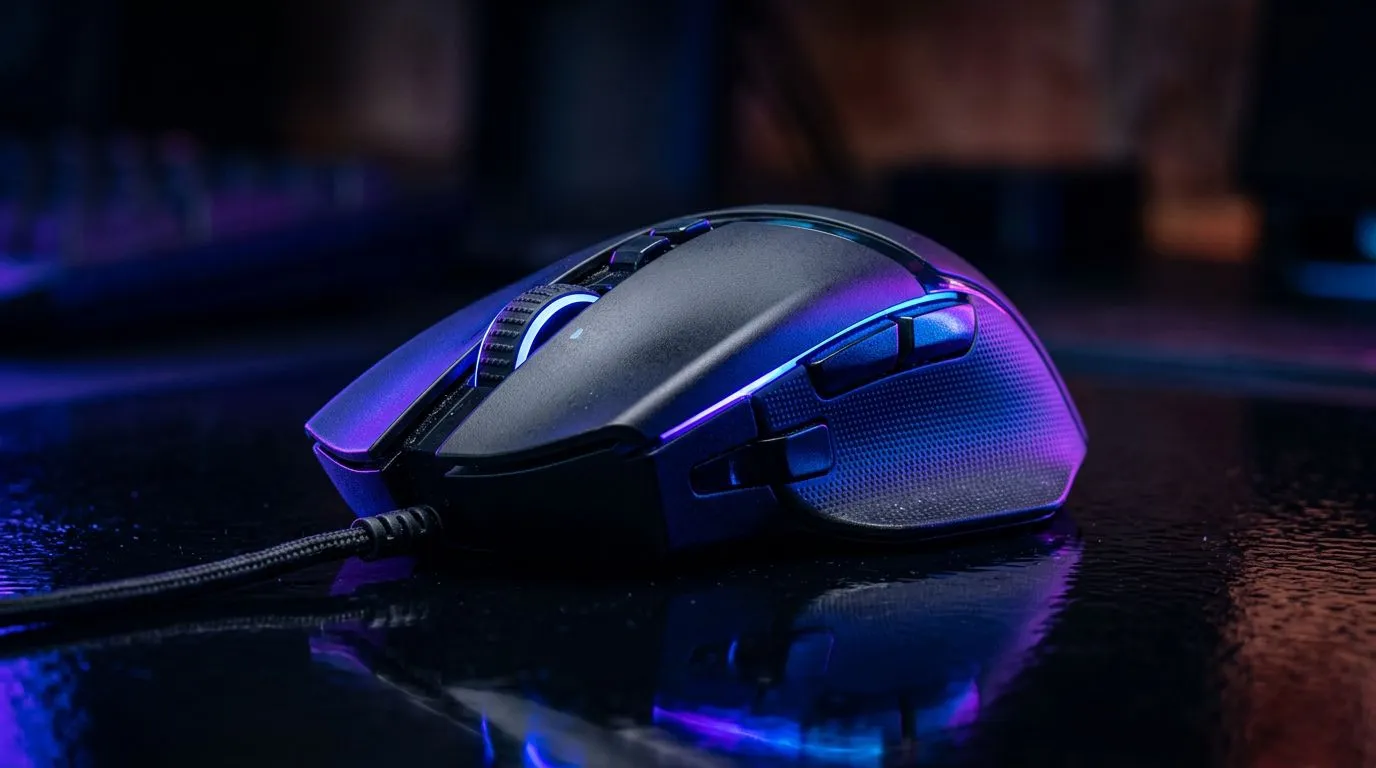
That familiar Highveld heat or coastal humidity... it’s great for a braai, but not so much for your gear. We’ve all been there: clutch moment, final circle, and your hand slips on a grimy, sweat-slicked mouse. Proper wireless gaming mouse maintenance isn't just about hygiene; it's about performance. Keeping your gear clean, especially in South Africa's demanding climate, ensures every click and flick is as precise as the day you bought it.
Why the SA Climate is Tough on Your Mouse
It's not just about the heat. High humidity, especially in places like Durban, can make surfaces feel constantly sticky. Dust from the dry winters in Gauteng can work its way into the smallest crevices of your mouse, affecting button clicks and the scroll wheel.
Sweat is the main culprit. It's a salty, acidic mixture that can degrade the plastic and rubber coatings on a gaming mouse over time. This build-up, or 'gunk', can interfere with the optical sensor, causing tracking issues that could cost you the match. Regular cleaning is your best defence. 🔧
Your Simple Maintenance Toolkit
You don't need a high-tech lab to perform proper wireless mouse care. Most of what you need is probably already in your home:
- Microfibre Cloth: Essential for a streak-free, non-abrasive clean.
- Isopropyl Alcohol (70%): A small amount on a cloth disinfects and cuts through oils without damaging plastics.
- Compressed Air: Perfect for blasting dust from the sensor cavity and around buttons without direct contact.
- Cotton Swabs & Toothpicks: For getting into those tight seams and around the scroll wheel.
If you're missing anything, you can find great options in our mouse accessories section.
Grip is Everything ⚡
For gamers with particularly sweaty hands, consider applying specialised grip tape to your mouse. It provides a massive improvement in control during intense, humid gaming sessions and also protects the original surface of your mouse from wear and tear. It's a cheap and effective upgrade!
Step-by-Step Cleaning for Peak Performance
Ready to get your mouse feeling brand new? Follow this simple routine every few weeks.
### The Exterior: Tackling Grime and Grip
First, unplug the dongle or turn off your mouse. Lightly dampen a microfibre cloth with water or a bit of isopropyl alcohol. Wipe down the entire surface, paying special attention to the palm rest and buttons where your hand makes the most contact. Use a dry part of the cloth to polish it off. This simple step is crucial whether you use a cutting-edge wireless mouse or a classic model.
### The Sensor and Skates: Precision Tools
The sensor is the heart of your mouse. Never spray anything directly into it. Hold the mouse upside down and give the sensor cavity a few short bursts of compressed air. For any stubborn dust, use a dry cotton swab to gently wipe around the lens.
While you're there, clean the mouse skates (the smooth pads on the bottom). Wipe them with your cloth to remove any built-up grime that causes drag. Smooth skates mean a smoother glide. This applies just as much to a dependable wired mouse, proving that good habits benefit all gear.
Beyond the Clean: Battery and Connection Health
Wireless gaming mouse maintenance also means looking after its power and connection. ✨ Try not to let the battery drain to 0% completely all the time, as this can stress the cell over its lifespan. Also, ensure the USB port for your dongle is clean and that it has a clear line of sight to your mouse to prevent any signal interference.
Ultimately, a well-maintained mouse is a reliable teammate. It will last longer, perform better, and feel great to use. But if yours has fought its last battle and no amount of cleaning can restore its glory, it might be time for an upgrade. Check out some of the best gaming mouse deals available right now to get back in the game.
Ready for an Upgrade? A clean mouse is a fast mouse, but nothing beats the feeling of brand-new tech. If your old faithful is ready for retirement, explore our incredible gaming mouse deals and find the perfect weapon to conquer your next game.











