

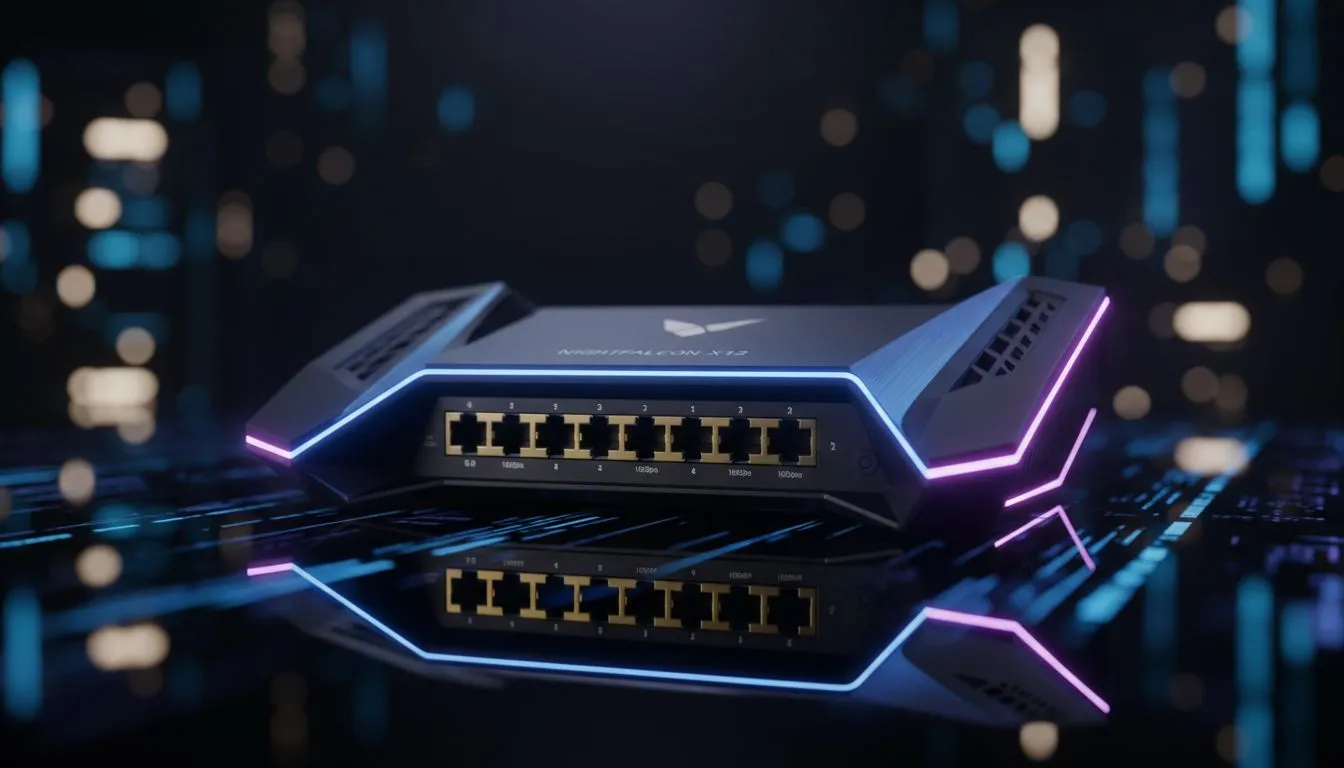
South African fibre is hitting top gear. With local ISPs now offering packages that exceed 1Gbps, your old hardware might be sweating. You see the shiny 10Gbps labels on new gear and wonder if it is worth the investment. Is it just marketing hype... or a vital upgrade? Let's see if 10Gbps Multi-Gig ports are actually necessary for your home setup. ⚡
Understanding the Multi-Gig Revolution in South Africa
The digital landscape in Mzansi is shifting rapidly. Most households are used to the standard 1Gbps Ethernet port that has been the norm for over a decade. However, as fibre lines get faster, these ports become a bottleneck. If you have a 2Gbps line but your router only has 1Gbps ports, you are paying for speed you cannot use. Modern fibre routers are starting to include Multi-Gig ports to solve this exact problem.
These ports allow for data transfer speeds of 2.5Gbps, 5Gbps, or even 10Gbps. For the average user streaming Netflix, this might seem like overkill. But for a household with multiple gamers and remote workers, it changes the entire experience. A solid wireless networking setup ensures that your internal speeds match your external bandwidth. 🚀
Why 10Gbps Multi-Gig Ports Matter for Local Users
It is not just about the internet speed from your provider. Think about your internal network. If you use a Network Attached Storage (NAS) system to back up photos or stream 4K media locally, 10Gbps ports are a massive advantage. Transferring a 50GB 4K video file takes minutes on a standard port... but only seconds on a 10Gbps connection.
When you look at premium wireless routers, you are investing in the ability to handle more data simultaneously. This is crucial for busy South African homes where everyone is online at once. No more lag spikes during a ranked match because someone else started a large download in the other room. ✨
Cable Quality Matters ⚡
To actually reach 10Gbps speeds, your old Cat5e cables won't cut it. You need at least Cat6a or Cat7 cabling for those Multi-Gig ports to function at their full potential over longer distances. Always check the printing on the cable jacket before assuming your hardware is faulty.
The Hardware Bottleneck: Beyond the Router
Buying a router with 10Gbps Multi-Gig ports is only the first step. To see those speeds on your PC, your motherboard or network card must also support them. Many high-end gaming motherboards now come with 2.5Gbps or 10Gbps ports built-in. If yours doesn't, you can upgrade using high-speed wireless adapters or dedicated PCIe network cards.
Remember that speed drops over distance. If your router is in the lounge and your office is upstairs, you might lose that Multi-Gig advantage over long cable runs or weak Wi-Fi signals. In these cases, using dedicated wireless range extenders that support high throughput is the best way to maintain performance across the whole house. 🔧
Making the Right Choice for Your Home
So, do you really need them? If you are on a 100Mbps or 200Mbps fibre line, probably not yet. But if you are eyeing those 1Gbps+ packages or move massive amounts of data locally, the upgrade is worth every Rand. It is about future-proofing. Technology only moves in one direction... faster.
Ready to Boost Your Home Network? Finding the right balance between speed and budget is essential for a great online experience in South Africa. Explore our full range of high-performance routers and upgrade your home connectivity today.








