

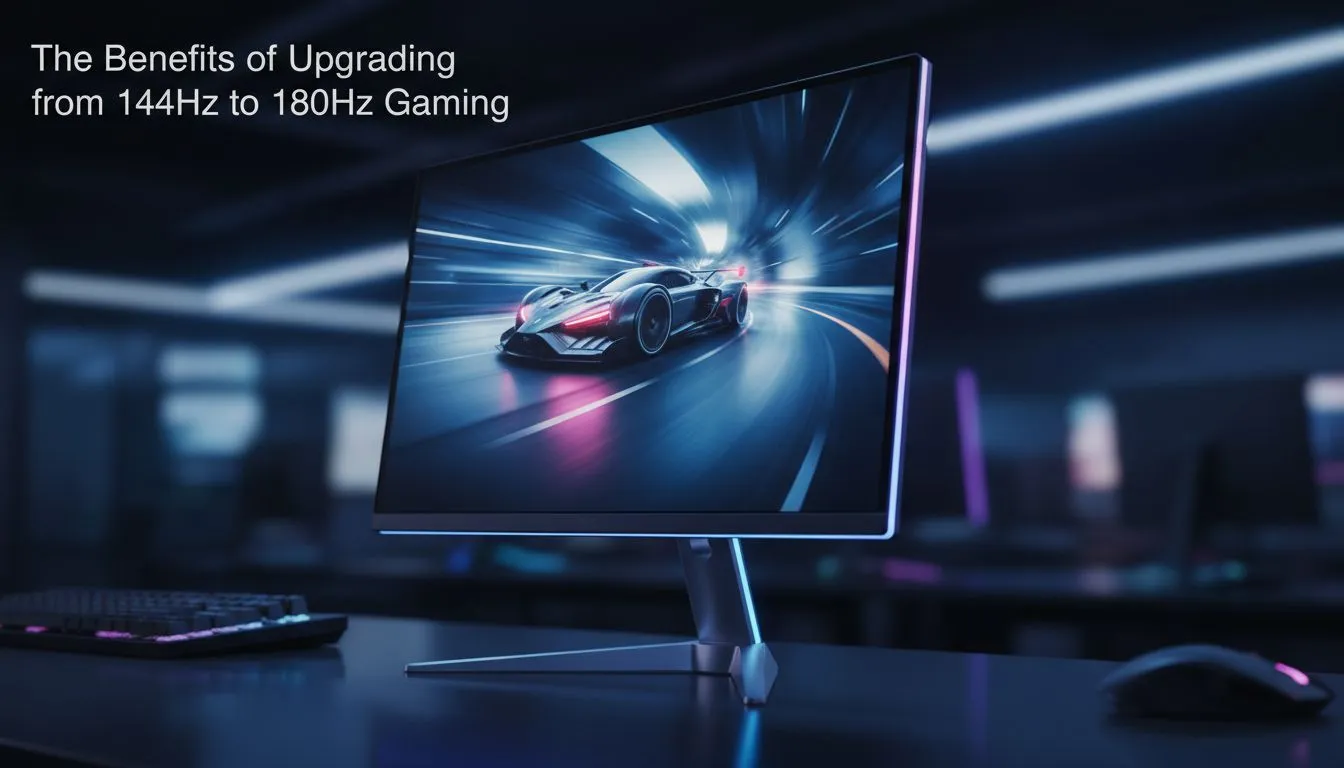
Why 180Hz is the New Competitive Standard
For years, 144Hz was the gold standard for competitive gaming in South Africa. But as hardware evolves, a new contender has emerged to claim the throne. Comparing 180Hz vs 144Hz: Benefits of Upgrading Your Gaming Monitor reveals subtle but vital improvements in motion clarity. Whether you are holding a tight angle in Valorant or tracking targets in Apex Legends, those extra 36 frames per second could be the difference between a win and a loss. 🚀
Smoother Motion and Reduced Input Lag
The jump from 144Hz to 180Hz provides a 25% increase in the number of frames shown every second. While the leap from 60Hz to 144Hz was massive... the shift to 180Hz is about refining that fluidity. It reduces the "ghosting" effect during fast camera movements. This is particularly noticeable when you browse our extensive range of PC monitors designed for high-speed action.
Every millisecond counts when your ping is already a factor in local lobbies. A higher refresh rate reduces system latency. This means your mouse movements feel more connected to the action on screen. When you are looking at the benefits of upgrading your gaming monitor, responsiveness is always the top priority for serious players.
Refresh Rate Pro Tip ⚡
To truly see the benefit of 180Hz, ensure your Windows display settings are updated. Right-click your desktop, head to Display Settings, then Advanced Display. Manually select 180Hz from the dropdown menu to avoid being stuck at 60Hz by mistake.
Choosing the Right Panel for 180Hz Gaming
Not all monitors are created equal. If you want the best visual experience, IPS panels offer the best balance of speed and colour accuracy. In the past, you had to choose between fast TN panels or pretty IPS ones... but modern tech has bridged that gap. 🔧
You also need to consider the shape of your display. Many local gamers prefer flat screens for a traditional, distortion-free view of the battlefield. However, if you want to feel more "inside" the game, curved monitors provide a wrap-around effect that can help with peripheral awareness.
Sync Technology: Tearing is a Thing of the Past
When pushing 180Hz, your GPU needs to keep up. If your frame rate fluctuates, you might see screen tearing. This is where Adaptive Sync comes into play. It matches your monitor's refresh rate to your GPU's output. ⚡
For those using Team Red, look for monitors featuring FreeSync (AMD). If you are rocking an RTX card, you might prefer the premium performance of G-Sync (NVIDIA). Both technologies ensure that your 180Hz experience remains buttery smooth, even when the action gets intense.
Is the Upgrade Worth It in ZAR?
Upgrading your setup often involves a significant investment. However, 180Hz monitors have become incredibly affordable in South Africa. You can often find these high-speed displays for a price similar to older 144Hz models. It is a future-proofing move. As you optimise your PC and upgrade your GPU, your monitor will be ready to handle the extra frames without breaking a sweat. ✨
Ready to Level Up Your Setup? The jump to 180Hz offers a smoother, more responsive experience that gives you the edge in every match. Explore our massive range of gaming monitors and find the perfect display to conquer your world.











