

Should You Upgrade to the RTX 5060 Ti from a RX 7600?
Should You Upgrade to the RTX 5060 Ti from a RX 7600 Detailed answer with SA data, expert analysis & practical recommendations for local buyers.
Read moreWondering if a 360mm radiator overkill CPU cooling? This guide breaks down temps, noise, case fit, and upgrade value so you can choose confidently—with fewer headaches. ❄️🛠️
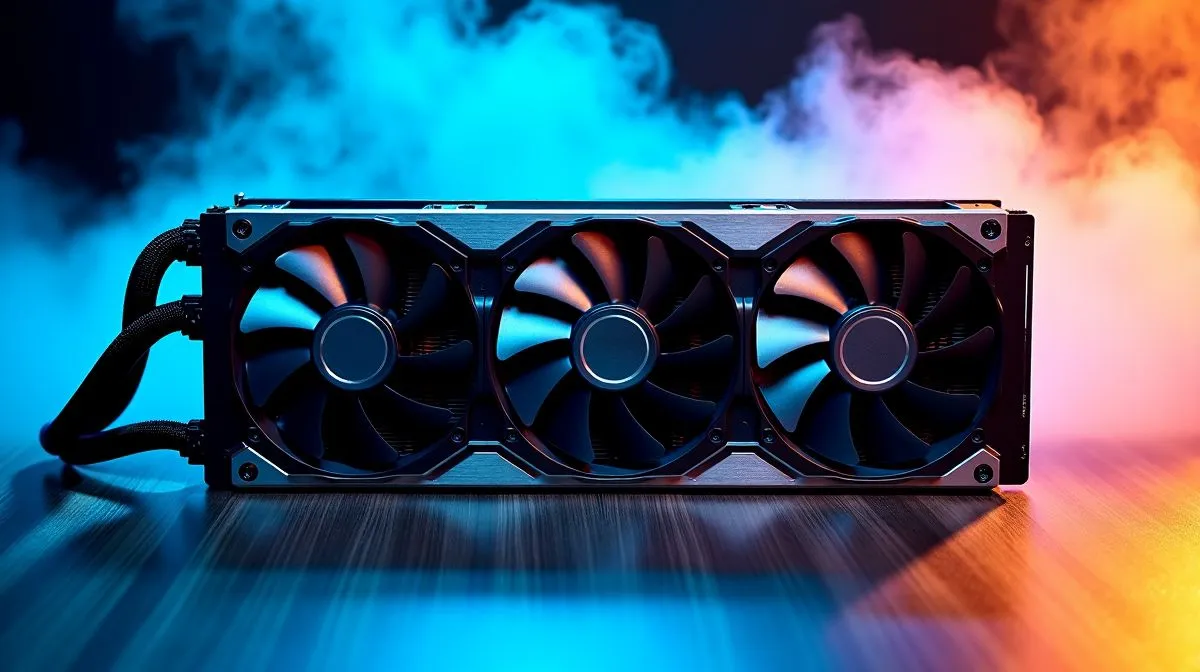
South African builders know the feeling. You want a cooler that keeps your CPU calm during a long load-shedding session, a hot summer gaming night, or a heavy render queue. But do you really need a 360mm radiator? Sometimes yes... often no. The smartest cooling choice is the one that fits your CPU, case, and budget. That is where a good CPU cooler range matters most. 🔧
A big AIO looks impressive. It also sounds like the obvious pick for a high-end build. Yet cooling needs depend on heat output, case airflow, and how hard you push the chip. A mainstream gaming CPU can often run very happily on a strong air cooler or a 240mm AIO. If you are building around a hotter flagship chip, then more radiator space may help with lower noise and steadier boost behaviour.
For AIO options, Evetech’s liquid cooler selection is a sensible place to compare. If you prefer a familiar premium brand, check the CORSAIR AIO range. If value matters more, the Deepcool AIO range is worth a look too.
A 360mm radiator earns its place when three things line up:
That is the important part... quieter. A larger radiator can often move the same heat with lower fan speeds, which means less noise during gaming or work. For content creators, streamers, and sim racers, that can be worth paying for in rand terms.
If your case has room and you want the extra thermal headroom, Evetech lists 360mm radiator AIOs here. But do not buy size for size’s sake. A neat, balanced build usually beats an awkward fit.
A 240mm cooler can already be plenty for many gaming rigs. Evetech’s 240mm radiator options are a good benchmark if you want strong cooling without overcommitting on cost or case space. ✨
In South African builds, always check radiator clearance before you fall in love with a cooler. Measure the top and front panel space, then leave room for RAM height, motherboard heatsinks, and cable bends. That small step avoids returns, delays, and unnecessary frustration.
The best cooling upgrade path is simple. Match the cooler to the CPU, then match the cooler to the case. If you are mainly gaming, a sensible air cooler or 240mm AIO often makes better value. If you are running a power-hungry CPU, editing video, or want lower fan noise, a 360mm radiator starts to make more sense.
Think long term too. A cooler that keeps temperatures in check can help a build feel smoother under pressure. It may also reduce how often fans ramp up aggressively. That is nice when you are trying to hear footsteps in a shooter or keep a stream clean.
When you shop the upgrade path, focus on fit, noise, and value in ZAR. Not just the headline size. If you want to browse all options again, start at the main CPU coolers category. The right cooler is the one that suits your build today and still makes sense six months from now. 🚀
Ready to Find Your Perfect Match? The Mac vs Windows debate is complex, but for maximum power, choice, and value in South Africa, Windows is hard to beat. Explore our massive range of laptop specials and find the perfect machine to conquer your world.
For many mainstream CPUs it can be more than needed, but a 360mm radiator can still help keep temperatures lower and quieter under sustained loads.
A 360mm radiator usually cools better and allows lower fan speeds. Gains vary by CPU, case airflow, and fan curves.
You must check case radiator support for 360mm size, mounting locations, and clearance for fans, RAM height, and tubing bends.
Front mounting often benefits from cooler intake air, while top mounting can work well with strong exhaust. Your case airflow matters most.
Most builds use three 120mm fans. Matching fan speed, airflow direction, and radiator placement helps maximize cooling while controlling noise.
Yes, it’s a smart future-proof choice if you plan to move to a higher-wattage CPU, upgrade soon, or want headroom for heavy workloads.
Often, yes. Better cooling headroom can let fans spin slower for similar temperatures, reducing noise if your pump and fans are well-tuned.
Should You Upgrade to the RTX 5060 Ti from a RX 7600 Detailed answer with SA data, expert analysis & practical recommendations for local buyers.
Read more
When Will the RTX 6090 Launch in South Africa Detailed answer with SA data, expert analysis & practical recommendations for local buyers.

Top Valorant Settings for RTX 5070: FPS Optimisation picks evaluated on performance, value & SA availability with current Rand pricing from Evetech.

RDNA 3.5 Graphics in Ryzen AI 400? Can You Game. Plain-English explanation of what it means, why it matters & how it affects your buying decisions in SA.

GPU Price Index : December Report. Current stock data & price tracking for SA buyers. See what is available and where prices are heading.

Core i5-14600K + B760 + RTX 5060 Build Under. Full parts list, Rand pricing & expected performance. Build confidently with SA-available components.

RX 7600 Apex Legends at 4K: FPS Benchmark. Real-world benchmark data, FPS numbers & performance analysis. What SA gamers can actually expect.

RX 7900 XTX GTA 6 at 4K: FPS Benchmark & Optimal. Real-world benchmark data, FPS numbers & performance analysis. What SA gamers can actually expect.

Head-to-head comparison of RTX 5070 vs RX 9070 XT: Gaming Performance for SA gamers. Performance benchmarks, Rand pricing & which delivers better value.

Starfield Max Settings on RTX 5070. Tested & verified settings for best FPS and visual quality on SA hardware budgets.

Top RX 7800 XT Model Under R8,000 picks evaluated on performance, value & SA availability with current Rand pricing from Evetech.

RTX 5070 Valorant Optimised Settings: Graphics. Real-world benchmark data, FPS numbers & performance analysis. What SA gamers can actually expect.

Top Laptop with Core i7 + RX 7700S: Picks picks evaluated on performance, value & SA availability with current Rand pricing from Evetech.