

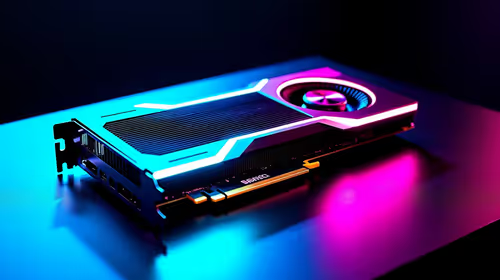
Fortnite Requirements: Do You Need Upgrade in GPU?
Fortnite Requirements: Do You Need Upgrade in GPU Detailed answer with SA data, expert analysis & practical recommendations for local buyers.
Read more512GB NVMe storage can be enough for many users — this guide shows real-world capacity for work, gaming and media, plus upgrade tips and speed tradeoffs. 🎮💼
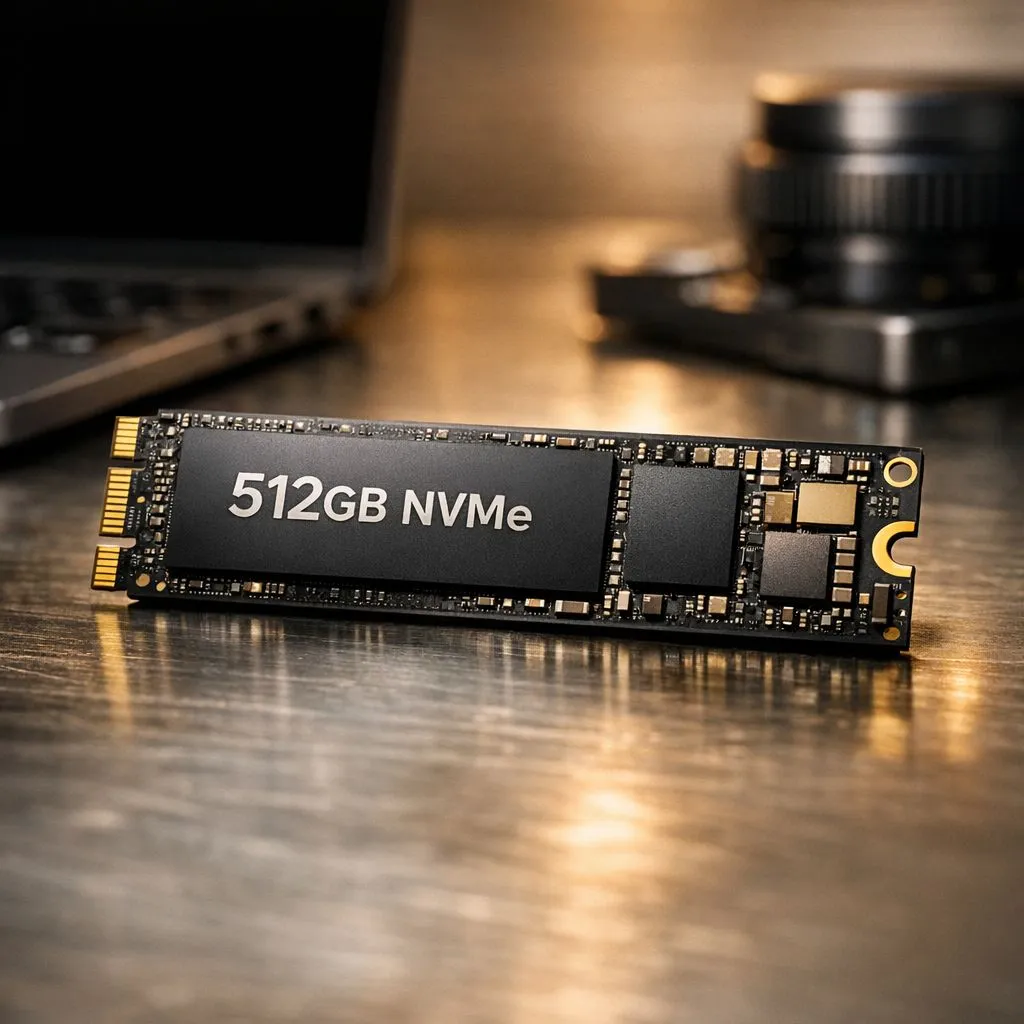
You've found the perfect laptop deal. The specs are brilliant, the price is right, but there's one catch... it "only" has 512GB of storage. Is that a deal-breaker? In a world of 100GB+ games and 4K video, it’s a valid concern. But for many South Africans, 512GB NVMe storage is the perfect sweet spot between lightning-fast performance and cost-effective capacity. Let's break down if it's enough for you.
First, let's do some quick maths. After the Windows operating system (~40GB) and essential apps like Chrome, Office, and Discord (~20GB) are installed, you're left with roughly 450GB of usable space. ✨
So, what can you do with that?
The real question isn't just what fits, but how you use your machine day-to-day.
A 512GB NVMe SSD is an excellent choice for a huge portion of users. You might be the ideal candidate if you fall into one of these categories:
Use a free tool like TreeSize Free or WinDirStat to get a visual breakdown of your hard drive. It quickly shows you which folders and files are eating up the most space, making it easy to find old game installations or massive video files you forgot about. It's the fastest way to reclaim precious gigabytes!
While it’s a great baseline, half a terabyte can feel cramped if your digital habits are more demanding. You should probably aim for 1TB or more if you are:
Ultimately, 512GB NVMe storage is a fantastic, high-speed foundation. It's more than enough for a huge number of South African gamers and professionals. The key is to be honest about your needs. If you're a focused user who values speed over sheer capacity, it's the perfect choice. If you're a digital packrat, consider it a starting point for a future upgrade. 🚀
Ready to Find Your Perfect Match? Deciding on storage is about balancing speed, space, and your budget. Whether 512GB is your sweet spot or you need a multi-terabyte beast, we've got the machine for you. Explore our massive range of laptop specials and find the perfect PC to conquer your world.
Yes for typical office tasks, web browsing, docs and coding. 512GB NVMe for work laptop handles apps and moderate files but watch free space.
Often yes, but AAA titles range 50–150GB. Expect around 3–8 current AAA games; use external or cloud for larger libraries.
For short 1080p projects and proxies it's fine. For long 4K raw footage you'll need extra SSD or external storage for smooth editing.
Upgrade if you keep many games, large video files, or huge media libraries. 512GB NVMe vs 1TB favors 1TB for long-term convenience.
Use cloud or external drives, clean unused apps, move media libraries offdrive, enable compression and offload archives regularly.
Performance can drop when nearly full. Keep 10–20% free, enable TRIM, and avoid sustained full-disk writes to maintain speed.
Ideal for laptops, productivity, light creative work, and moderate gaming libraries. Great balance of speed and cost for many users.
Fortnite Requirements: Do You Need Upgrade in GPU Detailed answer with SA data, expert analysis & practical recommendations for local buyers.
Read more
Top Valorant Settings for RTX 5070: FPS Optimisation picks evaluated on performance, value & SA availability with current Rand pricing from Evetech.

RDNA 3.5 Graphics in Ryzen AI 400? Can You Game. Plain-English explanation of what it means, why it matters & how it affects your buying decisions in SA.

GPU Price Index : December Report. Current stock data & price tracking for SA buyers. See what is available and where prices are heading.

RX 9070 XT Elden Ring Nightreign at 4K: FPS. Real-world benchmark data, FPS numbers & performance analysis. What SA gamers can actually expect.

Core i5-14600K + B760 + RTX 5060 Build Under. Full parts list, Rand pricing & expected performance. Build confidently with SA-available components.

RX 7600 Apex Legends at 4K: FPS Benchmark. Real-world benchmark data, FPS numbers & performance analysis. What SA gamers can actually expect.

RX 7900 XTX GTA 6 at 4K: FPS Benchmark & Optimal. Real-world benchmark data, FPS numbers & performance analysis. What SA gamers can actually expect.

Head-to-head comparison of RTX 5070 vs RX 9070 XT: Gaming Performance for SA gamers. Performance benchmarks, Rand pricing & which delivers better value.

Top Laptop with Ryzen 5 + RTX 4090 Laptop: Picks picks evaluated on performance, value & SA availability with current Rand pricing from Evetech.

Top Budget GPU for Marvel Rivals picks evaluated on performance, value & SA availability with current Rand pricing from Evetech.

Valorant Settings on RTX 5070: Performance. Real-world benchmark data, FPS numbers & performance analysis. What SA gamers can actually expect.

Top Budget GPU for Assassins Creed Shadows picks evaluated on performance, value & SA availability with current Rand pricing from Evetech.