

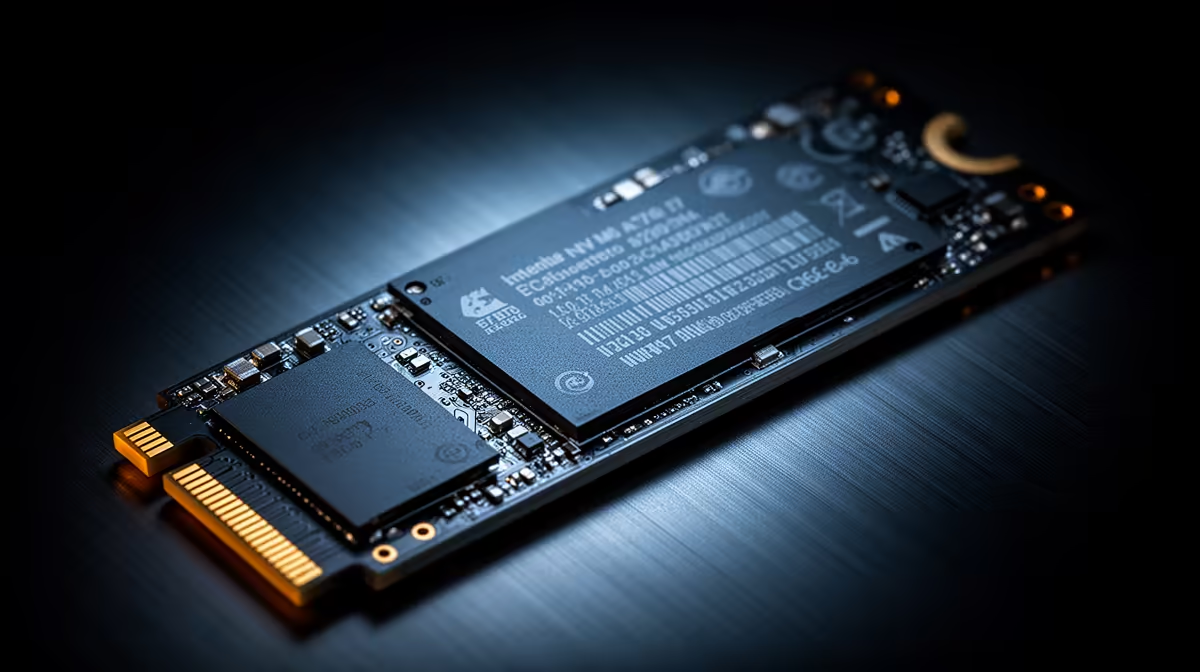
Is 512GB SSD Enough for Gaming and Work? Here’s the real-world answer for SA gamers 🔥
If you’re building a PC in South Africa, SSD space gets expensive fast. You want smooth game launches, quick Windows boot, and enough room for work files… without blowing your budget. So, is 512GB SSD enough for gaming and work? The honest answer is: it depends on your library size and how you manage installs. Let’s break it down in a way that helps you buy once, upgrade later, and stop playing “delete and reinstall” every month. 🔧
512GB SSD for gaming: how many games can you realistically fit? 🎮
Most modern games sit between 50GB and 200GB each, depending on updates and platforms. That means 512GB doesn’t “hold everything” for most players. A typical scenario looks like this:
- 3–6 smaller titles (or older installs) = comfortable
- 2–4 AAA games = full sooner than you’d expect
- Constant live-service updates can steadily eat space over time
Where 512GB shines is in strategy: install your current “main games” on the SSD, and keep the rest off. If you play a couple of big titles and rotate regularly, 512GB can feel great. If you collect games like you collect loot… you’ll hit the limit.
512GB SSD for work: where the space goes ✨
For work, SSD usage depends on your files:
- Video editing caches and media exports can balloon fast.
- Photo libraries, project files, and browser downloads add up quietly.
- Software updates for creative apps can also take surprising space.
If you mainly do documents, school work, light design, and browsing, 512GB can be plenty. If you work with large projects or run local dev environments, you’ll want a storage plan.
Storage Pro Tip ⚡
On your 512GB SSD, keep at least 15–20% free for best day-to-day performance. In Windows, go to Settings > System > Storage to identify what’s growing, then move large folders (like downloads, game libraries, or media caches) to a secondary drive.
The upgrade path: when 512GB is the start, not the finish 🔧
Here’s the part SA buyers often get wrong… they buy 512GB as if it must be “the final size”. It doesn’t have to be. A smart upgrade path is to start with a solid M.2 2280 SSD and plan your next storage step for later.
If you’re considering M.2 options, explore Evetech’s catalog here: Shop M.2 2280 SSDs at Evetech
And if you want a broader selection to match your build and budget, start with: Buy solid state drives at Evetech
Picking the right SSD in 2026: brands, interfaces, and realistic expectations 🚀
Brand matters for consistency, warranties, and controller behaviour under load. If you’ve got a preference, check these popular lines:
Also, consider interface generation. Newer interfaces like Gen 5 can be enticing, but your motherboard support is the deciding factor. If you want to browse by interface, see what’s available here: [SSDs by Gen 5 (NVM…) interface at Evetech](https://www.evetech.co.za/PC-Components/buy-solid-state-drives-83?attributes-interface\=Gen+5+%28NVM…
Quick decision guide: should you buy 512GB? ✅
Choose 512GB SSD if:
- Your game library is mostly current titles
- You rotate installs
- Your work files are manageable
- You’re planning a second drive later
Go larger than 512GB if:
- You play many AAA games at once
- You work with large media projects
- You hate housekeeping (and you like space “just working”)
Whatever you choose, the best move is thinking in layers: fast SSD for active projects, extra storage for everything else.
Ready to Find Your Perfect Match? The Mac vs Windows debate is complex, but for maximum power, choice, and value in South Africa, Windows is hard to beat. Explore our massive range of laptop specials and find the perfect machine to conquer your world.











