

Should You Upgrade to the RX 7600 from a RTX 4090?
Should You Upgrade to the RX 7600 from a RTX 4090 Detailed answer with SA data, expert analysis & practical recommendations for local buyers.
Read more512GB vs 1TB SSD in South Africa: compare price, usage, and performance to pick the right capacity without overspending. Find the best fit for gaming, work, and upgrades. ✅💾
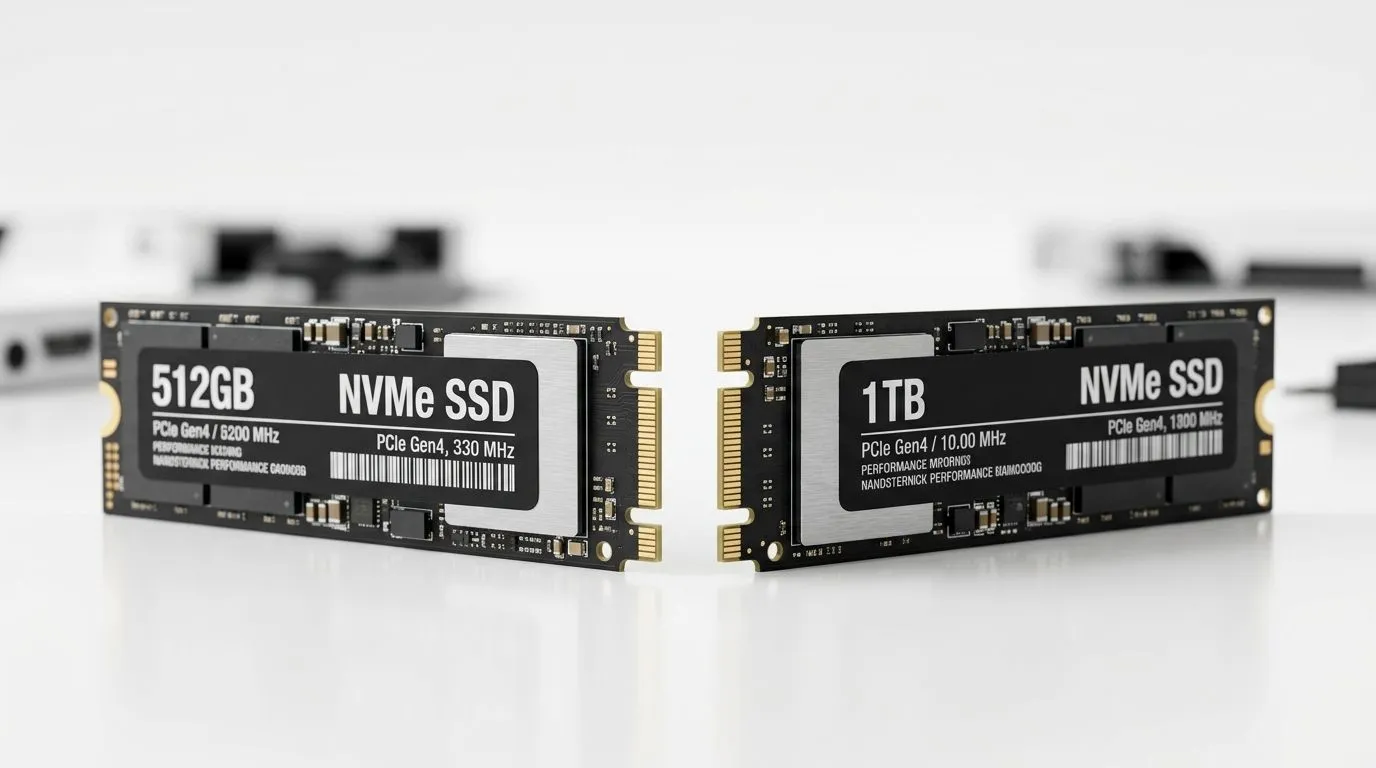
So you’re shopping for an SSD and you’re staring at two numbers… 512GB or 1TB. If you’re gaming on PC in South Africa, that decision affects how many titles you can keep installed, how fast you load up, and whether you’ll be reinstalling everything every time storage fills up 😅.
Here’s the good news: you can choose confidently. We’ll break it down in plain terms, so your next upgrade path is smarter, not guessy 🔧.
For most gamers, the practical difference is “how many games can stay ready to play”.
Why this matters in SA specifically? Local downloads, updates, and asset caching can add up fast. One big update can easily eat a chunk of space. If you’ve ever seen “Not enough storage” right before a new patch… you know the pain.
From a buying perspective, capacity also impacts value. Instead of “what’s the cheapest SSD today?”, ask: what’s the lowest cost per gigabyte you’ll still be happy with in 12–18 months? That mindset saves money over time.
In general, SSDs feel fast because there are no moving parts, and games load quickly. But when you compare capacities from the same SSD family, real-world speed differences are often smaller than you’d expect.
A 512GB SSD can be just as quick for launching games as a 1TB SSD, assuming similar interface and drive class (and you’re not comparing totally different performance tiers). Capacity mainly changes your ability to keep games installed without constantly shuffling folders.
If your machine supports M.2 2280, choosing that form factor is usually the cleanest upgrade path. Evetech carries solid state drives across common configurations, including M.2 options (good for modern gaming rigs).
Use this rule of thumb:
On a Windows gaming PC, monitor remaining SSD space using Settings → System → Storage. If you’re consistently under ~15% free, your updates and downloads will feel slower and you’ll start making painful space decisions. Treat that as your “time to upgrade” signal, not a warning you ignore.
Before you add a drive to cart, double-check:
If you want to browse options across brands, interfaces, and sizes, start here:
If you’re building or upgrading today, 1TB is the safer buy for most South African gamers. It reduces reinstall stress, gives your library room to grow, and keeps updates from interrupting your playtime.
If you’re on a tight budget, 512GB can still be smart... just plan your library rotation and consider pairing it with a secondary drive for bulk storage.
Ready to Find Your Perfect Match? The Mac vs Windows debate is complex, but for maximum power, choice, and value in South Africa, Windows is hard to beat. Explore our massive range of laptop specials and find the perfect machine to conquer your world.
For a few modern titles, yes. But installs grow fast, so if you want lots of games available, 1TB usually saves headaches.
If you store large files, many projects, and frequent app updates, 1TB reduces pressure and keeps performance steadier.
1TB often costs more per GB, but it can be better value long term. Check deals and your current storage usage.
Speed depends on the SSD model and interface, not only capacity. However, filling an SSD heavily can affect responsiveness.
It suits lighter users: fewer games, basic document work, and regular cloud/offload habits.
It fits gamers and creators who keep many games, large software, and media locally, especially if you avoid frequent reinstalling.
Not always. If you consistently hit low free space or manage many installs, planning an upgrade to 1TB can be smarter.
Should You Upgrade to the RX 7600 from a RTX 4090 Detailed answer with SA data, expert analysis & practical recommendations for local buyers.
Read more
When Will the RTX 6090 Launch in South Africa Detailed answer with SA data, expert analysis & practical recommendations for local buyers.

Top Valorant Settings for RTX 5070: FPS Optimisation picks evaluated on performance, value & SA availability with current Rand pricing from Evetech.

RDNA 3.5 Graphics in Ryzen AI 400? Can You Game. Plain-English explanation of what it means, why it matters & how it affects your buying decisions in SA.

GPU Price Index : December Report. Current stock data & price tracking for SA buyers. See what is available and where prices are heading.

Core i5-14600K + B760 + RTX 5060 Build Under. Full parts list, Rand pricing & expected performance. Build confidently with SA-available components.

RX 7600 Apex Legends at 4K: FPS Benchmark. Real-world benchmark data, FPS numbers & performance analysis. What SA gamers can actually expect.

RX 7900 XTX GTA 6 at 4K: FPS Benchmark & Optimal. Real-world benchmark data, FPS numbers & performance analysis. What SA gamers can actually expect.

Head-to-head comparison of RTX 5070 vs RX 9070 XT: Gaming Performance for SA gamers. Performance benchmarks, Rand pricing & which delivers better value.

GPU Setup Guide Gamers. Clear setup instructions with SA-specific considerations, troubleshooting tips & recommended components.

Top RTX 5090 Under R12000 picks evaluated on performance, value & SA availability with current Rand pricing from Evetech.

Call of Duty Warzone 2 Settings on RX 7600. Real-world benchmark data, FPS numbers & performance analysis. What SA gamers can actually expect.

GTA 6 Settings on RTX 5070 Ti: Performance. Real-world benchmark data, FPS numbers & performance analysis. What SA gamers can actually expect.