

Should You Upgrade to the RX 7600 from a RTX 4090?
Should You Upgrade to the RX 7600 from a RTX 4090 Detailed answer with SA data, expert analysis & practical recommendations for local buyers.
Read more512GB vs 1TB SSD: speed vs capacity explained so you pick the right drive for gaming, work, and installs. ✅ Faster feels good, but enough space saves headaches. 🚀
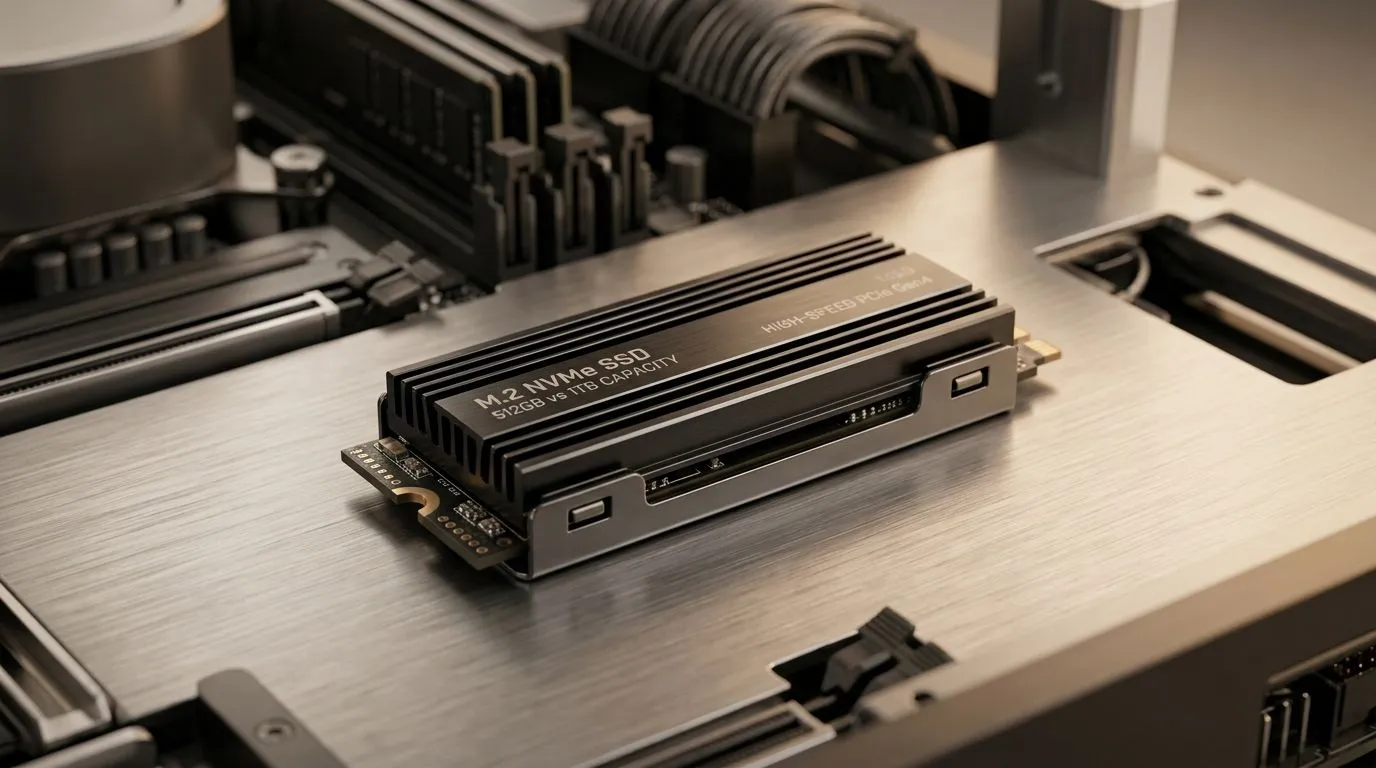
You’re downloading updates, shader packs, and “just one more” game… then Windows starts feeling slow. The big question is simple: do you buy 512GB vs 1TB SSD: Speed vs Capacity Explained for your next upgrade, or do you just go bigger and breathe? ✨
In SA, where rand value matters and upgrades need to last, capacity is only half the story. The other half is how SSDs behave when the drive is nearly full, and how modern game installs actually use space.
Here’s the helpful truth: for most everyday gaming, the “speed” difference between a 512GB and a 1TB SSD model of the same generation is usually small. ✅
What changes more often:
Even if two drives share the same interface type (like SATA vs NVMe), the generational difference matters more than the number on the label. When you’re choosing within the same family, capacity helps you avoid the slow grind of near-full storage.
For buying options, Evetech lists solid state drives here: https://www.evetech.co.za/PC-Components/buy-solid-state-drives-83
Think about your install habits:
A 512GB SSD can be enough if you regularly uninstall games you’re not playing and keep space available for updates. ⚡ If you’re more “one shooter at a time”, it can work well.
If you’ve got multiple AAA games, a few co-op titles, and ongoing updates, 1TB becomes the comfortable option. You’ll spend less time managing storage and more time actually playing.
When an SSD is very full, you reduce space for internal operations like garbage collection and wear levelling. That can cause noticeable slowdowns during big updates. A 1TB drive often stays healthier longer under heavy use.
Evetech lets you browse SSDs by brand if you want to compare like-for-like models:
Even the best capacity choice can fail if the SSD doesn’t physically fit your system.
Most modern desktops and newer laptops use M.2. If your PC has an M.2 slot, check the keying and size. For reference, Evetech lists M.2 2280 compatible options here:
If you’re buying for a newer platform, interface generation matters too (Gen 5 NVMe, for example). Evetech groups these by interface:
Before you buy, do this quick sanity check:
On Windows, clone or migrate your OS properly (tools like Macrium Reflect or the built-in Windows options depending on your setup), then keep at least 15–20% of your SSD free. For gaming PCs, that small buffer helps big patch installs stay smooth and reduces the ‘why is everything stuttering’ feeling after storage fills up.
If you’re on a tight budget and your library is small, 512GB can be a sensible entry point. If you want fewer compromises and less maintenance, 1TB is usually the more future-friendly pick, especially in SA where you might keep your PC for years.
Ready to stop second-guessing and get the right SSD the first time? Here’s the smart move.
Ready to Find Your Perfect Match? The Mac vs Windows debate is complex, but for maximum power, choice, and value in South Africa, Windows is hard to beat. Explore our massive range of laptop specials and find the perfect machine to conquer your world.
Not automatically. Speed depends on the controller, NAND, cache, and interface (NVMe vs SATA), not just capacity like 512GB vs 1TB SSD.
Often yes. With more free space, SSDs can maintain write performance better during heavy installs, downloads, and sustained workloads.
For modern game libraries and frequent updates, 1TB is usually safer. 512GB works if you install fewer titles or rotate games often.
You can run Windows on 512GB, but plan for apps and updates. Budget space for downloads and game launchers to avoid running tight.
Indirectly. More free space can reduce performance drops and wear from constant cleanup, but proper usage and quality matter most.
Upgrade when installs fail, you constantly manage space, or performance dips during writes. If storage usage stays high, 1TB helps.
NVMe impacts speed far more than size. Choose 1TB for capacity, and choose NVMe for interface-level performance gains.
Should You Upgrade to the RX 7600 from a RTX 4090 Detailed answer with SA data, expert analysis & practical recommendations for local buyers.
Read more
When Will the RTX 6090 Launch in South Africa Detailed answer with SA data, expert analysis & practical recommendations for local buyers.

Top Valorant Settings for RTX 5070: FPS Optimisation picks evaluated on performance, value & SA availability with current Rand pricing from Evetech.

RDNA 3.5 Graphics in Ryzen AI 400? Can You Game. Plain-English explanation of what it means, why it matters & how it affects your buying decisions in SA.

GPU Price Index : December Report. Current stock data & price tracking for SA buyers. See what is available and where prices are heading.

Core i5-14600K + B760 + RTX 5060 Build Under. Full parts list, Rand pricing & expected performance. Build confidently with SA-available components.

RX 7600 Apex Legends at 4K: FPS Benchmark. Real-world benchmark data, FPS numbers & performance analysis. What SA gamers can actually expect.

RX 7900 XTX GTA 6 at 4K: FPS Benchmark & Optimal. Real-world benchmark data, FPS numbers & performance analysis. What SA gamers can actually expect.

Head-to-head comparison of RTX 5070 vs RX 9070 XT: Gaming Performance for SA gamers. Performance benchmarks, Rand pricing & which delivers better value.

Top Laptop with Ryzen 5 + RTX 4090 Laptop: Picks picks evaluated on performance, value & SA availability with current Rand pricing from Evetech.

Top Budget GPU for Marvel Rivals picks evaluated on performance, value & SA availability with current Rand pricing from Evetech.

Valorant Settings on RTX 5070: Performance. Real-world benchmark data, FPS numbers & performance analysis. What SA gamers can actually expect.

Top Budget GPU for Assassins Creed Shadows picks evaluated on performance, value & SA availability with current Rand pricing from Evetech.