

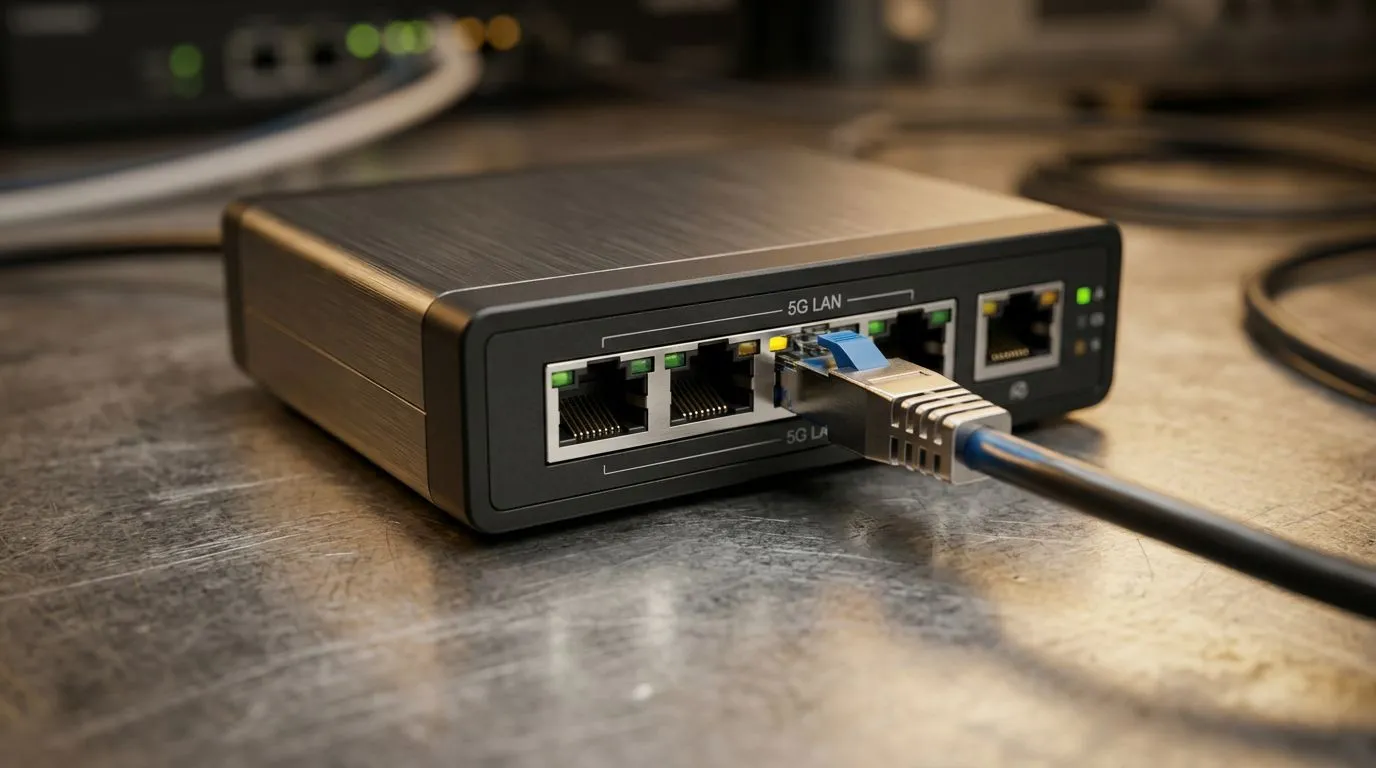
5G LAN vs Gigabit Ethernet: Is Faster Wired Networking Worth It for South African Gamers?
If your ping jumps during peak hours, it’s tempting to chase the next “faster” thing. But is that actually fixing the problem… or just moving the bottleneck? For South African gamers and tech buyers, the answer usually starts with one boring truth: wired networks tend to be steadier than wireless.
Today we’re comparing 5G LAN vs Gigabit Ethernet and whether faster wired networking is worth the upgrade. We’ll keep it practical for your budget, your router, and your rig. ⚡
What “5G LAN” Actually Means vs Gigabit Ethernet (And Why It Confuses People)
First… terms matter.
- Gigabit Ethernet is straightforward: it’s wired networking with up to 1 Gbps (1000 Mbps) speeds, typically using Ethernet ports on your router, switch, and PC.
- “5G LAN” is where things get murky. Many people say “5G” when they mean 5 GHz Wi‑Fi. Others mean 5G mobile (cellular). Some vendors use “5G LAN” marketing for specific networking setups. In most real home setups, the biggest benefit you’ll feel is usually consistent latency from wired Ethernet, not “name-brand” wireless speed.
Because “5G LAN” can mean different technologies depending on the product, this article focuses on the decision most buyers face: should you invest in Gigabit (or better) wired networking for gaming stability? 🚀
5G LAN vs Gigabit Ethernet: Real-World Gaming Impact (Latency, Jitter, Reliability)
In games, the best “speed” isn’t always the highest number on the box. It’s the network behaviour between packets.
Here’s what tends to matter most:
- Latency (ping): Lower is better.
- Jitter (ping variation): Even if average ping is okay, high jitter can feel like lag.
- Packet loss: Drops cause stutters and “rubber banding”.
Gigabit Ethernet generally wins on consistency because it’s wired. Wireless can deliver impressive throughput, but interference, distance, walls, and competing neighbours can add jitter.
So is faster wired networking “worth it”? For most South African homes with peak-hour congestion or spotty Wi‑Fi, yes. Even if your internet speed is far below 1 Gbps, Ethernet can still improve game responsiveness by reducing local network instability.
Quick buy-side checklist before you upgrade 🔧
Ask yourself:
- Are you gaming over Wi‑Fi right now?
- Do your ping spikes correlate with other devices streaming or downloading?
- Is your router far from the gaming PC?
- Would a cable run or switch placement be realistic?
If you said “yes” to two or more, wired is usually the cleaner path.
When Gigabit Ethernet Is Enough… and When It Isn’t
Gigabit Ethernet is often enough for:
- Competitive shooters
- League-style esports sessions
- Single-PC streaming + gaming
- Normal household traffic
You may want to go beyond Gigabit (like 2.5GbE/10GbE) when you have:
- Multiple wired high-throughput devices (NAS + workstation + media server)
- Large LAN file transfers
- Very fast internet plans where local networking becomes the limit
But for the typical Evetech customer upgrading a gaming rig, the biggest win is often simply: plug in instead of relying on Wi‑Fi.
If you’re building or upgrading and want to ensure your motherboard is ready for a modern network setup, it helps to check your LAN and connectivity options in advance. Evetech stocks plenty of options across AMD and Intel boards:
- Browse AMD motherboards here: AMD motherboards at Evetech
- Browse Intel motherboards here: Intel motherboards at Evetech
- Want value without overthinking the build? See cheap Intel/AMD-based motherboards
5G LAN vs Gigabit Ethernet: The Smart Upgrade Path for Your Budget
Let’s make this decision feel easy.
Step 1: Stabilise first, then chase speed
If you’re experiencing spikes, stability is usually the priority. Start with:
- Ethernet from router/switch to your PC
- A clean cable route (avoid tight bends and poor cable runs where possible)
- Consider a simple switch if you need more wired ports
Once the connection is stable, only then consider whether you’re truly limited by throughput.
Step 2: Pick the right motherboard for the upgrade
Your motherboard matters because it can affect the quality and availability of network ports and features. If you’re planning an upgrade anyway, it’s smart to select a board that matches how you’ll connect now and later. 🔥
Step 3: Don’t ignore Wi‑Fi basics if you must go wireless
If you can’t wire your PC, you can still reduce jitter:
- Place the router in a central location
- Avoid placing it behind TVs or metal objects
- Use the 5 GHz band (when applicable), and keep the device line of sight if possible
- Restart equipment if things feel “sticky” after ISP events
Productivity Pro Tip to manage your test sessions ✨
Productivity Pro Tip ⚡
On Windows, use the PowerToys FancyZones utility to create custom snap layouts for your windows. It's a lifesaver for managing multiple apps on an ultrawide monitor, letting you organise your timeline, preview window, and asset folders perfectly for video editing.
Run one consistent test before and after switching to wired. For example:
- Load into the same server region.
- Run the same game mode.
- Compare ping and how often it “jumps” during movement-heavy moments.
5G LAN vs Gigabit Ethernet: So… Is Faster Wired Networking Worth It?
For most South African gamers, yes, wired Gigabit Ethernet is worth it if your current setup is wireless and you’re seeing spikes or inconsistency. Even when your internet speed is nowhere near 1 Gbps, Ethernet can still deliver steadier gaming because it reduces local wireless interference and jitter.
If you’re already on a stable wired connection, then the next upgrade question becomes different: you’d be looking at whether your workflow or multi-device traffic actually benefits from higher bandwidth than Gigabit.
Either way, the best move is the one that fixes your pain points… not the one with the biggest marketing number.
Ready to Find Your Perfect Match? The Mac vs Windows debate is complex, but for maximum power, choice, and value in South Africa, Windows is hard to beat. Explore our massive range of laptop specials and find the perfect machine to conquer your world.











