

Why Your Desktop Needs a Wi-Fi Upgrade
There is nothing more frustrating than being mid-match in a high-stakes competitive game, only to see your ping spike because your PC is tethered to a router in the next room. While Ethernet is the gold standard for stability, it isn't always practical in every South African home. If you are tired of running long, unsightly cables through your hallway, it is time to learn how to add wireless connectivity to a PC without sacrificing speed. ⚡
Choosing the Right Hardware for Your Setup
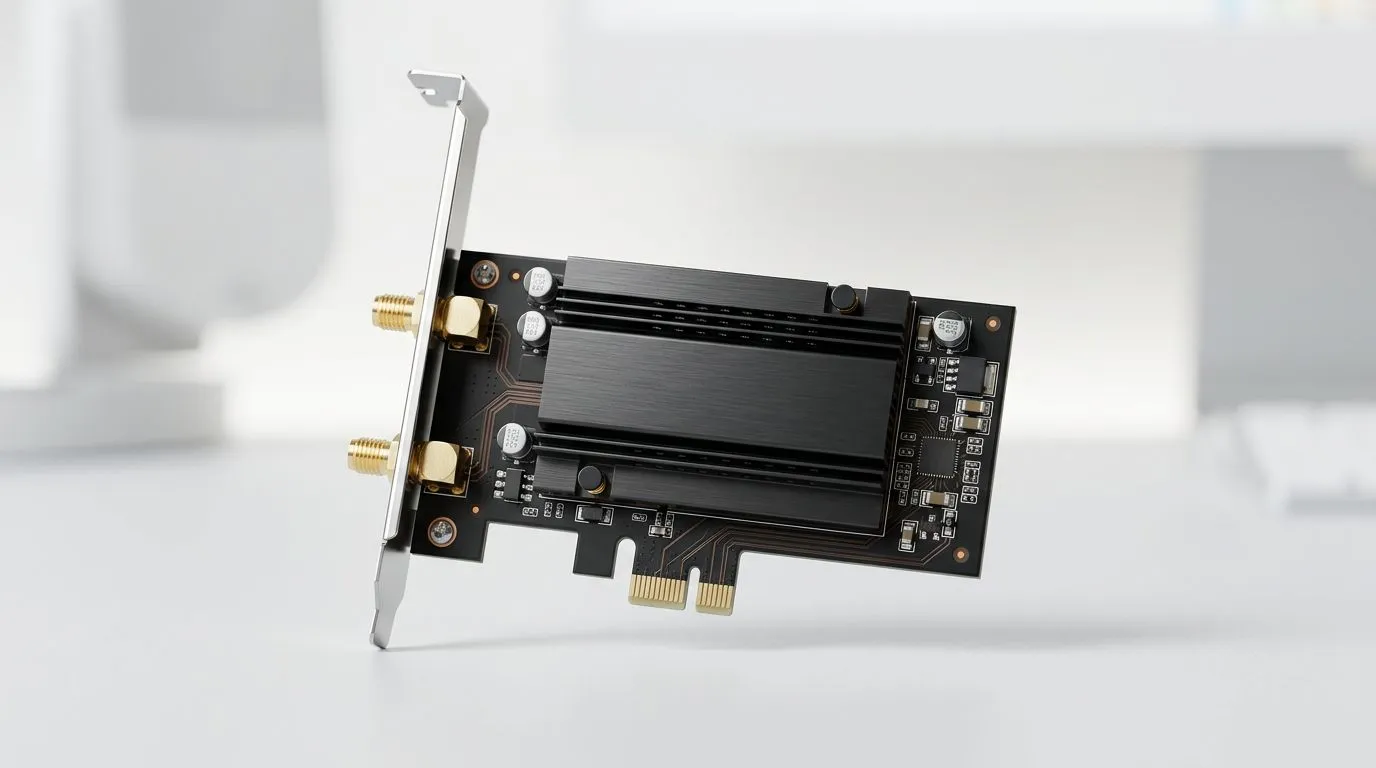
The first step in your upgrade path is identifying whether you need a PCIe card or a USB adapter. PCIe cards, which plug directly into your motherboard, generally offer better antenna placement and superior signal stability, making them the preferred choice for serious gamers. If you are looking to browse our full selection of network adapters, you will find options ranging from basic connectivity to high-end Wi-Fi 6E solutions that handle fibre speeds with ease.
Signal Strength Pro Tip 🔧
When installing a PCIe Wi-Fi card, ensure the antennas are screwed in tightly and positioned away from the metal chassis of your PC. Even a few centimetres of clearance can significantly reduce signal interference and improve your overall throughput.
Reliability Meets Performance
When it comes to brand reliability, we often see customers leaning toward industry leaders. If you want a setup that just works, TP-Link network solutions have become a staple in local gaming rigs due to their consistent driver support and robust build quality. For those on a tighter budget who still refuse to compromise on performance, Cudy wireless adapters offer an impressive price-to-performance ratio, often punching well above their weight in both 2.4GHz and 5GHz bands. ✨
Optimising Your Wireless Experience
Once your hardware is installed, do not just leave it at default settings. Always download the latest drivers from the manufacturer's website rather than relying on the ones provided by Windows Update. This simple step can be the difference between a stable connection and intermittent drops during those late-night gaming sessions. Remember that your Wi-Fi experience is only as good as the signal reaching your room... so if you are still experiencing latency, consider a mesh system or a high-gain antenna upgrade. 🚀
Ready to Find Your Perfect Match? Wireless connectivity is essential for the modern South African gamer. Whether you need the latest Wi-Fi 6 standards or a budget-friendly reliable adapter, we have you covered. Explore our massive range of network adapters and find the perfect hardware to conquer your world.











