


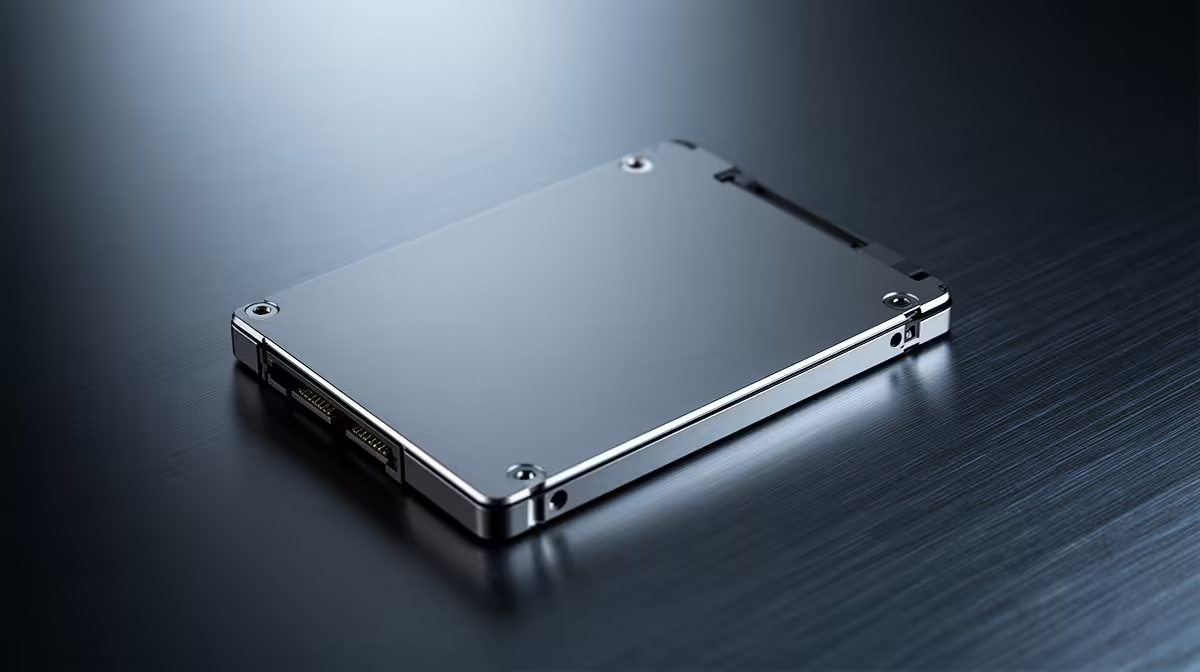
Staring at a loading screen while your varsity assignment deadline looms? We've all been there. That old, clunky hard drive in your laptop or PC is the biggest bottleneck holding you back. But who has thousands of Rands for a top-tier upgrade? The good news is you don't need it. An affordable SATA SSD in South Africa is the single most effective upgrade for any student budget, delivering a massive speed boost for a surprisingly small investment. ⚡
Why a SATA SSD is a Student’s Secret Weapon
Let's cut to the chase. The biggest difference between a traditional Hard Disk Drive (HDD) and a Solid-State Drive (SSD) is speed. An HDD uses a spinning platter and a mechanical arm... think of a tiny record player. An SSD, on the other hand, uses flash memory, like a massive USB stick.
This means:
- Insanely Fast Boot Times: Your PC goes from off to ready-to-work in seconds, not minutes.
- Quick Application Loading: Launching Photoshop, your coding IDE, or even just Chrome is almost instant.
- Smoother Gaming: Game levels and textures load way faster, eliminating those frustrating stutters.
For students, this isn't just a luxury; it's a productivity powerhouse. It's the difference between beating a deadline and watching a progress bar. Exploring the vast range of SSDs available shows just how accessible this upgrade has become.
Finding the Best Affordable SATA SSD in South Africa
Navigating the market for an affordable SATA SSD can feel a bit overwhelming, but it boils down to a few key choices. You don't need the absolute fastest or biggest drive to feel a monumental difference.
Capacity vs. Cost: The Sweet Spot
For most students, a 240GB to 512GB SSD is the perfect balance. This gives you enough space for your Windows or macOS installation, all your essential applications (Office, Adobe, VS Code), and one or two of your favourite games. A drive this size often provides the best performance-per-Rand, and you can always keep your old HDD for storing large files like movies or project archives. Keep an eye out for specials, as you can often find a great brand for a bargain when you check out the latest SSD deals. 🚀
Pro Tip: Cloning Your Old Drive
No need to reinstall everything! Most SSDs from brands like Crucial or Samsung come with free cloning software. This copies your entire old drive (including Windows and all your files) to the new SSD. It’s a simple process that saves you hours of setup.
SATA vs. NVMe: Is Faster Always Better?
You've probably heard of NVMe SSDs, the super-fast big brother to SATA. While they offer incredible speeds, the real-world difference for everyday student tasks—browsing, writing essays, light gaming—is often barely noticeable compared to a good SATA drive. An NVMe is a fantastic choice if your budget allows and your motherboard supports it, but for pure value, SATA is king. An affordable SATA SSD provides 90% of the perceived speed boost for a fraction of the cost.
It's about making a smart upgrade, not just the most expensive one. While you can explore blazing-fast NVMe SSDs for a future build, starting with a reliable 2.5-inch drive is the most logical step on your upgrade path. ✨
Ready for a Real Speed Boost? Stop waiting and start doing. An affordable SSD is the best bang-for-buck upgrade you can make for your academic and gaming life. Shop our huge range of 2.5-inch SATA SSDs and find the perfect drive for your budget today.











