

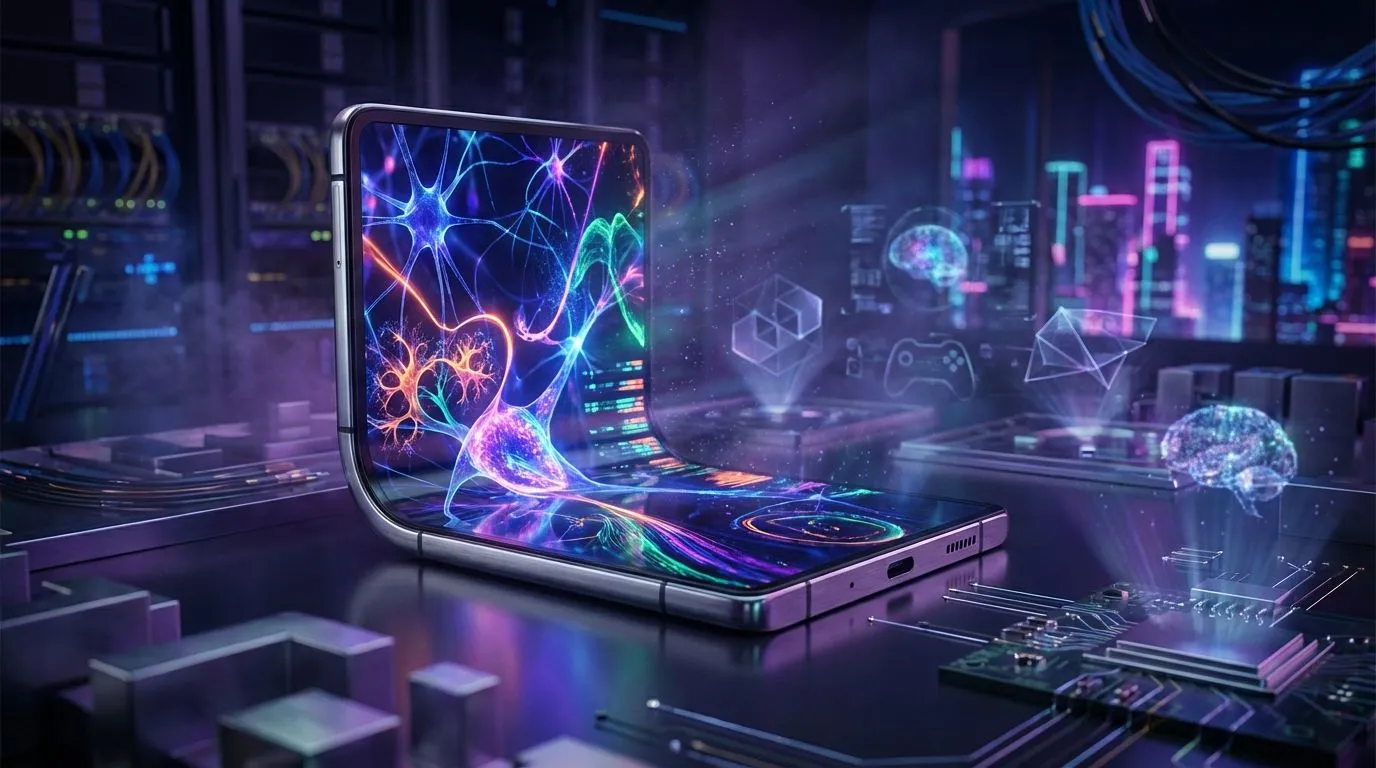
Tired of your boring, flat desk setup? Imagine a workspace that’s not just functional, but a statement piece. The secret is a stunning AMOLED monitor at the heart of an elegant L-shaped screen configuration. This setup combines breathtaking visuals with next-level productivity, creating a command centre that looks as good as it performs. For South African gamers and creators, this isn't just an upgrade; it's a total transformation of your digital space. 🚀
Why an AMOLED Monitor is the Ultimate Centrepiece
Before we get into the layout, let's talk about the star of the show. An AMOLED monitor isn't just another screen; it's a leap in visual technology. Unlike traditional LCDs that use a backlight, each pixel in an AMOLED display creates its own light. What does this mean for you?
- True Blacks & Infinite Contrast: When a pixel is off, it’s completely black. This creates an incredible contrast ratio that makes colours pop and shadows deep and detailed. Games like Alan Wake 2 or movies set in space look absolutely breathtaking.
- Vibrant, Lifelike Colour: AMOLED panels are known for their wide colour gamut and accuracy, making them perfect for content creators who need their work to look perfect and gamers who want the most immersive experience possible.
- Lightning-Fast Response Times: With near-instantaneous pixel response times, motion blur is virtually eliminated. This gives you a critical edge in fast-paced competitive titles.
An AMOLED monitor provides a visual foundation so good, it makes everything else on your desk look better.
The L-Shaped Screen: Where Style Meets Function
The L-shaped screen setup is about arranging two monitors—typically one in a standard landscape orientation and a second one vertically (portrait mode) beside it—to form an 'L'. This layout has become a favourite for streamers, programmers, and multitaskers for good reason.
The vertical screen is perfect for long feeds of information. Think Discord chats, coding windows, OBS controls, or your Spotify playlist. It keeps your essential tools visible without cluttering your main display, which is reserved for the main event: your game. This ergonomic arrangement minimises head movement and maximises your screen real estate.
Productivity Pro Tip ⚡
For the ultimate L-shaped setup, use a high-refresh-rate AMOLED monitor for your main gaming display and a secondary IPS monitor in portrait mode for static content like chat or browsing. This optimises your budget while giving you the best of both worlds!
Building a Rig Worthy of Your Display
A premium monitor setup deserves a PC that can keep up, both in performance and aesthetics. A powerful rig pushing pixels to a high-resolution AMOLED monitor generates significant heat, making efficient cooling non-negotiable. This is where the style of your internal components comes into play.
Modern CPU coolers do more than just prevent throttling; they complete the look of your build. A sleek liquid cooler (AIO) is the perfect partner for a clean, stylish desk. Brands like CORSAIR and Deepcool offer AIOs with customisable RGB lighting and minimalist designs that complement the high-tech look of an L-shaped screen setup.
Whether you're running a compact build or a full tower, there's a size to fit. A 240mm radiator offers a great balance of performance and compatibility, while a larger 360mm radiator provides maximum cooling potential for high-end CPUs. The end result is a PC that runs cool, quiet, and looks absolutely phenomenal next to your new display. ✨
Ready to Build Your Dream Setup? An incredible display is just the beginning. To power your games and creative projects, you need the right components inside your rig. Explore our massive range of PC components and find everything you need to build a machine that's as powerful as it is stylish.











