

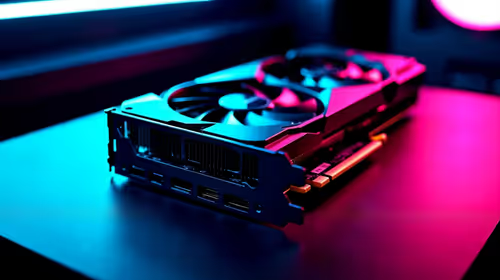
Should You Upgrade to the RX 7600 from a RTX 4090?
Should You Upgrade to the RX 7600 from a RTX 4090 Detailed answer with SA data, expert analysis & practical recommendations for local buyers.
Read moreSATA SSDs can still be worth it for South African gamers and students—especially on older PCs and budget upgrades. Get faster boot and game load times without breaking your wallet 🚀📚
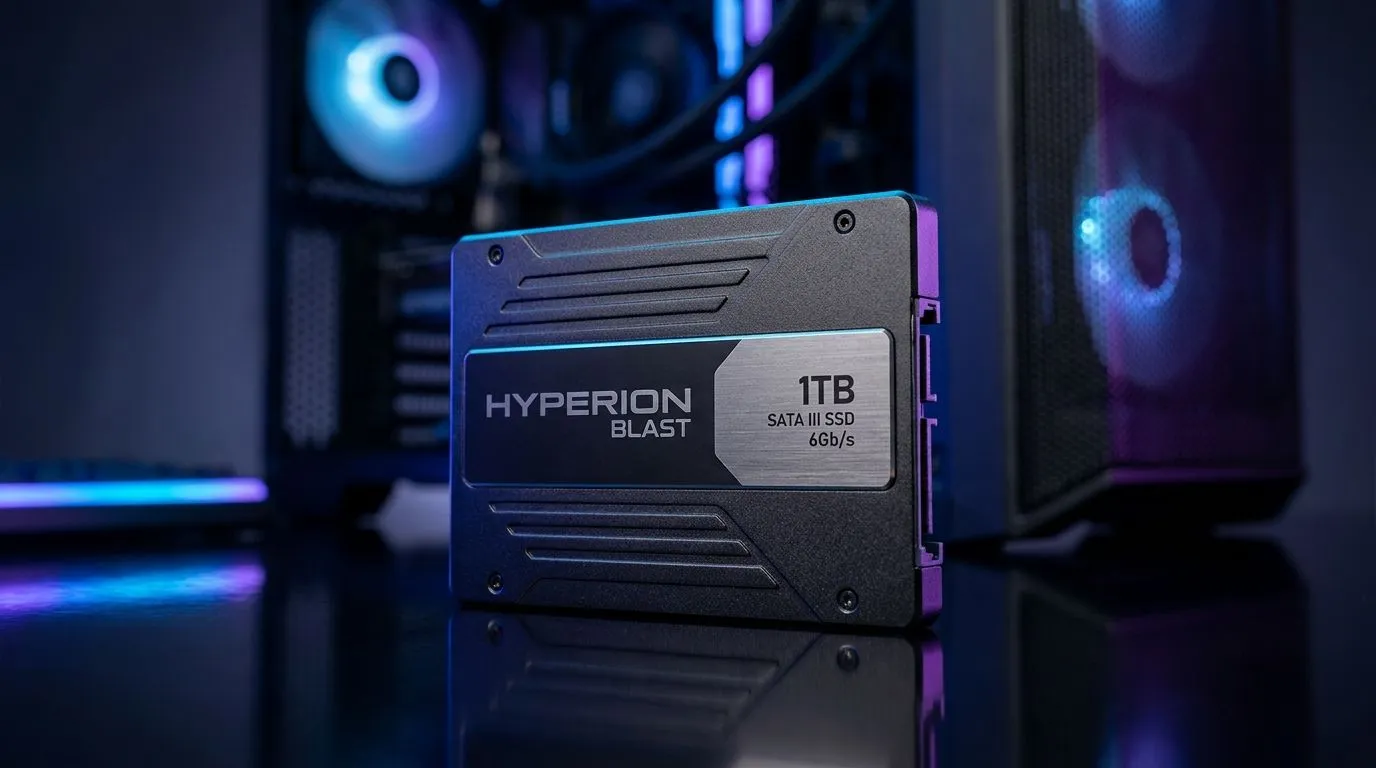
If you’re gaming on a tight budget in South Africa, every rand counts. You might be wondering whether swapping to a SATA SSD will feel “that big” compared to the newer NVMe options… especially when school deadlines and LAN nights don’t wait. For many SA gamers and students, SATA SSDs still make a lot of sense as a first upgrade. Let’s break it down clearly, so you know when it’s worth it, and when it’s better to go NVMe instead. 🔧
SATA SSDs are faster than hard drives (HDDs) in the simplest, most noticeable way: boot times, game loading screens, and general system snappiness. Even older SATA models can make a Windows PC feel “new” because they remove the constant seek delays of HDDs.
That said, SATA SSDs are limited by the SATA interface. NVMe drives use PCIe and typically deliver higher peak speeds and better responsiveness under heavy workloads. So the question becomes… what are you upgrading from, and what do you do daily?
The best move is to buy the right SATA SSD capacity for your use. For games plus school files, 1TB is often the sweet spot, but 500GB can work if you manage installs.
Before you order, double-check:
"If you’re moving from an HDD to a SATA SSD, clone your drive instead of reinstalling everything. Use Samsung Migration or your SSD manufacturer’s cloning tool to keep your installed games and deadlines intact. Then, verify the SSD is detected in BIOS and Windows Disk Management before you start gaming."
If you want to browse options fast, start with Evetech’s SSD selection here:
Want to keep it brand-specific? Here are two solid starting points:
Prefer staying within the classic “2.5-inch SATA” upgrade path?
And if you’re also curious about faster interfaces for later upgrades, you can compare interface categories too:
Yes. SATA SSDs are still a strong value upgrade for SA gamers and students who are starting with an HDD, have limited slots, or want a meaningful boost without paying NVMe prices. ✨ If your budget is tight today, SATA can be the smartest “first step” in your upgrade path. Then, when you’re ready, you can move to NVMe later.
Ready to Find Your Perfect Match? The Mac vs Windows debate is complex, but for maximum power, choice, and value in South Africa, Windows is hard to beat. Explore our massive range of laptop specials and find the perfect machine to conquer your world.
Yes. SATA SSDs can improve boot and game loading versus HDD, especially when your PC or laptop lacks an NVMe slot or budget is tight.
A SATA SSD typically feels dramatically faster for daily use: quicker OS startup, app launches, and faster file access for lectures and assignments.
NVMe is faster for heavy workloads and some games, but SATA still delivers big real-world gains on older systems—value often wins.
SATA SSDs are limited by the SATA interface (around 550 MB/s max), so NVMe can be faster, but SATA still avoids HDD stutter.
Usually yes if you have a 2.5-inch SATA bay and the right connection. Check your motherboard or laptop drive bay before buying.
SATA SSDs mainly improve load times and reduce stutter, not raw FPS. For FPS, focus on GPU/CPU and RAM first.
Most consoles primarily support NVMe storage. For PS5 and Xbox, SATA SSDs are generally not the correct upgrade path—confirm console support.
For a mix of games and school files, 1TB is often the better long-term value; 500GB can work if you manage installs and downloads.
Should You Upgrade to the RX 7600 from a RTX 4090 Detailed answer with SA data, expert analysis & practical recommendations for local buyers.
Read more
When Will the RTX 6090 Launch in South Africa Detailed answer with SA data, expert analysis & practical recommendations for local buyers.

Top Valorant Settings for RTX 5070: FPS Optimisation picks evaluated on performance, value & SA availability with current Rand pricing from Evetech.

RDNA 3.5 Graphics in Ryzen AI 400? Can You Game. Plain-English explanation of what it means, why it matters & how it affects your buying decisions in SA.

GPU Price Index : December Report. Current stock data & price tracking for SA buyers. See what is available and where prices are heading.

Core i5-14600K + B760 + RTX 5060 Build Under. Full parts list, Rand pricing & expected performance. Build confidently with SA-available components.

RX 7600 Apex Legends at 4K: FPS Benchmark. Real-world benchmark data, FPS numbers & performance analysis. What SA gamers can actually expect.

RX 7900 XTX GTA 6 at 4K: FPS Benchmark & Optimal. Real-world benchmark data, FPS numbers & performance analysis. What SA gamers can actually expect.

Head-to-head comparison of RTX 5070 vs RX 9070 XT: Gaming Performance for SA gamers. Performance benchmarks, Rand pricing & which delivers better value.

Top Laptop with Ryzen 5 + RTX 4090 Laptop: Picks picks evaluated on performance, value & SA availability with current Rand pricing from Evetech.

Top Budget GPU for Marvel Rivals picks evaluated on performance, value & SA availability with current Rand pricing from Evetech.

Valorant Settings on RTX 5070: Performance. Real-world benchmark data, FPS numbers & performance analysis. What SA gamers can actually expect.

Top Budget GPU for Assassins Creed Shadows picks evaluated on performance, value & SA availability with current Rand pricing from Evetech.