

Fortnite Requirements: Do You Need Upgrade in GPU?
Fortnite Requirements: Do You Need Upgrade in GPU Detailed answer with SA data, expert analysis & practical recommendations for local buyers.
Read moreATX 3.1 vs ATX 3.0 power supplies: see what changed, what it means for GPU spikes, and whether you should upgrade. ⚡🔍 Get the practical answer before your next build.
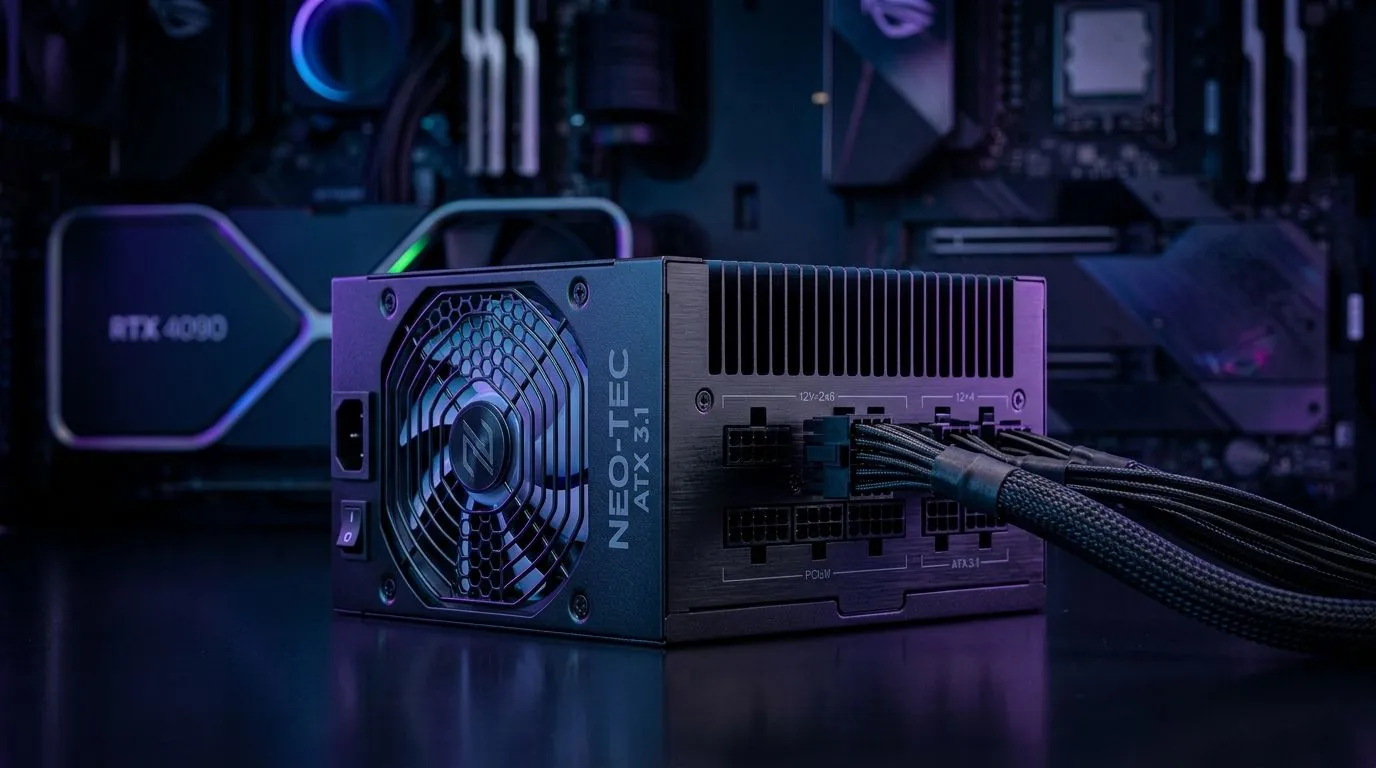
If you’re shopping for a new PSU in South Africa, the ATX 3.1 vs ATX 3.0 power supplies debate matters more than most people realise. A “good enough” unit can still leave you stuck later, especially if you upgrade to a newer GPU with higher power spikes. That’s the pain point... and it’s exactly why standards now matter as much as wattage.
For gamers, builders, and upgraders, the real question is simple: will your PSU keep up with modern graphics cards safely and cleanly? Let’s break it down without the fluff.
The biggest shift is not about raw power. It’s about how power is delivered to the GPU.
ATX 3.0 introduced support for high transient spikes... those sudden bursts of power that newer graphics cards can demand for milliseconds at a time. That was a big step forward for stability.
ATX 3.1 keeps that focus, but improves the GPU power connector design. The newer 12V-2x6 connector is the headline change. It replaces the earlier 12VHPWR approach and is designed to reduce the risk of poor insertion and overheating at the plug. That’s a practical upgrade, not just a spec-sheet tweak. For an overview of the connector evolution, see the PCI-SIG public details on 12V-2x6 and NVIDIA’s PSU guidance for modern GPUs.
If you’re browsing a trusted local option, start with Corsair power supplies at Evetech.
A lot of South African builders buy PSU wattage first and compatibility second. That can backfire.
Modern GPUs may not draw more power all the time, but they can spike hard under load. A PSU built for older standards might still run a card, yet the headroom can be tight. With ATX 3.1, the connector and compliance updates are meant to better support today’s flagship and near-flagship GPUs.
In plain English... if you’re eyeing a serious upgrade path, the newer spec reduces guesswork. It also helps if you want a build that feels future-ready rather than patched together.
For shoppers comparing brands, see GAMDIAS power supply options on Evetech as well.
Imagine a gamer in Joburg upgrading from an older RTX card to something newer and hungrier. The old PSU may still boot the system. But under a heavy 4K title, a poor cable fit or weak transient handling can turn into crashes, noise, or instability. Nobody wants that on a Friday night raid 😅
For a modern GPU build, don’t choose a power supply by watts alone. Check the connector standard, transient power support, and whether the PSU includes a native GPU cable that matches your graphics card.
When you’re choosing a PSU, keep it practical:
If your card needs the newer GPU plug, make sure the PSU supports it natively. Adapters work in some cases, but native support is cleaner and safer.
Don’t size only for the GPU. Add CPU load, storage, fans, and some breathing room. A PSU should run comfortably, not constantly at the edge.
A well-built 850W unit can be a smarter buy than a weak 1000W option. Look for reputable platforms, proper protections, and strong warranty support.
If you plan to keep the PSU across multiple builds, ATX 3.1 gives you a better shot at long-term compatibility with newer graphics cards.
For buyers who want efficiency as well, this curated local option can help: 80 PLUS efficient power supplies at Evetech.
Not every user needs the newest spec today.
The smartest South African buyers don’t chase labels alone. They buy for the build they have now... and the one they’ll want later. That’s how you avoid double spending.
If your upgrade path includes a modern GPU, the PSU is not the place to cut corners. The newer standard improves how power is delivered to demanding graphics cards, and that matters when frames, stability, and system longevity are on the line.
So here’s the simple rule: if the price difference is small, favour the newer standard. If a strong ATX 3.0 unit is on special and fully compatible, it can still be a smart buy. Either way, make sure the PSU suits the graphics card first... and the RGB later ✨
Ready to Find Your Perfect Match? The Mac vs Windows debate is complex, but for maximum power, choice, and value in South Africa, Windows is hard to beat. Explore our massive range of laptop specials and find the perfect machine to conquer your world.
ATX 3.1 updates power transient and protection expectations for modern GPUs, aiming to better handle short power spikes and reduce shutdown risk under load.
In many builds, ATX 3.0 can work, but ATX 3.1 more closely matches newer GPU power behavior, which can help stability for heavy transient loads.
You can often use compatible 12VHPWR or 12V-2x6 connections, but check the PSU cabling, pinout support, and manufacturer guidance for your exact GPU model.
ATX 3.1 targets improved handling of transient events, so the PSU stays within spec when the GPU rapidly changes draw during gaming or AI workloads.
ATX 3.1 places more emphasis on guardrails like overshoot control and protection behavior during rapid load changes to improve reliability.
Upgrade only if your current PSU lacks the right connector/cabling or if the new GPU’s guidance recommends newer compliance; otherwise you may be fine.
Look for the manufacturer’s ATX 3.1 documentation and official specs, plus connector support for your GPU, rather than relying on marketing terms alone.
Fortnite Requirements: Do You Need Upgrade in GPU Detailed answer with SA data, expert analysis & practical recommendations for local buyers.
Read more
Top Valorant Settings for RTX 5070: FPS Optimisation picks evaluated on performance, value & SA availability with current Rand pricing from Evetech.

RDNA 3.5 Graphics in Ryzen AI 400? Can You Game. Plain-English explanation of what it means, why it matters & how it affects your buying decisions in SA.

GPU Price Index : December Report. Current stock data & price tracking for SA buyers. See what is available and where prices are heading.

RX 9070 XT Elden Ring Nightreign at 4K: FPS. Real-world benchmark data, FPS numbers & performance analysis. What SA gamers can actually expect.

Core i5-14600K + B760 + RTX 5060 Build Under. Full parts list, Rand pricing & expected performance. Build confidently with SA-available components.

RX 7600 Apex Legends at 4K: FPS Benchmark. Real-world benchmark data, FPS numbers & performance analysis. What SA gamers can actually expect.

RX 7900 XTX GTA 6 at 4K: FPS Benchmark & Optimal. Real-world benchmark data, FPS numbers & performance analysis. What SA gamers can actually expect.

Head-to-head comparison of RTX 5070 vs RX 9070 XT: Gaming Performance for SA gamers. Performance benchmarks, Rand pricing & which delivers better value.

Top RTX 5070 Under R25,000 picks evaluated on performance, value & SA availability with current Rand pricing from Evetech.
Core i5-14600K + B760 + RTX 5060 Build Under. Full parts list, Rand pricing & expected performance. Build confidently with SA-available components.

Top Monitor for RX 9070: Resolution & Refresh Rate picks evaluated on performance, value & SA availability with current Rand pricing from Evetech.

Valorant Settings on RX 9060 XT: Performance. Real-world benchmark data, FPS numbers & performance analysis. What SA gamers can actually expect.