

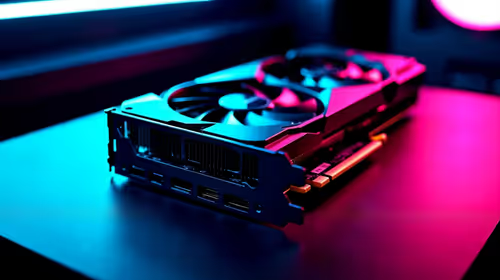
Should You Upgrade to the RX 7600 from a RTX 4090?
Should You Upgrade to the RX 7600 from a RTX 4090 Detailed answer with SA data, expert analysis & practical recommendations for local buyers.
Read moreLooking for the best budget SSD upgrades in South Africa under R1000? Boost your PC speed fast with the right SATA or NVMe pick, easy compatibility checks, and performance tips 🚀💾
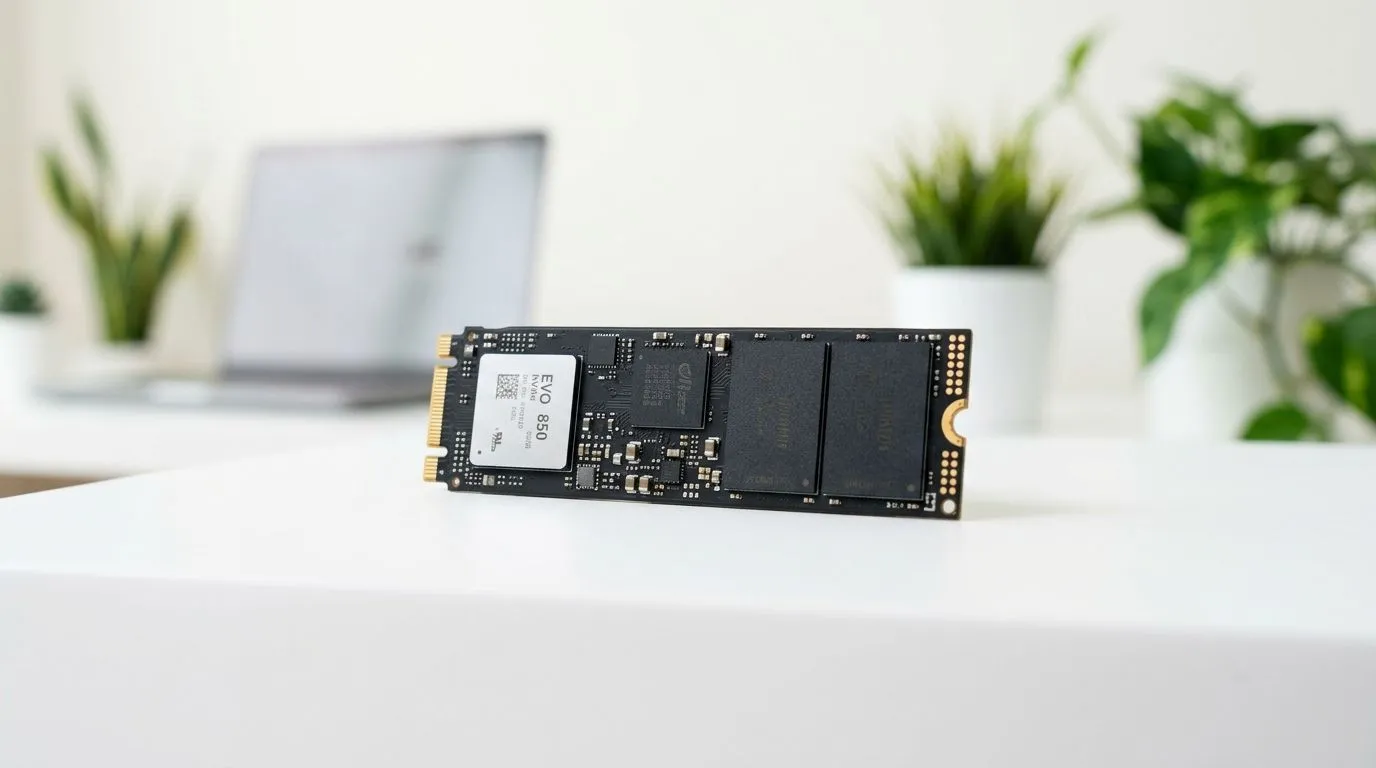
If your games stutter on load screens… or your Windows login feels like it’s taking a gap year, an SSD can help instantly. In South Africa, under R1000 is a sweet spot for real upgrades. You don’t need a full PC rebuild. You just need the right drive, installed correctly, and set up so your system actually uses it. 🔧
In this guide, we’ll walk you through choosing the best budget SSD upgrades in South Africa under R1000, with practical checks you can do today.
Most budget SSDs fall into two common formats: 2.5-inch SATA and M.2. Your PC decides which one you can use. Here’s the simple way to avoid wasted money.
For model browsing and compatibility options, start here:
If you know you want M.2, use the form factor filter:
A drive rated for faster generations may still work at lower speeds if your slot supports less. That’s not “bad”, but it is how people end up paying for performance they can’t unlock. If you’re comparing specs, focus on what your system supports.
To browse interface and generation options:
A new SSD won’t help if Windows is still booting from the old drive or if it’s not partitioned well. ⚡ Let’s keep it straightforward.
If you’re upgrading a Windows PC, back up first, then clone or migrate your OS to the new SSD. After the reboot, confirm Windows boots from the SSD (check BIOS boot order if needed). This prevents the “it’s installed but nothing got faster” problem. It also saves you time after long download sessions.
Budget SSDs won’t turn your PC into a rocket. But you should notice:
Those are the moments you notice between matches… and that’s the point. ✨
Price swings happen, especially on seasonal promos. If you’re trying to stay under R1000, keep your search narrow:
You can browse everything quickly from Evetech, using the filters above. When you’re ready, you’ll spend less time hunting and more time gaming. 🚀
Ready to Find Your Perfect Match? The Mac vs Windows debate is complex, but for maximum power, choice, and value in South Africa, Windows is hard to beat. Explore our massive range of laptop specials and find the perfect machine to conquer your world.
For most PCs under R1000, a quality SATA SSD is the safest pick. If your system supports NVMe, an NVMe drive can feel even faster.
Check your motherboard model and look for an M.2 NVMe slot. If you only see SATA ports or no M.2, choose a SATA SSD instead.
Yes. A SATA SSD can dramatically reduce Windows boot times and app load times, especially if your PC currently runs on an HDD.
For everyday use, 500GB is a common sweet spot. For tight budgets, 240GB or 256GB can work, but storage will fill quickly.
It mainly improves load times and stutter caused by slow storage. FPS gains are usually limited compared to GPU upgrades.
You can do either. Cloning keeps your setup, while a clean Windows install can start faster and avoid old system issues.
Confirm interface (SATA vs NVMe), capacity, physical fit (2.5-inch vs M.2), and that your PC supports the SSD form factor.
Most users notice faster boot and quicker app launches. Exact results depend on your current HDD speed and how your PC uses the drive.
Should You Upgrade to the RX 7600 from a RTX 4090 Detailed answer with SA data, expert analysis & practical recommendations for local buyers.
Read more
When Will the RTX 6090 Launch in South Africa Detailed answer with SA data, expert analysis & practical recommendations for local buyers.

Top Valorant Settings for RTX 5070: FPS Optimisation picks evaluated on performance, value & SA availability with current Rand pricing from Evetech.

RDNA 3.5 Graphics in Ryzen AI 400? Can You Game. Plain-English explanation of what it means, why it matters & how it affects your buying decisions in SA.

GPU Price Index : December Report. Current stock data & price tracking for SA buyers. See what is available and where prices are heading.

Core i5-14600K + B760 + RTX 5060 Build Under. Full parts list, Rand pricing & expected performance. Build confidently with SA-available components.

RX 7600 Apex Legends at 4K: FPS Benchmark. Real-world benchmark data, FPS numbers & performance analysis. What SA gamers can actually expect.

RX 7900 XTX GTA 6 at 4K: FPS Benchmark & Optimal. Real-world benchmark data, FPS numbers & performance analysis. What SA gamers can actually expect.

Head-to-head comparison of RTX 5070 vs RX 9070 XT: Gaming Performance for SA gamers. Performance benchmarks, Rand pricing & which delivers better value.

Top Laptop with Ryzen 5 + RTX 4090 Laptop: Picks picks evaluated on performance, value & SA availability with current Rand pricing from Evetech.

Top Budget GPU for Marvel Rivals picks evaluated on performance, value & SA availability with current Rand pricing from Evetech.

Valorant Settings on RTX 5070: Performance. Real-world benchmark data, FPS numbers & performance analysis. What SA gamers can actually expect.

Top Budget GPU for Assassins Creed Shadows picks evaluated on performance, value & SA availability with current Rand pricing from Evetech.