

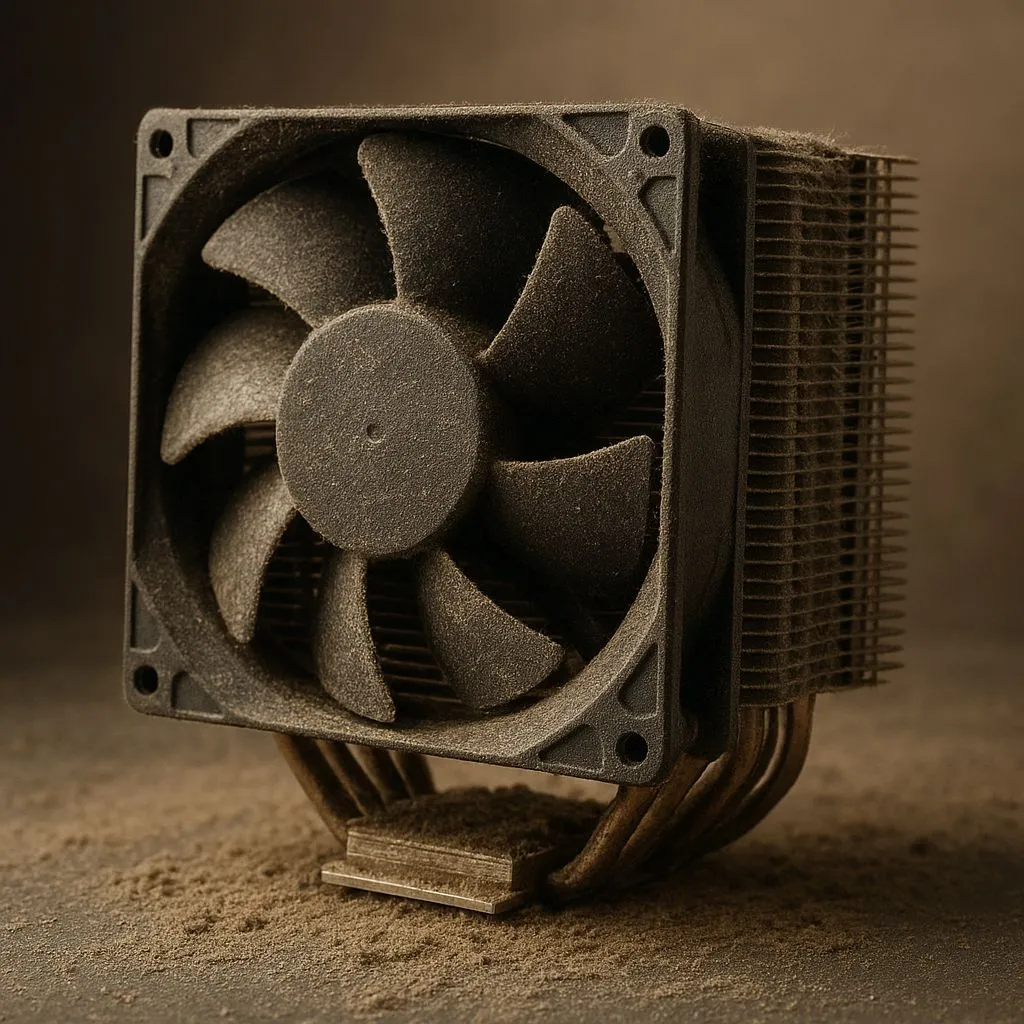
Ah, South Africa. Brilliant sunshine, epic landscapes, and... dust. Lots of it. If you've ever opened your PC case to find a small, fuzzy desert inside, you know the struggle. That build-up isn't just ugly; it's a silent performance killer, slowly choking your CPU. Finding the best CPU cooler for our uniquely dusty environments isn't a luxury—it's essential for keeping your rig running cool and fast. Let's dive in. ❄️
Why Dust is a CPU's Worst Nightmare
Think of dust as a tiny, unwanted blanket for your processor. Every speck that settles on your cooler's heatsink or radiator fins acts as an insulator, trapping heat. Your PC's fans then have to work harder and spin faster to try and dissipate that heat, creating more noise.
When they can't keep up, your CPU's temperature skyrockets. To protect itself, the processor will automatically slow down—a process called thermal throttling. Suddenly, your smooth 144 FPS in Apex Legends drops to a stuttery mess during a crucial fight. This is why choosing from a range of modern CPU coolers designed for high performance is the first step to victory.
Air vs. Liquid: The Best CPU Coolers for Dusty Environments
The age-old debate gets a new twist in dusty conditions. Both air and liquid coolers have their pros and cons, and the right choice often comes down to your setup and maintenance habits.
The Case for Air Cooling
A traditional air cooler is a simple, reliable workhorse. It uses a metal heatsink with fins to draw heat away from the CPU, and a fan to blow that heat away.
- Pros: Generally more affordable, simpler installation, and fewer points of failure (no pumps or liquid). Cleaning is often straightforward—a can of compressed air can clear out most of the gunk from the fins.
- Cons: Large, high-performance models can be bulky, potentially interfering with tall RAM modules. The fans are also susceptible to dust build-up, which can degrade the bearings over time.
The Argument for Liquid Cooling (AIO)
An All-In-One liquid cooler moves heat via a liquid to a radiator, which is then cooled by fans. This approach can offer superior thermal performance, especially for high-end CPUs.
- Pros: Excellent cooling capacity and a cleaner look around the CPU socket. The radiator is often mounted to the case's front or top panel, making its fins easier to access and clean than a dense heatsink tower.
- Cons: More complex, with potential failure points like the pump or tubing. The radiator's delicate fins can get clogged easily, requiring more frequent cleaning to maintain peak efficiency.
Your SA Dust Defence Plan 🔧
Create a simple cleaning schedule. In a dusty area like the Highveld, aim for a quick clean every 3 months. Power down, take your PC outside, and use short bursts of compressed air to blow dust out of your case filters, fans, and cooler fins. A little regular maintenance goes a long way to preventing thermal throttling!
What to Look For in a Dust-Resistant CPU Cooler
When choosing the best CPU cooler for a dusty environment, a few key features make a massive difference. Look beyond the raw cooling numbers and consider these practical aspects. ✨
Fan Technology and Static Pressure
Fans are your first line of defence. Look for models with high static pressure, which is a measure of how well a fan can push air through a dense, restrictive surface like a heatsink or radiator. This power helps overcome the initial resistance caused by dust build-up. Additionally, coolers from brands like CORSAIR often feature advanced bearings (like Magnetic Levitation) that are better sealed against dust, ensuring a longer lifespan.
Radiator and Heatsink Design
For liquid cooling, bigger can be better. A larger surface area, like that on a 360mm radiator, means that even if a portion of it gets clogged with dust, there's still plenty of clean surface area left to effectively cool the liquid. For air coolers, look for models with widely spaced fins, as they are less likely to trap dust and are far easier to clean.
Ultimately, preventing your PC from turning into a dust bunny farm is about smart component choices and a little bit of upkeep. By choosing a cooler designed to handle the grit, you ensure your machine stays frosty and fast, no matter what the South African climate throws at it.
Ready to Beat the Heat? Don't let dust throttle your performance. A quality CPU cooler is one of the most important investments for any South African PC build. Explore our massive range of CPU coolers and find the perfect solution to keep your rig running at peak performance.








