

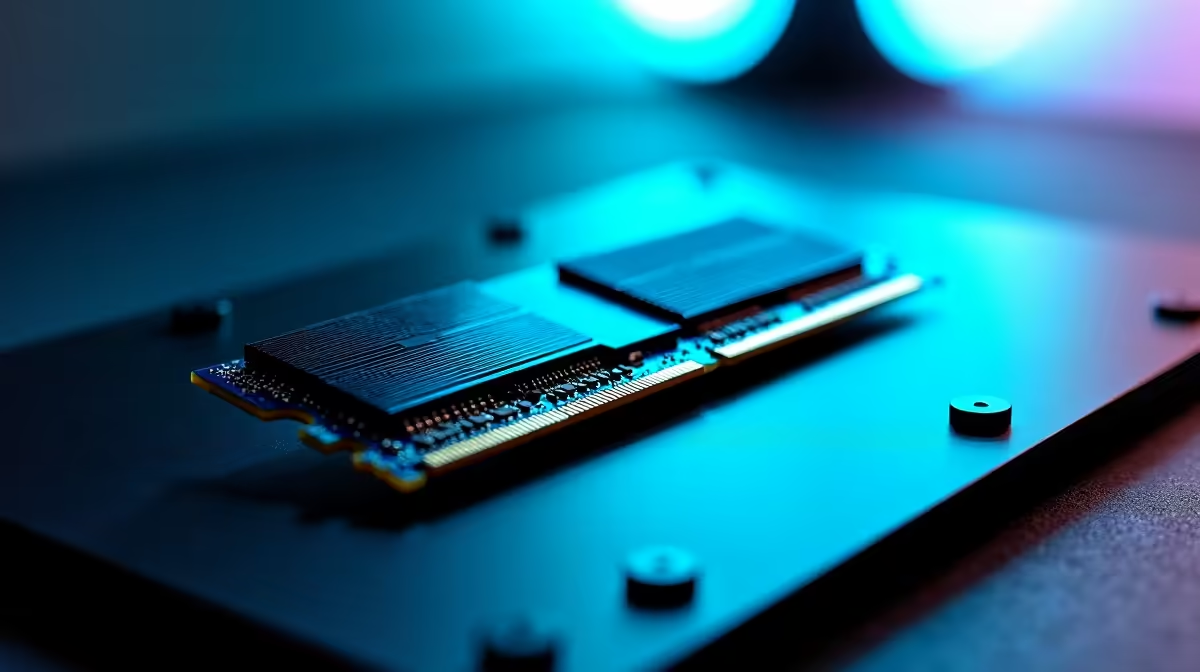
Keen to get your hands on AI models like DeepSeek, but your PC sounds like it's about to take off just thinking about it? You're not alone. Across South Africa, tech enthusiasts are discovering that running powerful AI locally isn't just for data centres anymore. It does, however, demand serious hardware. The secret weapon isn't just a beefy GPU; it's having the best RAM for DeepSeek to feed that beast. Let's get your rig ready. 🚀
Why Your RAM Choice is Crucial for DeepSeek
Before we dive into gigabytes and clock speeds, let's clarify what we're dealing with. DeepSeek is a family of Large Language Models (LLMs), massive AI systems that need to be loaded into your computer's memory to function. Think of RAM as your PC's workbench. The bigger and faster the bench, the more complex the project you can handle without slowing down.
When you run an AI model, it's loaded from your storage (SSD) into your RAM and, more importantly, your graphics card's VRAM. Insufficient capacity is a hard stop; the model simply won't load. This makes finding the right RAM for AI models a critical first step. A balanced system is key, which is why modern platforms are so important. For example, the latest motherboards found in many powerful AMD Ryzen PC deals are built to handle high-capacity, high-speed memory kits.
Decoding RAM Specs: What Matters for AI Performance?
When shopping for memory, you'll see a lot of numbers. For AI workloads, the hierarchy of importance is a bit different from gaming.
Capacity: The Undisputed King 👑
For DeepSeek and other LLMs, capacity is everything. The size of the model you can run is directly limited by your available VRAM and system RAM.
- 32GB: A decent starting point for gamers, but you'll be limited to smaller, less complex AI models.
- 64GB: This is the sweet spot for many enthusiasts experimenting with powerful models. It provides enough headroom for the OS and the AI without constant swapping to your SSD.
- 128GB+: If you're serious about fine-tuning models or running the largest versions available, this is your target. Systems like our customisable Workstation PCs are designed for these demanding memory requirements.
VRAM: Your GPU's Personal Workbench
While system RAM is crucial, the model's core calculations happen on the GPU. This means your graphics card's own memory (VRAM) is often the primary bottleneck. A card with 16GB or 24GB of VRAM will vastly outperform one with 8GB, regardless of system RAM. This is why high-end cutting-edge NVIDIA GeForce gaming PCs are so popular for this kind of work. Of course, there are excellent alternatives, with both AMD Radeon gaming PCs and the increasingly competitive Intel Arc gaming PCs offering compelling VRAM capacities for their price points.
Speed and Latency
DDR5 is the modern standard, offering much higher bandwidth than DDR4, which helps feed data to the CPU and GPU faster. While raw speed (measured in MT/s) is important, for LLMs, it's secondary to just having enough RAM. Don't sacrifice 64GB of DDR5 for a slightly faster 32GB kit. The capacity will give you a far greater performance uplift for AI tasks.
Pro Compatibility Tip 🔧
Before buying any RAM kit, check your motherboard's Qualified Vendor List (QVL) on the manufacturer's website. This list confirms which specific RAM modules have been tested and are guaranteed to work at their advertised speeds. It's the best way to avoid frustrating stability issues down the line!
Choosing the Best RAM for Your DeepSeek Setup
Finding the best RAM for DeepSeek depends on your goals and budget. Whether you're upgrading or building new, there's a clear path forward.
For those starting from scratch, many pre-built PC deals provide a fantastic, balanced foundation that you can easily add more RAM to later. If you're on a tighter budget, starting with one of our affordable budget gaming PCs equipped with a motherboard that has four RAM slots is a smart move. You can begin with a 32GB (2x16GB) kit and add another identical kit later to double your capacity without replacing your initial investment.
Ultimately, the best DeepSeek RAM requirements are met by a modern platform that can support high-capacity DDR5. Both sides of the aisle offer great options, so it's worth exploring our latest Intel PC deals to see which platform best suits your overall needs, from core count to connectivity. The journey into local AI is an exciting one, and with the right memory configuration, your PC will be more than ready for the challenge. ✨
Ready to Unleash Your AI Potential? From tweaking code to exploring massive datasets, the right rig is everything. Don't let a RAM bottleneck limit your ambition. Check out our best gaming PC deals and find a high-performance base station ready for your next AI adventure.











