

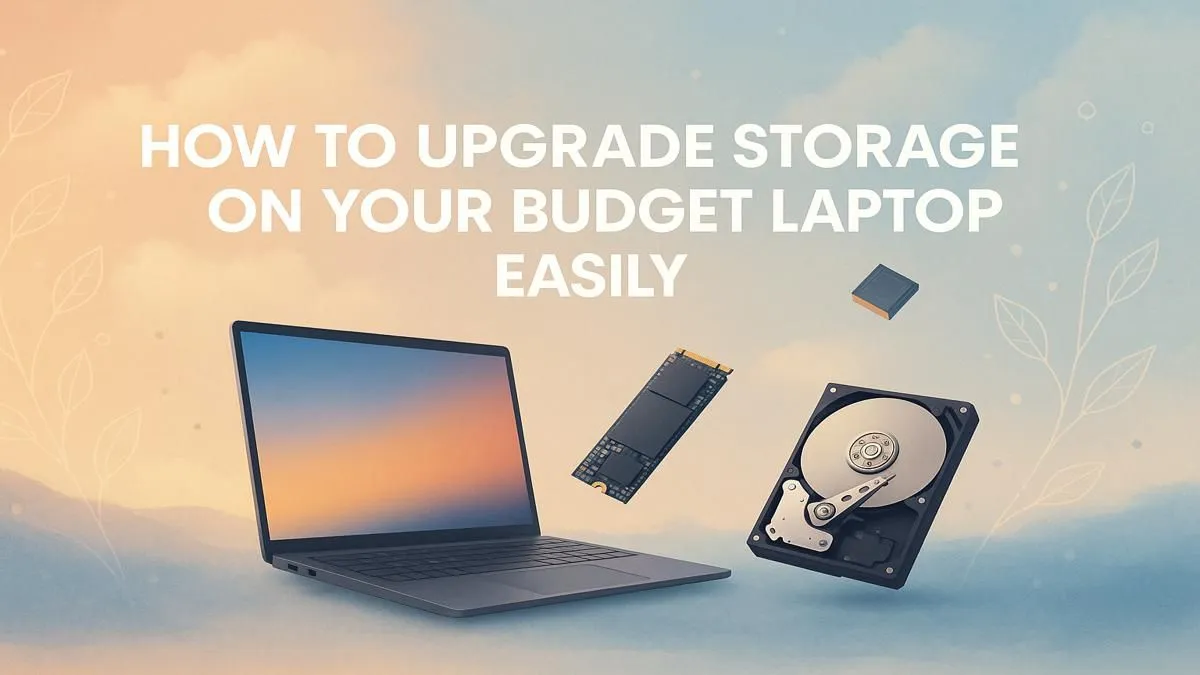
Is your laptop groaning under the weight of the latest game updates? That dreaded "Low Disk Space" warning always seems to pop up at the worst possible moment. It’s a classic problem, especially with older or budget machines. But what if we told you a simple laptop storage upgrade is one of the most affordable, high-impact improvements you can make? It’s the secret to reviving your machine and getting back in the game, faster. 🚀
Why Your Laptop Feels So Slow (and How a Storage Upgrade Fixes It)
Remember when your laptop was brand new? It booted up in seconds and launched apps instantly. Over time, that speed fades. While there are many reasons for this, the biggest culprit in a budget laptop is often the old-school Hard Disk Drive (HDD).
HDDs use spinning platters and a mechanical arm to read data… think of it like a tiny record player. It’s slow, fragile, and chugs when you try to load a big game or multiple programs.
A laptop storage upgrade to a Solid State Drive (SSD) changes everything. An SSD has no moving parts. It uses flash memory, making it astonishingly fast and durable. The difference isn't just noticeable; it's transformative. Windows boots faster, games load in a fraction of the time, and the whole system feels snappy and responsive again.
Understanding Your Options: SSD vs. HDD
Making the right choice is key to a successful upgrade. For most people, the decision is simple, but let's break it down.
- Hard Disk Drive (HDD): The old standard. It offers massive amounts of storage for a very low price. Great for archiving files, but its slow speed makes it a poor choice for your main (boot) drive.
- Solid State Drive (SSD): The modern champion of speed. ⚡ While a bit more expensive per gigabyte, the performance boost is immense. An SSD is the single best performance-enhancing laptop storage upgrade you can perform.
For gamers, this means the difference between waiting minutes for a map to load and jumping straight into the action. Many modern gaming laptops, like those from top-tier brands like MSI, now come with fast SSDs as standard for this very reason.
Choosing the Right Drive: SATA vs. NVMe M.2
Okay, so you've decided on an SSD. Awesome! But there's one more choice to make. SSDs come in two main flavours for laptops:
2.5-inch SATA SSD
This drive looks like a traditional laptop hard drive. It's the most common format and is compatible with almost any laptop that has an HDD, making it a straightforward choice for upgrading older machines. Even budget-friendly Lenovo laptops often have an accessible bay perfect for this kind of simple storage upgrade.
NVMe M.2 SSD
This looks more like a stick of RAM. It's smaller, plugs directly into the motherboard, and is ridiculously fast—many times faster than a SATA SSD. Most newer laptops have a slot for one of these. If your laptop is compatible, an NVMe drive is the ultimate performance choice. Brands like ASUS are known for including these slots even in their more affordable models.
Upgrade Pro Tip 🔧
Don't want to reinstall Windows and all your apps from scratch? Use a cloning tool like Macrium Reflect (Free Edition) or Clonezilla. These programs copy everything from your old drive to your new SSD, bit for bit. Once cloned, you just swap the drives, and your laptop will boot up exactly as you left it... only much, much faster.
Is a Laptop Storage Upgrade Right for You?
So, should you pull the trigger? Let's consider.
A laptop storage upgrade is perfect if:
- Your laptop is generally fine, just slow and out of space.
- You're on a tight budget but crave better performance.
- You enjoy a bit of light DIY and want to extend your machine's life.
However, it might be time for a new machine if:
- Your processor, RAM, and graphics card are also struggling with modern games and apps.
- The laptop's battery is shot, and the screen is looking dated.
- You're not comfortable opening up your device.
Sometimes, putting that upgrade money towards a brand new machine with a full warranty is the smarter move. You can find some fantastic deals on modern HP laptops with fast storage already installed, giving you a fresh start with all the latest tech.
Ultimately, whether you're performing a simple upgrade or investing in a new rig, moving from an HDD to an SSD is one of the most satisfying performance boosts you can experience. ✨
Ready for a Speed Boost? A laptop storage upgrade can breathe new life into your machine. But if it's time for a complete overhaul, we've got you covered. Explore our massive range of laptop specials and find the perfect rig with lightning-fast storage built-in.











