

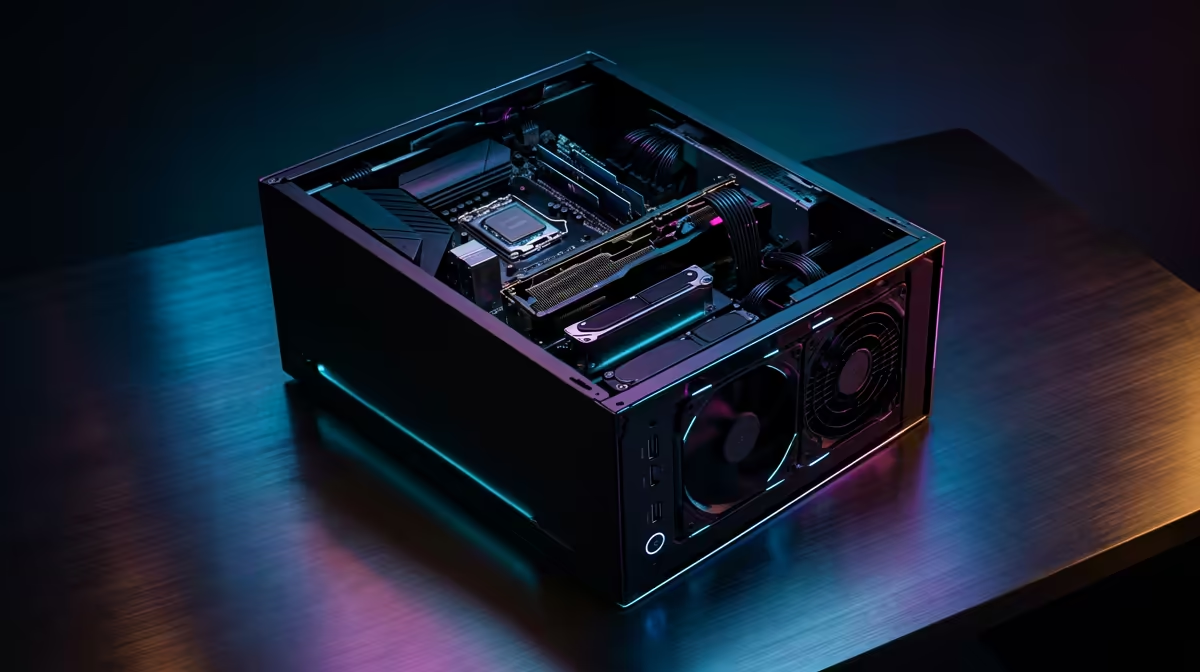
Is your PC choking on 4K footage? Are render times longer than a Stage 6 load shedding slot? You're not alone. Many South African creators believe getting professional video editing performance requires breaking the bank. The good news is that a smart, budget PC upgrade for video editing can give you the power you need without emptying your wallet. Let's dive into the components that matter most and how to get that pro power for less. 🚀
Your Editing Engine: CPU & RAM Upgrades
The heart of any video editing rig is the Central Processing Unit (CPU). It handles encoding, rendering, and complex calculations. More cores and higher clock speeds mean faster exports. For a cost-effective video editing build, you have two excellent choices.
Team Blue offers fantastic single-core performance, which is great for timeline responsiveness. You can find some incredible value in their Core i5 and i7 lineups by checking out the latest Intel PC deals. On the other hand, Team Red often dominates in multi-core value, making their Ryzen processors a top choice for chewing through long renders. Exploring the current AMD Ryzen PC deals can reveal some serious power for your money.
Pair your new CPU with at least 16GB of fast RAM, though 32GB is the sweet spot for a smooth 4K editing experience.
The Visual Accelerator: Choosing a Smart GPU
While the CPU does the heavy lifting for final rendering, the Graphics Processing Unit (GPU) is crucial for smooth playback, real-time effects, and colour grading. A powerful GPU makes your timeline feel fluid, not choppy. This is a key area for any budget PC upgrade for video editing.
Many professional editing suites like Adobe Premiere Pro and DaVinci Resolve are heavily optimised for NVIDIA's CUDA cores. This often gives them an edge in performance for effects and accelerated exports. A PC built around an NVIDIA GeForce GPU is a safe and powerful bet. However, don't discount AMD. Their recent cards offer amazing raw performance and value, making an AMD Radeon gaming PC a potent and affordable editing PC upgrade.
Editing Pro Tip ⚡
To dramatically improve timeline performance on any machine, use proxies! Most editing software can create low-resolution copies of your high-res footage. You edit with these smooth 'proxy' files, and the software automatically swaps in the full-quality originals for the final export. It's the ultimate trick for editing 4K or even 8K video on a budget-friendly rig.
Storage Speed is Non-Negotiable
Have you ever tried scrubbing through your timeline only to be met with a spinning wheel of death? That's often a storage bottleneck. Your old hard drive just can't feed data to your CPU fast enough. The single most impactful upgrade for responsiveness is moving your operating system, software, and active project files to a super-fast NVMe SSD.
The speed difference is night and day. Files open instantly, and timeline scrubbing becomes buttery smooth. This simple step is a cornerstone of getting pro power on a budget.
Putting It All Together for Pro Power
So, what's the best path for your upgrade? You could buy individual components, but if you're looking for a balanced, tested system without the hassle, a pre-built machine offers incredible value. An affordable PC upgrade for editing might just be a whole new PC. 🔧
For those handling intense projects with multiple 4K streams, complex visual effects, and tight deadlines, stepping up to a purpose-built machine is the ultimate move. These high-performance Workstation PCs are optimised for stability and raw power, ensuring your hardware never holds your creativity back. This proves you can achieve a budget PC upgrade for video editing that delivers truly professional results.
Ready to Banish the Render Bar? A budget PC upgrade for video editing doesn't have to be complicated. Stop waiting and start creating. Whether you need a component or a complete powerhouse, we've got the gear to bring your vision to life. Explore our incredible pre-built PC deals and find your perfect editing rig today.











