


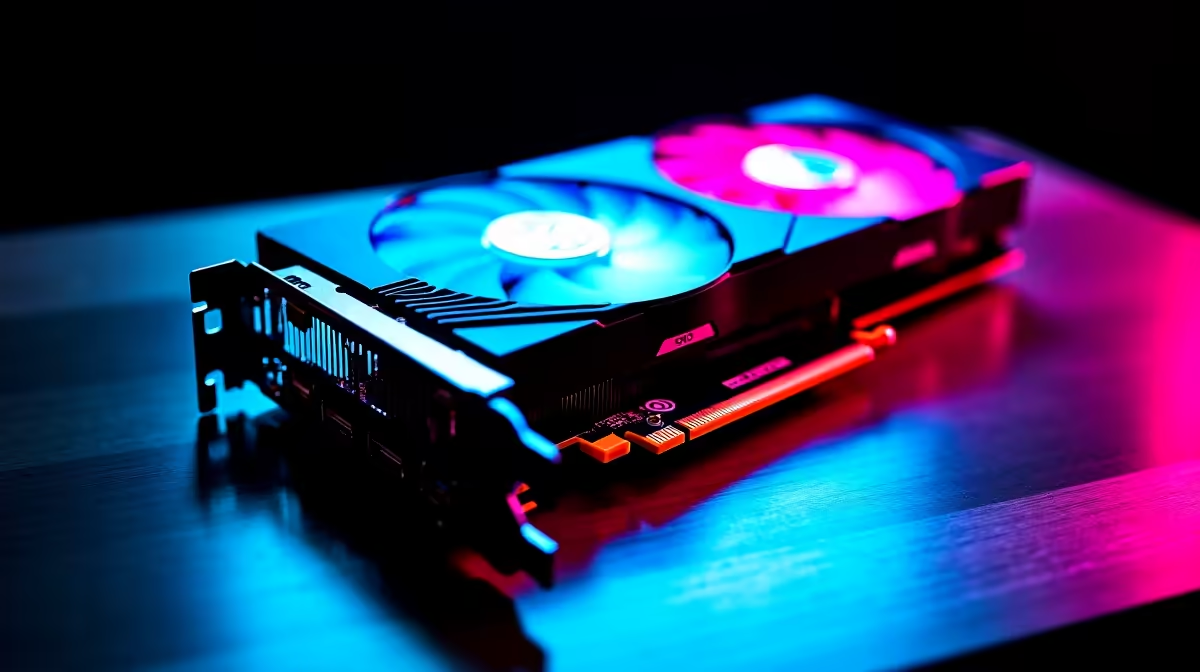
Thinking of building a gaming rig on a budget? The temptation to scour online marketplaces for used PC components in South Africa is real. A second-hand GPU for a few thousand Rand less? Yes please! But that amazing deal can quickly turn into a costly paperweight. Before you part with your cash, you need a game plan. This expert guide will help you navigate the world of pre-owned hardware and decide if the savings are worth the risk. 🤔
Why Consider Used PC Components in South Africa?
The biggest draw is obviously the price. You can potentially build a capable mid-range PC for the price of a new entry-level system by sourcing second-hand parts. For savvy builders, finding a hidden gem—like a lightly used CPU from someone who just upgraded—is part of the thrill.
However, buying used PC components is a high-stakes game. There are no warranties, no returns, and no guarantees. You're relying on the seller's honesty and your own ability to spot a dud. That's why a thorough inspection is not just recommended... it's essential.
Your Pre-Purchase Checklist for Second-Hand PC Parts
Don't get caught out. Use this checklist to inspect the most common components before you buy. If a seller refuses to let you test or see the part running, walk away.
### Processors (CPUs)
A CPU is often a safe bet, as it has no moving parts. The main danger is physical damage.
- Intel (LGA): Check the contact pads on the CPU for scratches, but more importantly, ask for clear photos of the motherboard socket to check for bent pins.
- AMD (PGA): Inspect the CPU pins very carefully. A single bent or missing pin can render it useless. If you're looking for peace of mind, exploring new CPU processors online comes with a full warranty.
### Graphics Cards (GPUs)
This is the riskiest buy. ⚡ A GPU could have been thrashed for years mining cryptocurrency and be on its last legs.
- Ask for a benchmark: Request a video of it running a stress test like FurMark or a demanding game for at least 15 minutes. Watch for artifacts (weird colours or shapes), crashes, or excessive temperatures.
- Check the cooler: Ensure the fans spin freely and aren't making grinding noises.
- Physical Inspection: Look for any signs of damage or modification on the circuit board. Buying from our range of new Nvidia and ATI graphics cards guarantees you're the first and only user.
GPU Testing Pro Tip 🔧
When testing a used GPU, ask the seller to run GPU-Z alongside the benchmark. This free utility shows you the card's exact model, clock speeds, and, most importantly, its real-time temperature and fan speed. If the temperature rockets past 90°C or the fans sound like a jet engine, it could be a sign of a failing cooling system or old thermal paste.
### Motherboards
A faulty motherboard can be a nightmare to diagnose.
- Inspect the CPU socket: Look for any bent pins (LGA) or debris. This is the most critical area.
- Check capacitors: Look for any that are bulging or leaking—a sure sign of failure.
- Test all ports: If possible, test the USB ports, audio jacks, and especially the RAM slots. Sometimes a single slot can be dead. Often, a new budget-friendly Intel or AMD based motherboard is a much safer foundation for your build.
### RAM
Used RAM is generally reliable, but it's not immune to failure.
- Run MemTest86: The gold standard for testing memory. Ask the seller if they can run it for a few passes and send you a picture of the results. Any errors mean you should pass.
- Visual Check: Ensure the contacts are clean. While you're at it, check out the prices on new DDR gaming RAM modules; sometimes the small saving isn't worth the risk.
### Power Supplies (PSUs)
Rule #1: Avoid buying used PSUs if you can. A failing power supply can take your entire system with it when it goes. It's the one component where skimping is a terrible idea. The internal components degrade over time, and you have no idea what conditions it has operated under. A brand new, reliable Corsair power supply is a small price to pay for protecting your entire investment.
### Storage (SSDs & HDDs)
You need to know the health of a used drive.
- Ask for a CrystalDiskInfo screenshot: This tool shows the drive's power-on hours, error rates, and overall health status. For SSDs, it also shows Total Host Writes, giving you an idea of its remaining lifespan.
- For peace of mind and top performance, nothing beats a fresh install on one of our new Solid State Drives.
### Cases, Coolers & Fans
These are generally the safest second-hand PC parts to buy.
- Cases: Check for dents, stripped screw threads, and ensure all accessories (screws, drive bays) are included. A new computer case ensures a perfect finish.
- Coolers: Make sure it includes the correct mounting brackets for your motherboard and CPU. Check that the fan works. Remember you'll always need fresh paste from our thermal solutions section.
- If the included cooler is suspect, a new aftermarket CPU cooler is an affordable and vital upgrade.
The Risk vs. Reward: Is It Worth It?
Buying used PC components in South Africa can save you money, but it requires patience, knowledge, and a bit of luck. For every successful bargain, there's a story of someone who bought a dud. The lack of a warranty is the biggest factor.
Before you commit to a private sale, consider a middle ground. What if you could get guaranteed, compatible parts that work perfectly together, all with a full warranty? That's where pre-configured upgrade kits shine. Our Intel and AMD based bundle packs offer a professionally matched CPU, motherboard, and RAM combo, taking all the guesswork and risk out of your upgrade. ✅
Ready to Build with Confidence? Hunting for used parts can be a gamble. Why not skip the stress? Build your dream rig with brand-new, warrantied components that you can trust. Explore our massive range of PC components and get the performance you deserve, risk-free.










