

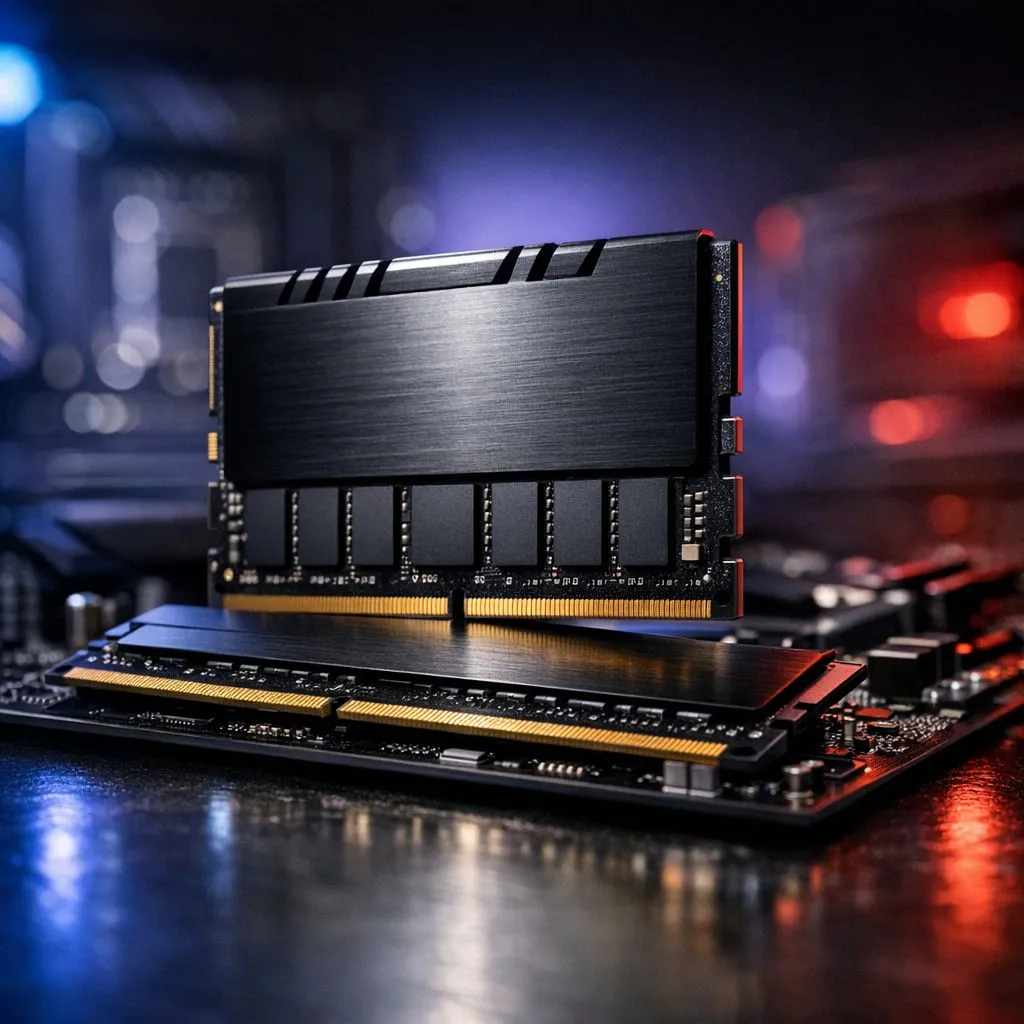
Planning a PC upgrade is one of the best feelings, hey? You're scrolling through shiny new parts, imagining those extra frames per second or faster workflow. But before you splash out on that lightning-fast RAM kit, there's a crucial step many South African builders skip. Getting it wrong means a PC that won't even boot. This guide makes it simple to check RAM compatibility for any Intel or AMD motherboard, saving you time, money, and a massive headache.
Why RAM and Motherboard Compatibility is Crucial
Think of your motherboard as the central nervous system of your PC and the RAM as its short-term memory. If they can't communicate perfectly, nothing works. Incompatibility isn't just a small glitch; it can lead to your PC refusing to POST (Power-On Self-Test), random blue screens of death, or performance that's far worse than you paid for.
Ensuring your RAM and motherboard compatibility is the first step to a stable, high-performance machine. A few minutes of checking now prevents hours of troubleshooting later.
The Three Pillars of RAM Compatibility
Getting this right boils down to three key factors. Nail these, and you're 99% of the way there.
1. DDR Generation: The First Hurdle
DDR stands for "Double Data Rate," and the number that follows (e.g., DDR4, DDR5) signifies its generation. Each generation is a major leap in technology, offering faster speeds and better efficiency.
The most important thing to know? DDR generations are not backwards or forwards compatible. You cannot fit a DDR5 stick into a DDR4 slot, or vice-versa. The physical notches on the modules are in different places to prevent this.
- DDR3: This is older technology, typically found in PCs built before 2014. If you're maintaining an older rig, you'll still find reliable DDR3 gaming RAM modules available.
- DDR4: For years, this has been the gold standard for gaming and productivity. It offers a fantastic balance of price and performance, making DDR4 memory the most common choice for many current builds.
- DDR5: The latest and greatest. 🚀 If you're building a top-tier PC with a new Intel or AMD CPU, you'll want the incredible speeds that DDR5 memory provides.
2. RAM Speed & Your Motherboard's Limit
RAM speed is measured in Megahertz (MHz). While faster is generally better, your motherboard has a maximum speed it officially supports. Buying 7200MHz RAM for a motherboard that only supports up to 5200MHz is a waste of money, as it will just run at the lower speed.
Always check your motherboard's specification page on the manufacturer's website to find its maximum supported memory speed.
Find Your Mobo Model Fast 🔧
Don't want to open your PC case? No problem. Press Win + R, type msinfo32, and hit Enter. The System Information window will pop up. Look for 'BaseBoard Manufacturer' and 'BaseBoard Product'—that's your motherboard's brand and exact model name. Easy!
3. Capacity & DIMM Slots
Finally, consider how much RAM your motherboard can handle (e.g., 64GB, 128GB, 192GB) and how many DIMM slots it has (usually two or four). For the best performance, it's always recommended to install RAM in pairs (e.g., two 16GB sticks instead of one 32GB stick) to take advantage of dual-channel memory architecture. This effectively doubles the data bandwidth between the memory and the CPU.
Your Ultimate Tool: The Motherboard QVL
So, how do you tie all this together and guarantee compatibility? The answer is the QVL, or Qualified Vendor List.
This is a list, published by your motherboard's manufacturer, of every single RAM kit they have personally tested and certified to work with that specific board. To check RAM compatibility using the QVL is the most reliable method.
Here’s how to find it:
- Identify your motherboard model using the tip above or by looking at the board itself.
- Go to the manufacturer's website (e.g., ASUS, MSI, Gigabyte, ASRock).
- Find your model's product page and navigate to the "Support" section.
- Look for "Memory Support," "Memory/Device Support," or "QVL." It's usually a downloadable PDF file.
- Open the list and check it against the model number of the RAM you want to buy. You'll often find popular kits from brands like Kingston or high-performance options from ADATA listed there.
If the RAM kit's exact model number is on the QVL, you can buy it with 100% confidence. ✨
What if the RAM Isn't on the QVL?
This is a common question. Does it mean the RAM won't work? Not necessarily. Motherboard makers can't possibly test every single RAM kit on the market. Often, a kit that isn't listed will still work fine, especially if it has the same specs (speed, timings, voltage) as one that is listed.
However, for guaranteed stability and peace of mind, especially for your first build or a critical workstation, sticking to the QVL is the smartest move. It removes all the guesswork from the process.
Ready to Find Your Perfect Memory Match? Now that you know how to check RAM compatibility like a pro, the fun part begins. Avoid the guesswork and find the guaranteed-compatible memory for your rig. Browse our massive range of RAM and give your PC the speed boost it deserves.











