

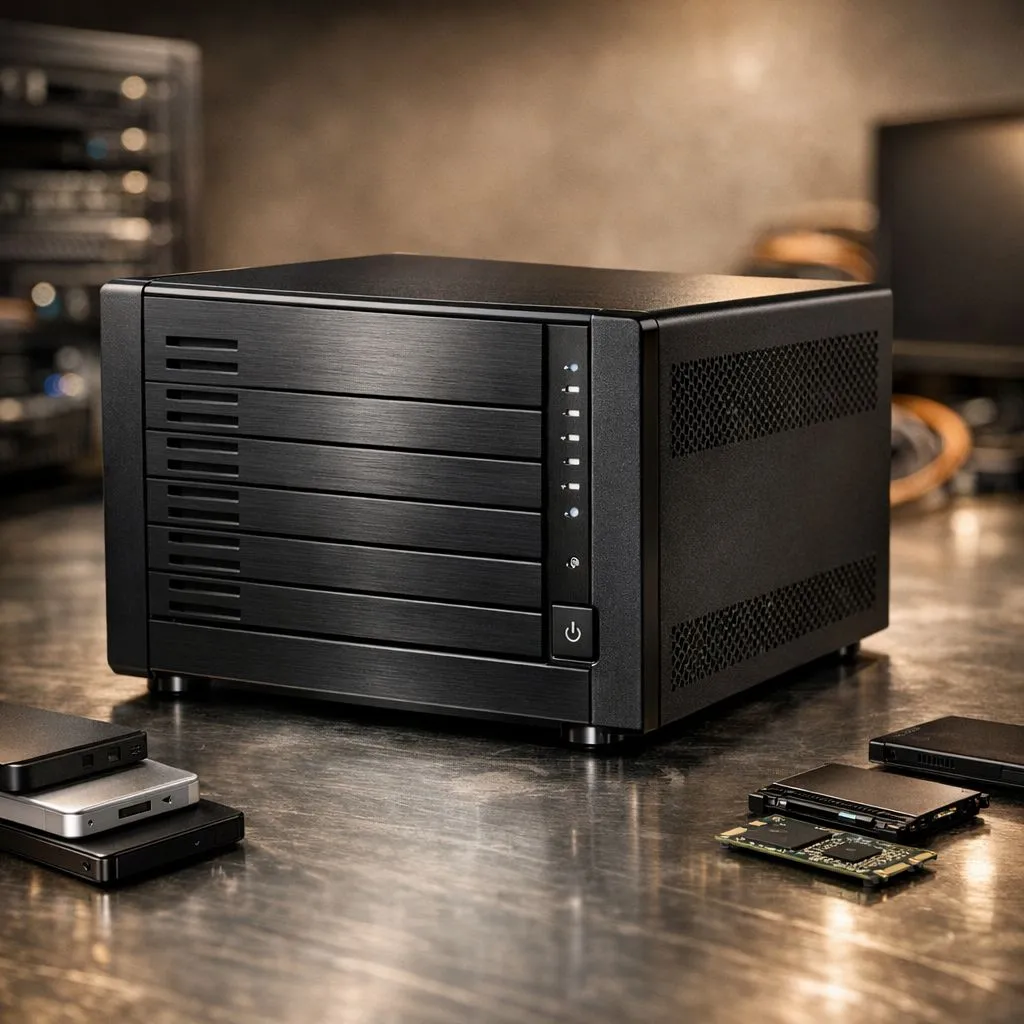
Why You Should Consolidate Multiple Drives to One External Drive
Tired of hunting through four different USB sticks and two old HDDs just to find that one folder of gaming clips? We have all been there. Managing a drawer full of cables is a headache. It is time to simplify your setup. Let us show you how to consolidate multiple drives to one external drive and reclaim your digital sanity today. 🚀
The primary benefit of consolidation is speed. Modern external SSDs offer transfer rates that leave old mechanical drives in the dust. Instead of waiting ten minutes for a 50GB game folder to move... you could be done in seconds. Beyond speed, having a single point of truth for your data makes backups much easier to manage.
Selecting the Perfect Storage for Your Data Migration
Before you start moving files, you need the right hardware. Not all storage is created equal. While traditional hard drives are cheap, modern solid state drives are far more reliable for South African gamers on the move. They have no moving parts... which means they can survive a bump in your laptop bag much better than an old HDD.
When browsing, look specifically for external form factor options that support USB 3.2 or higher. This ensures you aren't bottlenecked by your cable when moving terabytes of data.
Data Integrity Tip ⚡
Always use the 'Copy' command instead of 'Cut' when moving large amounts of data to a new drive. If the power dips or a cable nudges loose during the transfer, your original files remain safe on the source drive. Only delete the old files once you have verified the new copies work perfectly.
High-Performance Hardware for Seamless Transfers
Reliability is everything when you are putting all your digital eggs in one basket. Brands like ADATA SSDs provide excellent value for money in the ZAR market... offering rugged designs that withstand daily use. If you prefer industry-standard longevity, Western Digital drives are a fantastic choice for long-term archival. 🔧
While external drives are great for portability, remember that your internal system speed matters too. If your PC is struggling to push data out fast enough, upgrading to Gen 5 NVMe drives for your primary OS can make the entire consolidation process feel instantaneous.
Step-by-Step: Moving Your Files Safely
To consolidate multiple drives to one external drive effectively, follow these simple steps:
- Audit your data: Delete those old installers and blurry screenshots you no longer need.
- Organise by category: Create top-level folders like "Gaming", "Work", and "Media" on your new drive. ✨
- Transfer in batches: Don't try to move 2TB at once. Move one drive at a time to monitor for errors.
- Verify the data: Open a few files from the new drive to ensure nothing was corrupted during the move.
By streamlining your storage, you reduce clutter and ensure your setup is ready for the next big AAA release. ⚡
Ready to Find Your Perfect Match? Consolidating your data is the first step toward a cleaner, faster gaming experience. For maximum power, choice, and value in South Africa, our storage range is hard to beat. Explore our massive range of external SSD specials and find the perfect machine to conquer your world.











