

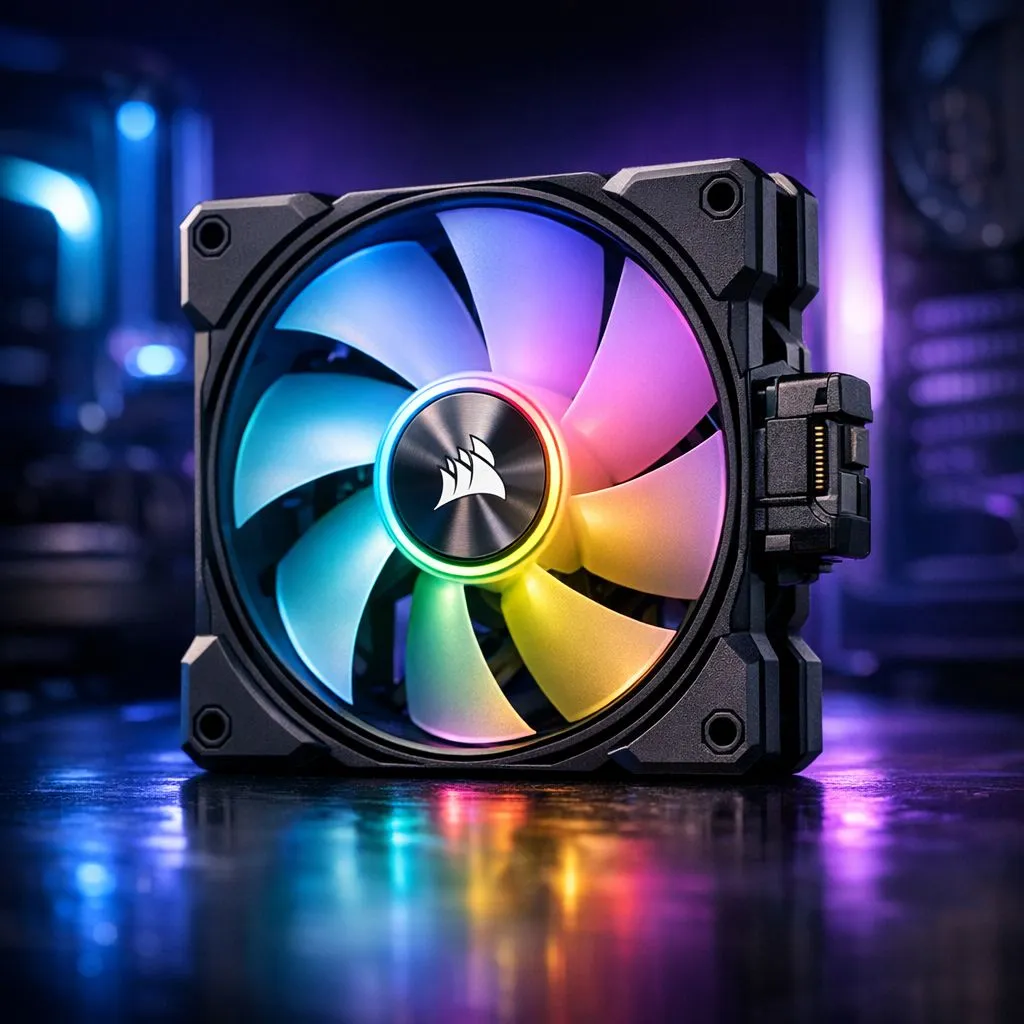
Add a Corsair iCUE LINK Single Fan to your rig — quick wins for South African builders 🔧
If your PC is humming under load, a Corsair iCUE LINK Single Fan can be the easiest upgrade to drop temps and tidy up airflow. Whether you’re in Cape Town or Jozi, this single-fan move gives measurable cooling gains and integrates with iCUE for lighting control. Read on for size, placement and smart pairing tips that actually matter for local gamers and creators.
Why one well-placed fan moves the dial
A single additional fan changes airflow direction and pressure, which can cut GPU and CPU temps by several degrees when configured correctly. Think of it as shifting traffic: one new lane can ease a jam. If you’re shopping for parts, browse Evetech’s full case fan selection to compare airflow and RPM figures. https://www.evetech.co.za/PC-Components/case-fans-97.aspx
Match the Corsair fan to your case and motherboard
Pick the right size and connector before you order. Many Corsair iCUE LINK Single Fan models come in 120mm or 140mm sizes; check whether your chassis favours 120mm or 140mm mounts. If you need help choosing, look at Evetech’s 120mm and 140mm filters for compatibility. https://www.evetech.co.za/PC-Components/case-fans-97.aspx?attributes-size=120mm https://www.evetech.co.za/PC-Components/case-fans-97.aspx?attributes-size=140mm
Lighting: subtle or showtime?
iCUE LINK fans integrate with Corsair’s ecosystem, so you can pick RGB for flair or non-RGB for stealth. Decide based on case visibility and thermals. For bright setups, compare RGB options here; for understated builds, check the none-lighting selection. https://www.evetech.co.za/PC-Components/case-fans-97.aspx?attributes-lightingeffects=RGB https://www.evetech.co.za/PC-Components/case-fans-97.aspx?attributes-lightingeffects=None
Brand picks and pairing advice ⚡
If you’re committed to Corsair’s software experience, shop the Corsair range to guarantee iCUE compatibility. For budget or alternate aesthetics, Deepcool has solid alternatives that pair well with standard fan headers. See Corsair and Deepcool options to compare. https://www.evetech.co.za/PC-Components/case-fans-97.aspx?brands=CORSAIR https://www.evetech.co.za/PC-Components/case-fans-97.aspx?brands=Deepcool
Installation Pro Tip 🚀
Fit the fan so airflow goes from intake to exhaust. Use a dust-filtered intake at the front or bottom, and exhaust at the rear or top. Set fan curves in iCUE to ramp with GPU temp, not just CPU temp.
Installation checklist and iCUE setup
- Confirm fan size and header type.
- Mount fan with screws supplied; rubber grommets reduce vibration.
- Connect to a spare 4-pin PWM header or an iCUE LINK hub if you have multiple fans.
- In iCUE, create a custom profile that links fan curves to GPU and CPU temps for balanced noise vs performance.
Where to buy in South Africa
Ready to upgrade? Evetech stocks a wide selection of case fans so you can pick the exact Corsair iCUE LINK Single Fan or alternative that fits your build. Start by browsing the general case fan category before narrowing down to brands and sizes. https://www.evetech.co.za/PC-Components/case-fans-97.aspx
Ready to Find Your Perfect Match? The Mac vs Windows debate is complex, but for maximum power, choice, and value in South Africa, Windows is hard to beat. Explore our massive range of laptop specials and find the perfect machine to conquer your world.











