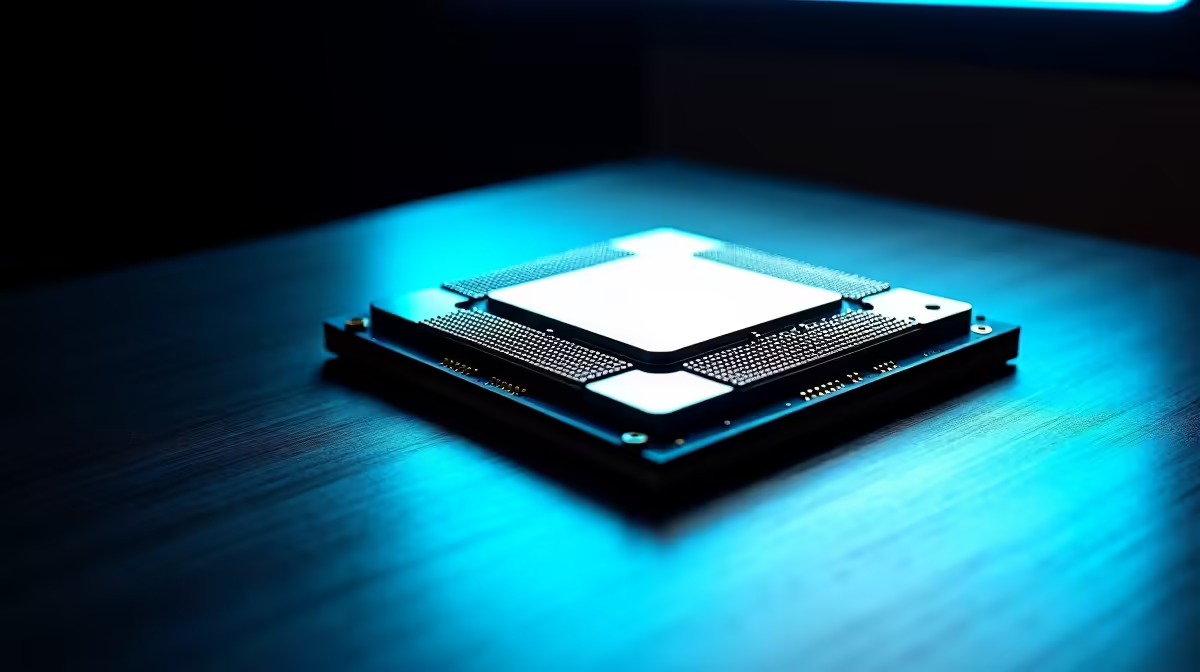
Building a new PC in South Africa is an unmatched thrill. You’ve saved up, picked your parts… but one wrong choice can turn your dream rig into an expensive bottleneck. The CPU is the heart of your machine, and getting it wrong is a costly headache. Let's make sure you sidestep the most common CPU buying mistakes and build a PC that absolutely flies from day one. 🚀
Mistake #1: The Socket & Chipset Mismatch
This is the most heartbreaking of all PC build errors. You unbox your shiny new Intel CPU, only to find it won't fit into your AMD motherboard. Every processor has a specific socket type (like LGA 1700 for Intel or AM5 for AMD) and requires a compatible motherboard chipset. Always, always check for compatibility before you add to cart. It's the first step in choosing from our wide range of CPU processors and saves you a world of pain.
Mistake #2: The Classic CPU-GPU Bottleneck
It’s tempting to pour thousands of Rands into the best processor available, but if you pair it with a budget graphics card for gaming, you’ve just wasted your money. This is called a bottleneck. The powerful CPU is sitting around waiting for the weaker GPU to catch up. For a balanced gaming build, it's often smarter to get a solid mid-range processor from the range of popular Intel CPUs and invest the savings into a more powerful graphics card. 💸
What is IPC? 🧠
IPC stands for 'Instructions Per Clock'. Think of it as how much work a CPU core can do in a single cycle. A CPU with a higher IPC can be faster than one with a higher clock speed (GHz) because it's more efficient. That's why a modern 3.8GHz CPU often outperforms an older 4.2GHz one. It's about working smarter, not just faster.
Mistake #3: Obsessing Over Clock Speeds Alone
"More GHz means more speed, right?" Not always. While clock speed is important, modern performance is a complex recipe of core count, thread count, cache size, and architecture (IPC). For tasks like video editing or streaming, having more cores from AMD's Ryzen lineup can crush a CPU that only has a slightly higher clock speed. Don't let a single number fool you; look at the whole picture to avoid this common processor buying pitfall.
Mistake #4: Forgetting About Cooling & Power 🔥
High-performance processors generate serious heat. A beastly AMD Ryzen 9, for example, won't even reach its full potential if it's constantly overheating with a stock cooler. You need to budget for an adequate air or liquid cooler. Similarly, ensure your Power Supply Unit (PSU) has enough wattage and the correct connectors to power your new chip reliably. Skimping here is a recipe for thermal throttling and instability.
Mistake #5: Not Matching the CPU to Your Actual Needs
The final CPU buying mistake is buying a processor that's total overkill... or underkill. Are you a competitive gamer chasing 240fps in Valorant? Single-core speed is your friend. Are you a content creator rendering 4K video and running multiple applications? You need more cores and threads, like those found in a top-tier Intel Core Ultra 9. Be honest about your primary use case. Don’t pay for features you’ll never use. 🔧
Ready to Build It Right?
Avoiding these common CPU buying mistakes is the first step to a flawless PC build. Now, let's find the perfect processor to power your dream rig. Explore our massive range of CPUs and build a PC that performs as good as it looks.