

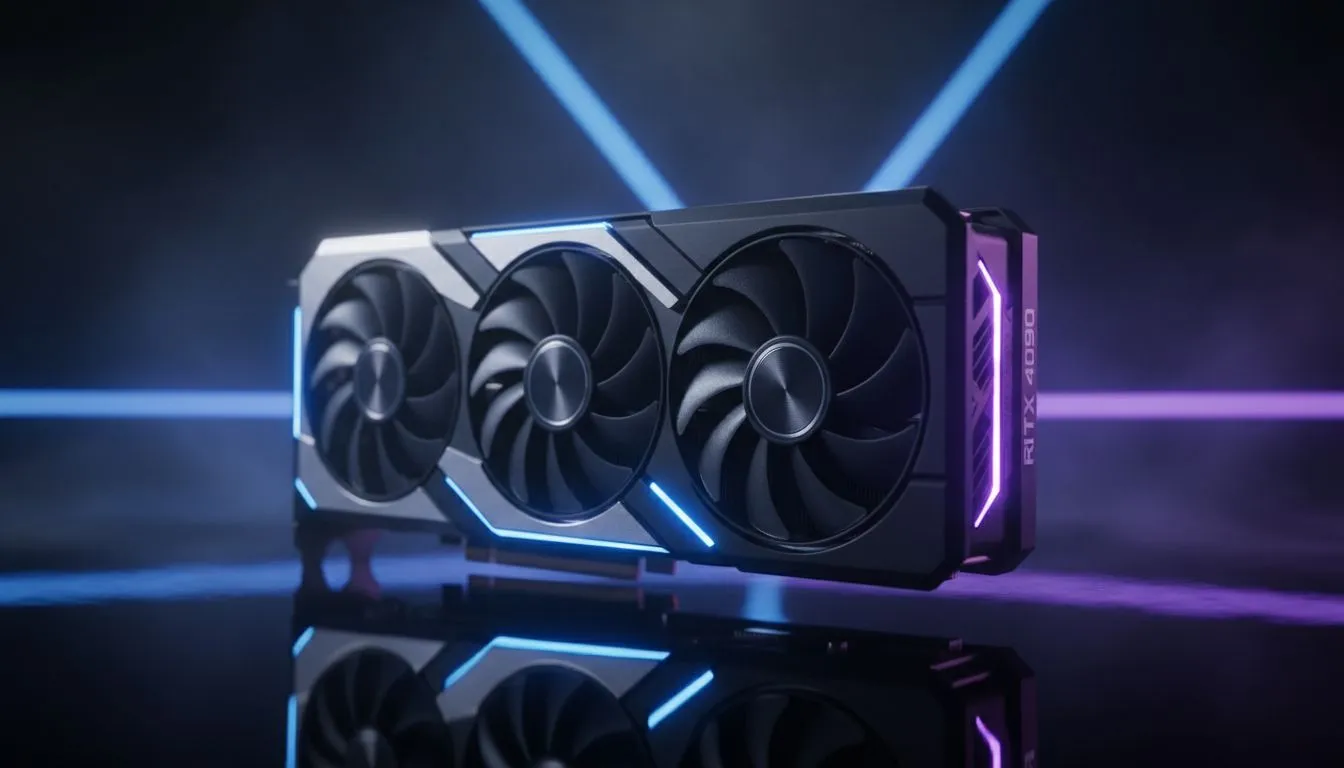
Struggling with frame drops in Mirage? Moving from CS:GO to Counter-Strike 2 felt like a smooth transition for some, but for many South African gamers, the Source 2 engine brought a heavy performance tax. If your FPS is stuttering during a heavy execute, you need a clear CS2 upgrade guide: CPU vs GPU priority to ensure your Rands are spent where they matter most. 🔧
Understanding the CS2 engine shift
Counter-Strike has historically been a CPU-intensive title. While that remains largely true, the move to Source 2 has introduced more modern graphical features. Volumetric smoke and enhanced lighting now demand more from your hardware than the old Global Offensive days. This shift means your old "CPU only" upgrade strategy might need a rethink to keep your gameplay fluid.
Why your CPU still dictates the pace
In competitive shooters, the processor handles the game logic and tells the graphics card what to draw. If you are aiming for high refresh rates like 144Hz or 240Hz, your CPU is the primary factor. For those starting their competitive journey on a tighter budget, checking out budget gaming PCs is a great way to see how modern entry-level chips handle the load.
However, if you want to push frames without any micro-stuttering, looking at PCs above R20k often yields the best high-end CPU results. A faster processor ensures that your 1% low frame rates stay high... which is vital when grenades are exploding everywhere. ⚡
CS2 Performance Pro Tip ⚡
Disable 'Animated Avatars' in the Steam overlay and game settings. It sounds minor, but in CPU-bound scenarios, this can actually stabilise your 1% lows and prevent micro-stuttering during intense firefights.
The rising importance of the GPU in CS2
Unlike its predecessor, CS2 introduces advanced physics that put more weight on your graphics card. If you are playing at 1080p, the CPU remains the king of the hill... but as soon as you move to 1440p, the GPU takes over. You can find balanced builds that handle both resolutions in our best gaming pc deals section.
If you are strictly looking for the best value for money in South Africa, browsing PCs under R20k can help you find that sweet spot between a solid GPU and a capable processor. Modern mid-range cards now handle the new volumetric smoke far better than older flagship models from five years ago. 🚀
Final verdict on your upgrade path
So, where should you invest first? If you have an older 4-core CPU, that is your primary bottleneck. CS2 loves multi-threaded performance and high clock speeds. If your CPU is modern but your GPU is struggling with the new lighting, the smoke physics will tank your frames. For a complete overhaul that balances both components perfectly, our pre-built PC deals offer the most streamlined path to peak performance. ✨
Ready to Find Your Perfect Match? The CPU vs GPU debate is complex, but for maximum power, choice, and value in South Africa, a balanced build is hard to beat. Explore our massive range of laptop specials and find the perfect machine to conquer your world.











