

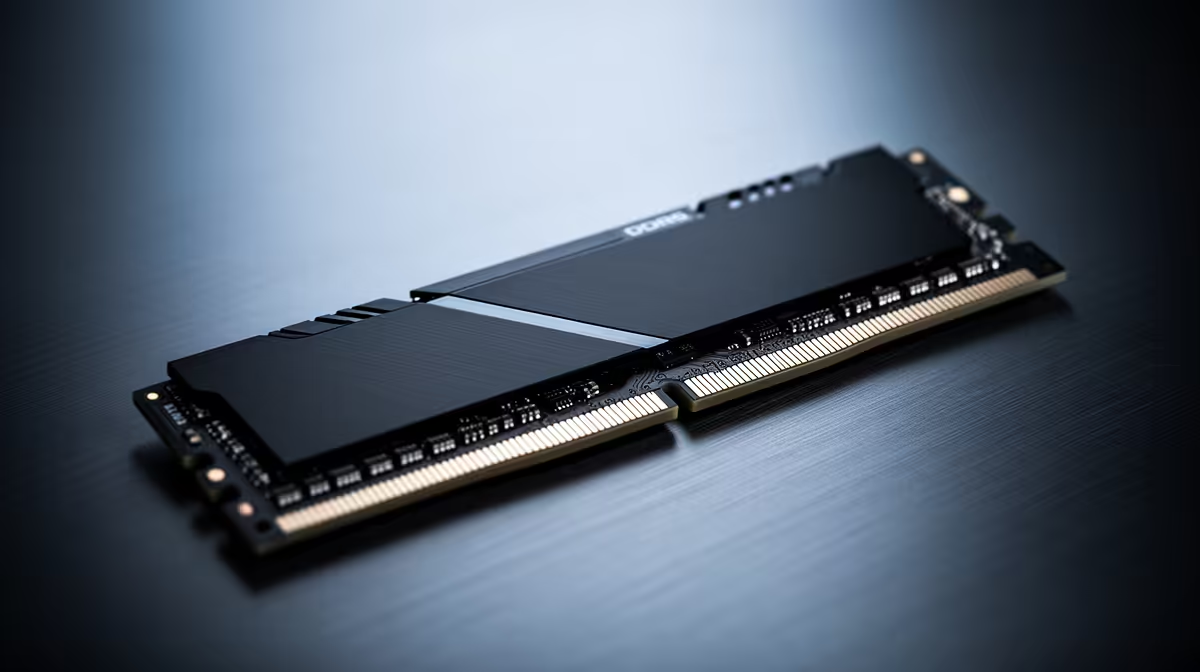
So, you’ve got your eye on the new ASRock Z890 Taichi motherboard... a proper beast for any high-end PC build in South Africa. But now comes the big decision that can make or break your performance: do you stick with tried-and-tested DDR4, or leap into the future with DDR5? This isn't just about numbers on a box; it’s about unlocking the true power of your new rig. Let's settle the DDR5 vs DDR4 debate. 🚀
DDR5 vs DDR4: The Core Differences for Gamers
Before we talk specifics for the ASRock Z890 Taichi, let's get a quick refresher. Your RAM (Random Access Memory) is like your PC's short-term memory. The faster it can feed data to your CPU, the smoother your games run and the quicker your applications load. Choosing the right memory is as crucial as choosing the right components to begin with.
The main battleground in the DDR5 vs DDR4 showdown comes down to three things: speed, latency, and future-proofing.
Speed and Bandwidth: DDR5's Raw Power
DDR5 memory starts at speeds where high-end DDR4 tops out (around 4800MT/s) and goes much, much higher. Think of it like this: DDR4 is a fast two-lane highway, while DDR5 is a wider, four-lane autobahn with a much higher speed limit. This extra bandwidth is a massive advantage for new platforms, allowing the latest Intel CPUs to stretch their legs. For tasks like 4K gaming, video editing, and streaming, DDR5 delivers a noticeably smoother experience.
Latency and Timing: Is It a Draw?
This is where the DDR5 vs DDR4 argument gets interesting. Early DDR5 kits had higher CAS Latency (CL) timings, which made some gamers hesitate. While a top-tier DDR4 kit might have a CL of 16, an early DDR5 kit could be CL40. However, DDR5's higher clock speed often compensates for this. For the latest generation of premium Intel motherboards, modern DDR5 kits have drastically improved, making the real-world latency difference in gaming almost negligible for most users.
Check Your Motherboard's QVL! 💡
Before buying any RAM, always check your motherboard's Qualified Vendor List (QVL) on the manufacturer's website. The ASRock Z890 Taichi's QVL will list the exact RAM kits that have been tested and are guaranteed to work at their advertised speeds. This simple step can save you a world of headaches and compatibility issues.
Best Memory for the ASRock Z890 Taichi
So, what's the final verdict for your shiny new Z890 Taichi?
For a top-of-the-line motherboard designed for cutting-edge performance, DDR5 is the undeniable champion. Pairing this board with DDR4 would be like putting budget tyres on a supercar... you're creating a bottleneck and leaving heaps of performance on the table. The ASRock Z890 Taichi is built to harness the incredible bandwidth of DDR5, giving you the best possible frame rates and responsiveness.
While you could technically save a few hundred ZAR by reusing an old DDR4 kit (if the board even supports it), you'd be kneecapping your investment from day one. This logic applies whether you're building on Intel or looking at the latest AMD motherboards that have already made the jump to DDR5 exclusively.
To truly future-proof your rig and give that new CPU the data it craves, a quality DDR5 kit running at 6000MT/s or higher is the best memory choice for the ASRock Z890 Taichi. No question. ✨
Ready to Build Your Ultimate Rig? The DDR5 vs DDR4 choice is crucial, but it's just one piece of the puzzle. The ASRock Z890 Taichi needs the best components to truly shine. Explore our massive range of PC components and build the machine that will dominate the competition.











