

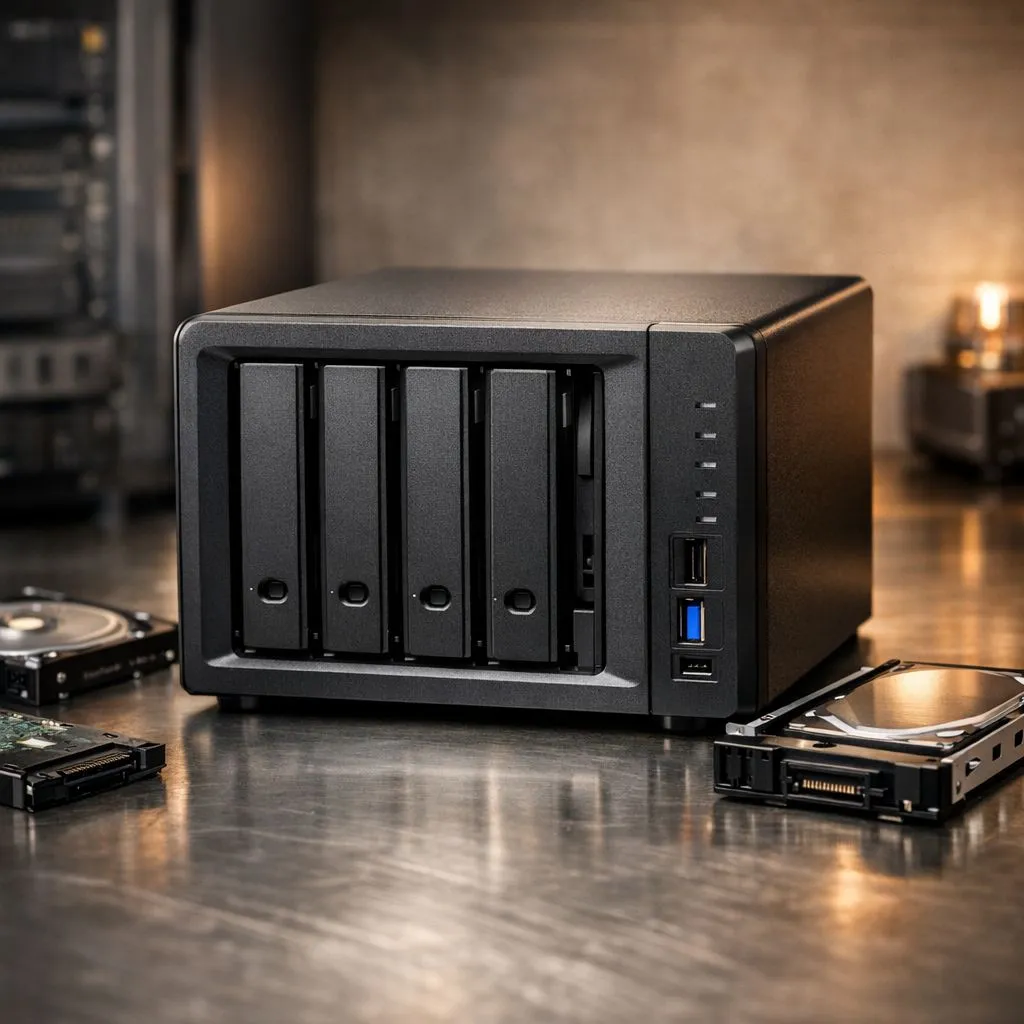
Expand NAS Capacity Without the Stress
Running out of space on your NAS is a headache every South African power user eventually faces. Whether it is your massive 4K movie collection or critical work backups, hitting that storage ceiling feels like a dead end. But you do not have to delete files or start from scratch. You can expand NAS capacity and add drives without losing data if you follow the right steps. 🔧
Choosing the Right Hardware for Expansion
Before you slide a new drive into your bay, you need to ensure the hardware matches your performance needs. Most modern units allow you to buy solid state drives to act as high-speed cache or primary storage. If your internal bays are already full, you might consider external SSD options to offload less critical data before you begin the expansion process.
Reliability is everything when you are rebuilding a RAID array or adding to a storage pool. Many local enthusiasts prefer Western Digital storage solutions because of their long-standing reputation in server environments. Alternatively, ADATA drives offer fantastic value for those looking to boost their total capacity without a massive price tag.
NAS Expansion Pro Tip ⚡
Always perform a full backup of your most critical data to an external source before hitting 'Expand' in your NAS software. Even with hot-swappable bays and RAID protection, a power surge during a rebuild can be catastrophic. Use a high-quality UPS to keep your South African setup safe during unexpected loadshedding.
Maximising Speed and Connectivity
While mechanical drives are excellent for bulk storage, the latest Gen 5 NVMe drives are quickly becoming the gold standard for NAS caching layers. This significantly reduces latency when multiple users access the server. If you need mobility for your data, selecting a drive with an external form factor allows you to move large files between your workstation and your NAS effortlessly. 🚀
Expanding your capacity is usually as simple as inserting the new drive and using your NAS OS (like DSM or QTS) to "Expand" the existing volume. The system will handle the rest... just ensure you have a stable power connection while the parity bits are recalculated. ✨
Ready to Find Your Perfect Match? Running out of space is a choice, not a requirement. Whether you need massive HDD capacity or lightning-fast SSDs for your NAS, we have the stock to keep your data growing. Explore our massive range of storage deals and find the perfect upgrade to conquer your storage limits.











