

Should You Upgrade to the RX 7600 from a RTX 4090?
Should You Upgrade to the RX 7600 from a RTX 4090 Detailed answer with SA data, expert analysis & practical recommendations for local buyers.
Read moreLearn how to future-proof your gaming PC with our expert guide. We'll show you which smart upgrades—from PSU to motherboard—offer the best value for long-term performance. Stop worrying about obsolescence and start building a rig that lasts for years to come! 🚀💻
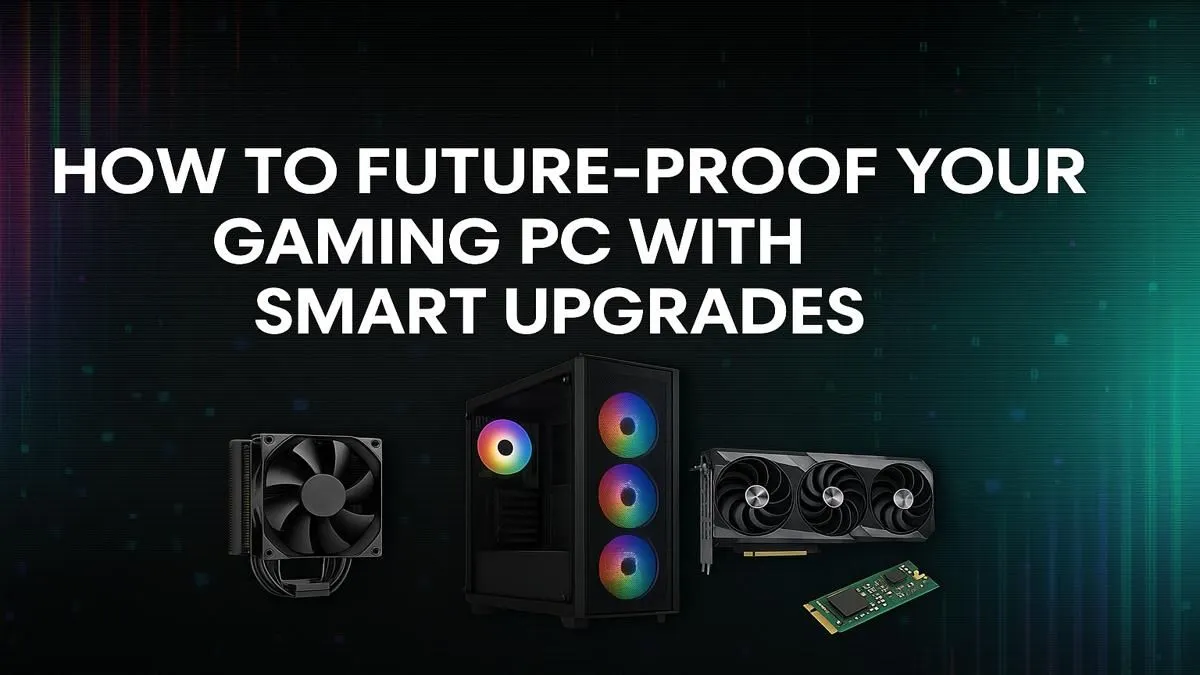
Is your gaming rig starting to sweat with the latest titles? We get it. In South Africa, every rand counts, and building a PC that feels obsolete in a year is just not on. The good news? You don't need a crystal ball to future-proof your gaming PC. It’s not about buying the most expensive gear today; it’s about making smart, strategic choices that give you an easy and affordable upgrade path for years to come. 🚀
Let's be honest: no PC can stay at the absolute cutting edge forever. Technology moves at a blistering pace. The true secret to a future-proof gaming PC isn't invincibility... it's adaptability. The goal is to build a core system so solid that upgrading a single component—like your graphics card or CPU—in two or three years is a simple, cost-effective process.
Think of it as laying a strong foundation for a house. You want a foundation that can support a second story later without having to tear the whole thing down. For your PC, this means prioritising three key areas: the motherboard, the power supply unit (PSU), and your case/cooling. Get these right, and future upgrades become plug-and-play rather than a total wallet-draining rebuild.
When planning your build or next big upgrade, focusing on the long-term potential of your core components is the smartest way to future-proof your gaming PC.
This is the single most important choice you'll make. A great motherboard with a modern chipset and socket is your ticket to future upgrades. For example, opting for an AM5 motherboard today opens the door for future AMD Ryzen CPU generations. It ensures you'll have access to modern standards like PCIe 5.0 for next-gen graphics cards and M.2 SSDs, and DDR5 RAM for years. Skimping here means a simple CPU upgrade could force you to buy a new motherboard and RAM too.
Always double-check your motherboard's CPU socket compatibility before buying a new processor. An AMD CPU won't fit in an Intel socket, and even within the same brand, sockets change between generations (e.g., AM4 vs. AM5). This simple check can save you a massive headache and a costly return.
It’s tempting to save a few hundred ZAR on the PSU, but it’s a classic mistake. A high-quality, 850W+ Gold-rated PSU might seem like overkill for your current build, but it provides crucial headroom. When you decide to slot in that beastly new graphics card in a few years, your PSU will handle the extra load without breaking a sweat. A weak PSU, on the other hand, will bottleneck your new hardware or, worse, fail completely.
You don't always need the top-of-the-line processor on day one. A smarter strategy for future-proofing is to buy a solid mid-range chip on a current-generation platform. This gives you fantastic performance now, while leaving the door open for a simple drop-in upgrade to a high-end CPU from the same family later when prices have come down. Whether you're team red or team blue, you can browse a wide range of current-gen CPU processors to find that perfect balance.
What if your current PC is already a few years old? You reach a point where a single component upgrade won't cut it. Your motherboard socket is outdated, you're still on DDR3 RAM, and your case feels cramped. This is where a strategic overhaul makes more sense.
Instead of sourcing every part individually, a barebone kit is an incredible value proposition. These kits bundle the essential trio—motherboard, CPU, and RAM—into one perfectly matched package. It’s the fastest way to modernise your PC's core. You get a brand-new foundation, ready for your existing GPU, storage, and PSU.
Whether you're looking for the multitasking power of Ryzen or the gaming prowess of Core i-series, you can find the perfect starting point with Intel barebone kits or their powerful AMD barebone kits counterparts. It’s the ultimate shortcut to a modern, upgradeable machine. ✨
Ready to Build a Smarter Rig? Future-proofing your gaming PC isn't about spending a fortune today; it's about making clever choices for tomorrow. Explore our massive range of PC components and build a machine that grows with you.
A future-proof gaming PC uses components with forward-looking technology, like a high-wattage PSU, a motherboard with PCIe 5.0, and support for the latest RAM and CPUs.
Start with the Power Supply Unit (PSU) and motherboard. A robust PSU provides headroom for powerful new parts, and a modern motherboard ensures compatibility with future CPUs and GPUs.
Upgrading is often more cost-effective, especially if you target key components. A smart pc upgrade path lets you spread costs over time while maintaining great performance.
It's crucial. The motherboard dictates your upgrade path for the CPU, RAM (DDR5 vs DDR4), and storage. Choosing a modern one is a key future-proofing step.
For true future-proofing, yes. While PCIe 5.0 benefits for gaming are still emerging, having it ensures you can leverage the full speed of next-generation GPUs and SSDs.
Select a high-quality, 80+ Gold rated PSU with a higher wattage than you currently need (e.g., 850W-1000W). This provides ample power for future, more demanding components.
Should You Upgrade to the RX 7600 from a RTX 4090 Detailed answer with SA data, expert analysis & practical recommendations for local buyers.
Read more
When Will the RTX 6090 Launch in South Africa Detailed answer with SA data, expert analysis & practical recommendations for local buyers.

Top Valorant Settings for RTX 5070: FPS Optimisation picks evaluated on performance, value & SA availability with current Rand pricing from Evetech.

RDNA 3.5 Graphics in Ryzen AI 400? Can You Game. Plain-English explanation of what it means, why it matters & how it affects your buying decisions in SA.

GPU Price Index : December Report. Current stock data & price tracking for SA buyers. See what is available and where prices are heading.

Core i5-14600K + B760 + RTX 5060 Build Under. Full parts list, Rand pricing & expected performance. Build confidently with SA-available components.

RX 7600 Apex Legends at 4K: FPS Benchmark. Real-world benchmark data, FPS numbers & performance analysis. What SA gamers can actually expect.

RX 7900 XTX GTA 6 at 4K: FPS Benchmark & Optimal. Real-world benchmark data, FPS numbers & performance analysis. What SA gamers can actually expect.

Head-to-head comparison of RTX 5070 vs RX 9070 XT: Gaming Performance for SA gamers. Performance benchmarks, Rand pricing & which delivers better value.

GPU Setup Guide Gamers. Clear setup instructions with SA-specific considerations, troubleshooting tips & recommended components.

Top RTX 5090 Under R12000 picks evaluated on performance, value & SA availability with current Rand pricing from Evetech.

Call of Duty Warzone 2 Settings on RX 7600. Real-world benchmark data, FPS numbers & performance analysis. What SA gamers can actually expect.

GTA 6 Settings on RTX 5070 Ti: Performance. Real-world benchmark data, FPS numbers & performance analysis. What SA gamers can actually expect.