

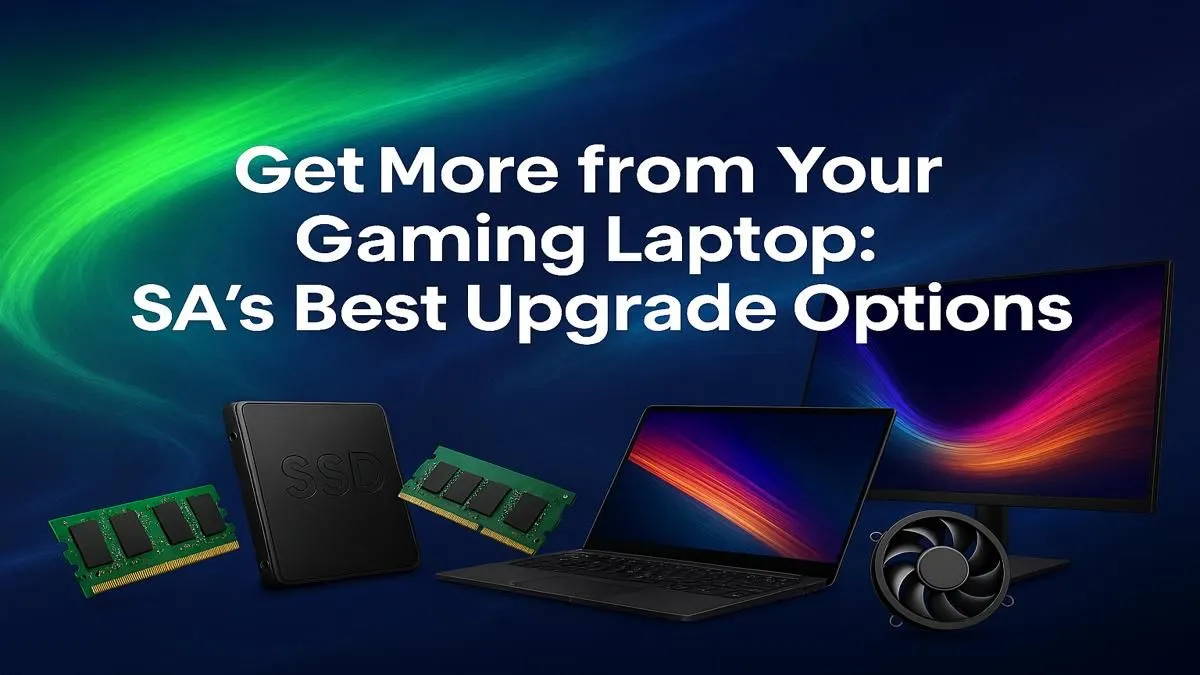
Is your trusty gaming laptop starting to gasp for air in the latest titles? You're not alone. Many South African gamers face this dilemma: attempt a tricky component swap or invest in a new rig? Before you reach for a screwdriver, let's break down the real-world options for gaming laptop upgrades in South Africa, separating the easy wins from the impossible dreams. A smart choice now could save you frustration and thousands of ZAR. ⚡
The Reality of Upgrading a Gaming Laptop in SA
Unlike a desktop PC where nearly everything is modular, gaming laptops are tightly integrated systems. The biggest performance drivers… the CPU (processor) and GPU (graphics card)… are almost always soldered directly onto the motherboard. This makes them practically impossible to swap out.
While this might sound limiting, it's done for good reason: to keep the machine thin, light, and thermally efficient. Your upgrade path, therefore, focuses on the components that are accessible: RAM and storage. Understanding this is key to making smart decisions about your gaming rig's future.
Easy Wins: RAM & Storage Upgrades 🚀
If your laptop is only a couple of years old but feels sluggish, these two upgrades offer the most bang for your buck. They are the most common and effective gaming laptop upgrades you can perform.
Bumping Up Your RAM
Random Access Memory (RAM) is your laptop's short-term memory. It's what allows you to run a game, Discord, and a browser simultaneously without your system grinding to a halt.
- 8GB: The absolute minimum for modern gaming, but you'll likely experience stutters.
- 16GB: The current sweet spot for a smooth, responsive gaming experience.
- 32GB: Excellent for future-proofing, heavy multitasking, or content creation.
Upgrading from 8GB to 16GB can dramatically improve performance in demanding games and is often a simple, cost-effective procedure. Many of the best gaming laptop deals today come standard with 16GB, setting a clear benchmark for performance.
The SSD Revolution
Still running on a mechanical hard drive (HDD)? Switching to a Solid-State Drive (SSD), especially an NVMe M.2 SSD, is the single most noticeable upgrade you can make. The difference is night and day:
- Windows boots in seconds.
- Games load drastically faster.
- The entire system feels snappier.
This upgrade alone can make an older machine feel brand new.
Check Compatibility First! 🔧
Before buying any RAM or an SSD, confirm what your laptop supports. Check your model's official specs online or use a tool like CPU-Z. Look for the type of RAM (e.g., DDR4, DDR5), its maximum supported speed and capacity, and the type of storage slots available (e.g., 2.5-inch SATA, M.2 NVMe). Buying the wrong component is a classic mistake!
The Hard Truth: CPU and GPU Limitations
So, what if your RAM and storage are fine, but your frame rates are still tanking? This is where we hit the upgrade wall. Because the CPU and GPU are soldered, you can't just pop in a new one. This means if your graphics card is the bottleneck, the "upgrade" is, in fact, a whole new laptop.
The good news is that modern mobile processors and graphics cards are incredibly powerful. The performance jump from a 4-year-old laptop to a new one is massive, thanks to architectural improvements and new features like DLSS. For example, the raw power in today's Intel Core i7 gaming laptops far outstrips older i7s, while the latest GeForce RTX gaming laptops on special offer features like ray tracing that older cards simply can't handle.
So, Upgrade or Replace? Your Deciding Factors
Making the right call comes down to identifying your system's bottleneck.
Consider an UPGRADE if:
- Your laptop is 1-3 years old with a decent CPU/GPU.
- You only have 8GB of RAM.
- You are still using a mechanical hard drive (HDD).
Consider REPLACING if:
- Your GPU is older than an NVIDIA 20-series card.
- You can't maintain a stable 60 FPS in your favourite games, even on low settings.
- You want to take advantage of modern features like DLSS 3 and advanced ray tracing.
The market for new machines is more competitive than ever. Whether you're looking at the latest Intel gaming laptops or the impressive multi-core performance from AMD Ryzen gaming laptops, there's a perfect fit for you. You can find fantastic value in gaming laptops under R20k for 1080p gaming, or push for ultimate performance with cutting-edge laptops above R20k that can handle anything you throw at them. ✨
Ready for a Real Power Boost? While simple RAM and SSD swaps can breathe new life into a machine, the ultimate upgrade is a new laptop. For the best performance, features, and value in South Africa, a modern rig is unbeatable. Explore our massive range of gaming laptop specials and find the perfect machine to conquer your world.











