

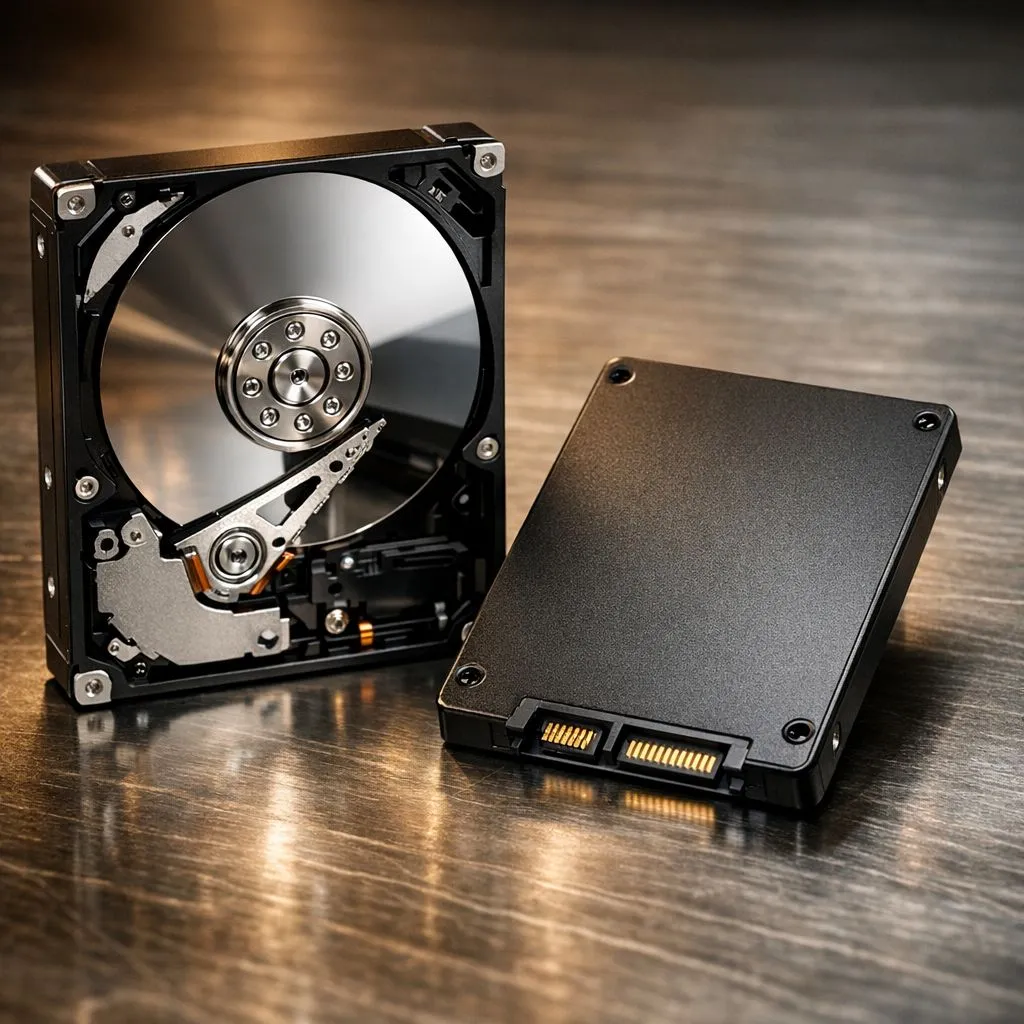
Still waiting five minutes for Windows to load while your kettle finishes boiling? If your PC feels like it is stuck in 2010, the culprit is likely that spinning platter inside your case. Comparing an HDD vs SATA SSD: Why You Should Ditch the Mechanical Drive becomes an easy choice once you see the performance gains. Let’s look at why it is time to upgrade your South African rig. ⚡
The Speed Gap Between HDD and SATA SSD
Hard Disk Drives (HDDs) rely on physical, moving parts. A mechanical arm reads data from a spinning magnetic platter... much like an old record player. This physical movement creates a bottleneck. When you switch to solid state drives, you move to flash memory. There are no moving parts. This means near-instant access to your files.
For a budget-friendly upgrade, brands like ADATA provide incredible value for older laptops. You will notice that your boot times drop from minutes to mere seconds. Even a basic SATA SSD is roughly five times faster than a standard 7200RPM hard drive. It makes every click feel responsive.
Why You Should Ditch the Mechanical Drive Today
Reliability is the biggest factor for South African users. Mechanical drives are fragile. A small bump to your desk while the drive is spinning can cause a head crash. This leads to permanent data loss. Because SSDs use flash chips, they are far more durable.
If you value a quiet workspace, the silence of an SSD is a massive benefit. No more clicking or whirring sounds while you work. For those who need dependable storage for work or school, Western Digital offers robust options that outlast traditional HDDs. Similarly, Kingston drives are famous for their "set and forget" reliability in office PCs. 🔧
Smooth Migration Tip ⚡
Don't reinstall Windows from scratch. Use free cloning software to move your entire OS from your old HDD to a new SSD. It preserves your files, settings, and game installs... saving you hours of downloading on a capped connection. This is the fastest way to revitalise an ageing machine without losing your data.
Portable Speed and Future-Proofing
The benefits of ditching mechanical storage extend beyond your internal drive. If you frequently move large files, external SSDs are essential. They are smaller, lighter, and much faster than old portable hard drives. You can find specific external form factor drives that fit in your pocket while holding terabytes of data.
For gamers and professionals, even the SATA interface is starting to show its age. If your motherboard supports it, moving to PCI Express (NVMe) provides another massive leap in speed. For those building the ultimate high-end workstation, Gen 5 (NVMe) drives represent the absolute pinnacle of modern storage technology. 🚀
Final Verdict for South African Users
In an era where time is money, waiting for a mechanical drive is a luxury we cannot afford. Whether you are upgrading an old office PC for R500 or building a R50,000 gaming monster, the SSD is the most important component for a smooth experience. It is the single best upgrade you can make for your PC today. ✨
Ready to Speed Up Your System? The HDD vs SATA SSD debate is over, and the winner is clear. For maximum speed, durability, and value in South Africa, an SSD upgrade is essential. Explore our massive range of solid state drive specials and find the perfect storage solution to revitalise your PC.











