

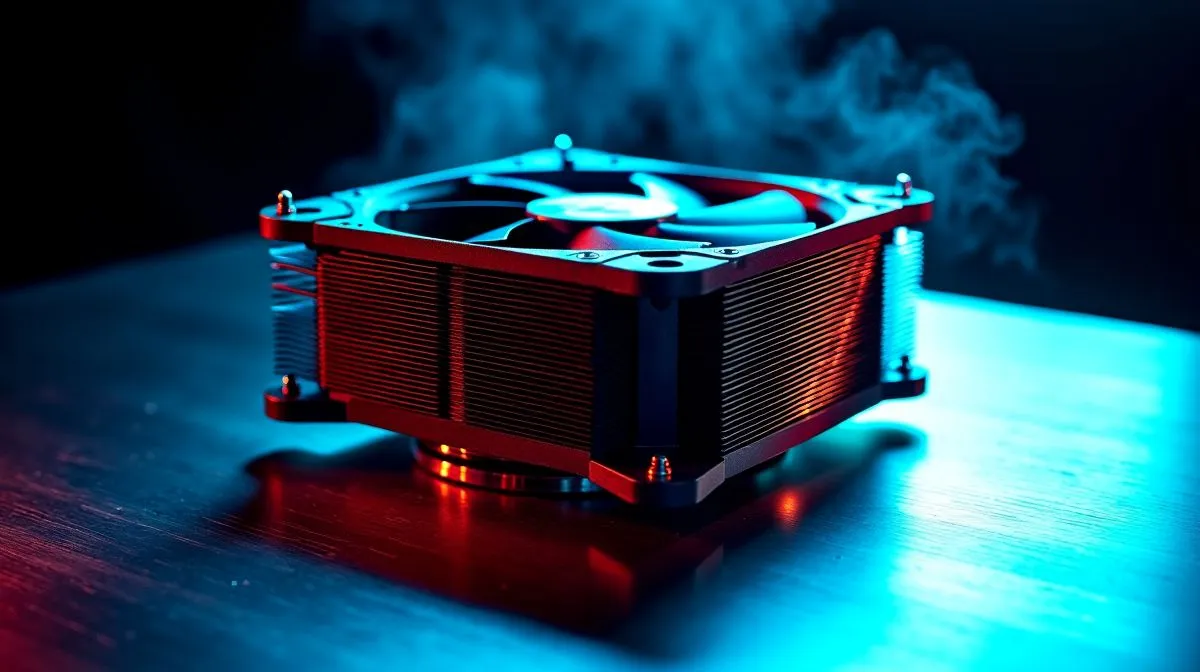
How Much to Spend on a CPU Cooler in South Africa
Choosing the right cooler decides stability, noise and longevity. How Much to Spend on a CPU Cooler in South Africa depends on whether you game, stream or edit video. Spend sensibly and you’ll avoid thermal throttling without overpaying. Start by browsing Evetech’s fan range to sense price versus performance 🔧.
How Much to Spend on a CPU Cooler in South Africa — choose by workload
Match your cooler to the job. For casual gaming and office tasks, a quality budget air cooler plus good case airflow is usually enough. For heavy rendering or 24/7 streaming, step up to larger towers or AIO liquid units that handle sustained load. Corsair’s dedicated fan line can help with high airflow needs. Deepcool also offers balanced options for tight budgets. Consider whether you want RGB flair or a minimalist look; aesthetic choices often influence cost and compatibility.
How Much to Spend on a CPU Cooler in South Africa — practical tips and quick wins
Before upgrading the cooler, optimise case airflow. Often two intake fans and one exhaust will lower CPU temps more than a marginally better cooler in a poorly ventilated case. I once moved a PC to a case with better airflow and dropped peak temps noticeably… simple wins matter. Also check fan size compatibility: many coolers and cases use 120mm fans, while larger 140mm fans spin slower at similar airflow and sound quieter ⚡.
Cooling Pro Tip ⚡
Clean dust filters, apply a thin smear of quality thermal paste, and set a gentle PWM fan curve in BIOS or software. A low‑noise, high static pressure fan helps tower coolers and AIO radiators perform better.
Small choices add up. Swap a cheap stock fan for a higher quality model and you may gain both noise reduction and better airflow. Match fan attributes like PWM control and bearing type to your priorities. Want visual consistency? Pick either full RGB or no lighting for a cleaner build. For non‑lighting options see Evetech’s no‑RGB selection.
On Evetech you can compare performance and price, filter by brand, and confirm compatibility before checkout. If you need help choosing a compatible cooler for your case and CPU, note your model and ask for guidance. A modest spend targeted to real needs will keep temperatures down and noise low. 🚀
Checklist for buying: check socket compatibility, cooler height vs case, fan connector type (4-pin PWM), radiator thickness for AIOs, and warranty. When installing, tighten screws evenly and use three to four small dots of thermal paste in centre. After boot, run a stress test and adjust fan curve so CPU sits at target temps under load while noise remains acceptable. If you want quiet gaming, aim for a balance of static pressure and low RPM fans. Our service team can confirm fitment for your case and motherboard if you provide model numbers. Don’t overbuy features you won’t use. Small upgrades often deliver the best value in cramped cases.
Ready to Find Your Perfect Match? The Mac vs Windows debate is complex, but for maximum power, choice, and value in South Africa, Windows is hard to beat. Explore our massive range of laptop specials and find the perfect machine to conquer your world.











