

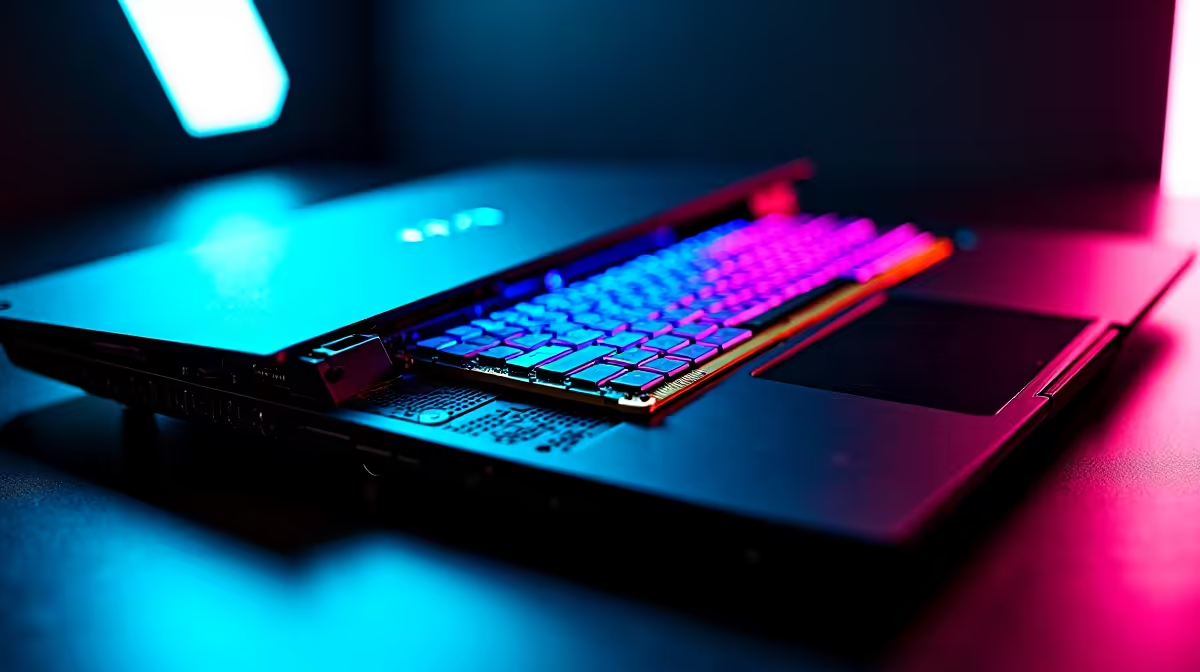
Why Upgrading RAM on Your Gaming Laptop Makes Sense ⚡
South African gamers often hit a wall when their laptop struggles with newer titles. If your rig feels sluggish or chokes during multitasking, upgrading RAM could be the quickest way to revive your gaming experience. Installing more memory isn’t just about speed — it’s about smoother streams, faster loads, and fewer crashes. Let’s explore how to upgrade RAM on your gaming laptop and boost your machine’s power without breaking your wallet.
Understanding RAM and Its Role in Gaming Performance
RAM (Random Access Memory) temporarily holds data your games and apps need right now. More RAM means your laptop handles bigger worlds and more background apps without stalling. Typically, gaming laptops start at 8GB, but 16GB or more is ideal for modern games and multitasking.
Remember, your laptop’s motherboard limits max RAM capacity and type, so check the specs before buying. Many local laptops, like those on Evetech’s notebooks for sale in South Africa page, come with upgrade guidelines or pre-installed RAM that’s easily swapped.
Step-by-Step Guide: How to Upgrade RAM on Your Gaming Laptop 🔧
1. Check Compatibility and Max Capacity
Look up your laptop model online or in the manual. You’ll need to know the max RAM it supports and what kind of memory modules (DDR4, DDR5, speed) it takes.
2. Buy the Right Memory Modules
For smooth performance, choose reputable brands and match the speed to your current RAM for stability. Browse trusted options on Evetech’s memory store: buy memory here.
3. Prepare Your Workspace
Power off your laptop, unplug everything, and ground yourself to avoid static damage. Keep a small screwdriver handy and work on a clean surface.
4. Access the RAM Slots
Unscrew the back panel carefully; some models hide screws under stickers or rubber feet. Gently release the existing RAM sticks if upgrading or add new ones into empty slots.
5. Install and Test
Insert the RAM sticks firmly at an angle, then snap them in. Replace the panel and power on your laptop. Check your system settings to confirm the new RAM is detected.
Pro Tip for a Smooth Upgrade
Before opening your laptop, watch a model-specific teardown video online. It saves time and prevents accidental damage.
Benefits Beyond Gaming: Why RAM Upgrade Is an All-Round Win 🚀
Upgrading RAM doesn’t just boost gaming. It enhances your editing software, browsing with many tabs, and streaming quality. If you're considering a bigger upgrade, Evetech’s pre-built PC deals are fantastic for desktop gamers wanting effortless power boosts.
For South African gamers hunting deals on the latest gear, Evetech’s best gaming PC deals and specials page offer regular discounts — perfect if you plan future upgrades.
Final Thoughts on Upgrading RAM on Your Gaming Laptop
Upgrading RAM is often the easiest, most cost-effective upgrade for South African gamers wanting better performance. It breathes new life into your existing laptop, delaying costly replacements. Just make sure to follow compatibility steps and buy quality components.
Upgrade Your Gaming Experience Today Don’t settle for stutters and long load times. Shop now at Evetech for quality RAM and gaming tech that powers you through every level.











