

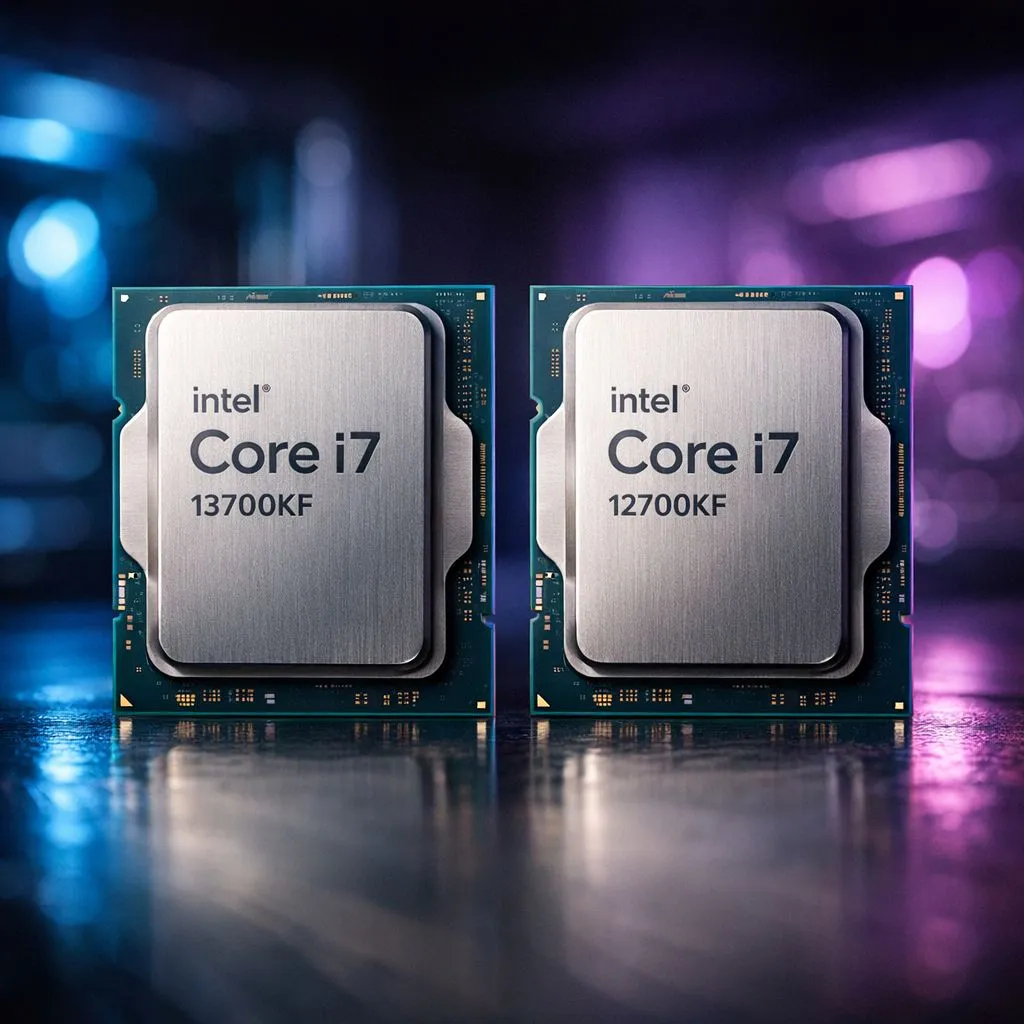
Staring at your PC build list, feeling that classic South African tech dilemma? You know the Intel Core i7-12700KF is a beast, but the newer i7-13700KF is whispering sweet promises of more power. Is the "Raptor Lake" refresh worth the extra ZAR over the already excellent "Alder Lake" chip? For gamers, creators, and power users across SA, this is a critical choice. Let's break down the i7 13700KF vs i7 12700KF battle, so you can invest wisely.
At a Glance: Key Spec Differences
Before we dive into real-world performance, let's see what separates these two processors on paper. While they share the same LGA 1700 socket, the 13th Gen i7-13700KF packs some significant architectural improvements over its predecessor.
Here’s a quick rundown:
- Cores & Threads: The i7-12700KF has 8 Performance-cores and 4 Efficient-cores (12 total cores, 20 threads). The i7-13700KF doubles down on efficiency, offering 8 P-cores and 8 E-cores (16 total cores, 24 threads).
- Clock Speed: The 13700KF pushes higher, with a max boost clock of 5.4 GHz compared to the 12700KF's 5.0 GHz. ⚡
- Cache: The 13700KF boasts more L2 cache (24MB vs 12MB) and L3 Smart Cache (30MB vs 25MB), which helps feed the cores data faster.
- Power: With more power comes more... power consumption. The 13700KF has a higher Maximum Turbo Power of 253W compared to the 12700KF's 190W.
These upgrades show a clear generational leap, making the 13700KF part of a very compelling lineup of modern Intel CPUs. But do these numbers translate to a real-world performance jump you'll actually feel?
Gaming & Productivity: Where It Really Counts
Specs are one thing, but frames-per-second and render times are what matter. This is where the i7 13700KF vs i7 12700KF debate gets interesting.
Gaming Performance 🚀
For pure gaming, the i7-13700KF generally delivers a modest but measurable performance increase. In CPU-intensive titles like Counter-Strike 2 or Valorant at 1080p, you might see a 5-10% FPS boost. This can be the edge you need in a competitive match.
However, as you climb to 1440p or 4K resolutions, the performance gap narrows significantly. At these higher resolutions, your graphics card becomes the primary bottleneck, and both CPUs deliver a superb, nearly identical experience. So, if you're a high-refresh-rate 1080p gamer, the 13700KF has a slight edge. For 4K cinematic gamers, the 12700KF still holds its own brilliantly.
Content Creation & Multitasking
This is where the i7-13700KF truly flexes its muscles. Those four extra E-cores and larger cache make a massive difference in multithreaded workloads.
- Video Editing: Expect noticeably faster render times in Adobe Premiere Pro and DaVinci Resolve.
- Streaming: You can stream and game on the same machine with less performance impact.
- 3D Rendering & Compiling: Workloads that can leverage all 24 threads will see a significant speed-up.
If your PC is a tool for content creation or heavy multitasking, the productivity gains from the 13700KF could easily justify the cost. It often goes head-to-head with options from the AMD Ryzen 7 series, making it a top contender for any serious workstation build.
The Cost of Upgrading: More Than Just the CPU 🔧
For South Africans, budget is always a key factor. The great news is that since both CPUs use the same LGA 1700 socket, the upgrade path from a 12700KF is relatively straightforward.
You can often use the same 600-series or 700-series motherboard, provided it has an updated BIOS. Both chips also support both DDR4 and DDR5 memory, so you can carry over your existing RAM kit, saving you a bundle.
Crucial BIOS Check ✨
Before swapping a 12th Gen CPU for a 13th Gen one on a 600-series motherboard (like a Z690), you MUST update the motherboard's BIOS. Check your motherboard manufacturer's website for the latest version that adds "Raptor Lake" support. You can usually flash the BIOS using a USB stick, even without a CPU installed on many boards.
The main hidden cost is cooling. The i7-13700KF runs hotter and draws more power. If you're running a modest air cooler on your 12700KF, you will likely need to upgrade to a high-end air cooler or a 280mm/360mm AIO liquid cooler to keep the 13700KF's temperatures in check during demanding tasks. The jump from the 12700KF's 12 cores to the 13700KF's 16 cores is significant, part of a trend where even mid-range chips now offer high core counts. You can even find powerful Intel CPUs with 14-Cores becoming more common.
The Verdict: Is the i7-13700KF Upgrade Worth It?
So, let's settle the i7 13700KF vs i7 12700KF showdown. The right choice depends entirely on your situation.
- If you're building a brand new PC: The i7-13700KF is the superior choice. For a relatively small price difference, you get a more powerful, more efficient (in terms of architecture), and more future-proof processor. It's the logical starting point for a high-end build today.
- If you already own an i7-12700KF: The upgrade is much harder to justify. For gaming alone, the performance uplift is minimal and likely not worth the cost and effort. However, if you're a content creator whose income depends on render times, the productivity boost could pay for itself quickly.
- If you're upgrading from an older platform (e.g., i7-9700K): Both are a monumental leap forward. Check for combo deals. If you can get a 12700KF with a motherboard and RAM for a great price, it remains a fantastic value proposition. Otherwise, aim for the 13700KF.
Ultimately, both are phenomenal CPUs. The 12700KF set a high bar, and the 13700KF successfully raised it. Before making a final decision, it's always wise to check the latest prices on both Intel and AMD CPUs to ensure you're getting the absolute best bang for your buck.
Ready to Power Up Your Rig? Whether you're chasing every last frame or crushing render queues, the right CPU is the heart of your PC. Explore our massive range of Intel CPUs and find the perfect processor to conquer your world.











