

Preparing for Your Storage Upgrade
Is your PC taking forever to load into your favourite titles? If you are still running your OS on a mechanical hard drive, you are leaving massive performance on the table. Learning how to install an M.2 2280 NVMe SSD is the single most effective way to breathe new life into your rig. Whether you are cutting down load times in Starfield or just want your Windows desktop to snap open instantly, this upgrade is a rite of passage for every South African gamer. ⚡
Before you dive in, ensure you have the right hardware. Not all drives are equal, so browse our collection of high-performance solid state drives to find a capacity that suits your budget. If you are looking for specific reliability, we stock premium options like Western Digital SSDs known for their endurance.
Step-by-Step Installation Guide
First, power down your PC and unplug the PSU. Ground yourself by touching a metal part of your chassis to prevent static discharge. Locate the M.2 slot on your motherboard. If you are eyeing the cutting edge of tech, check out our Gen 5 NVMe drives for blistering transfer speeds.
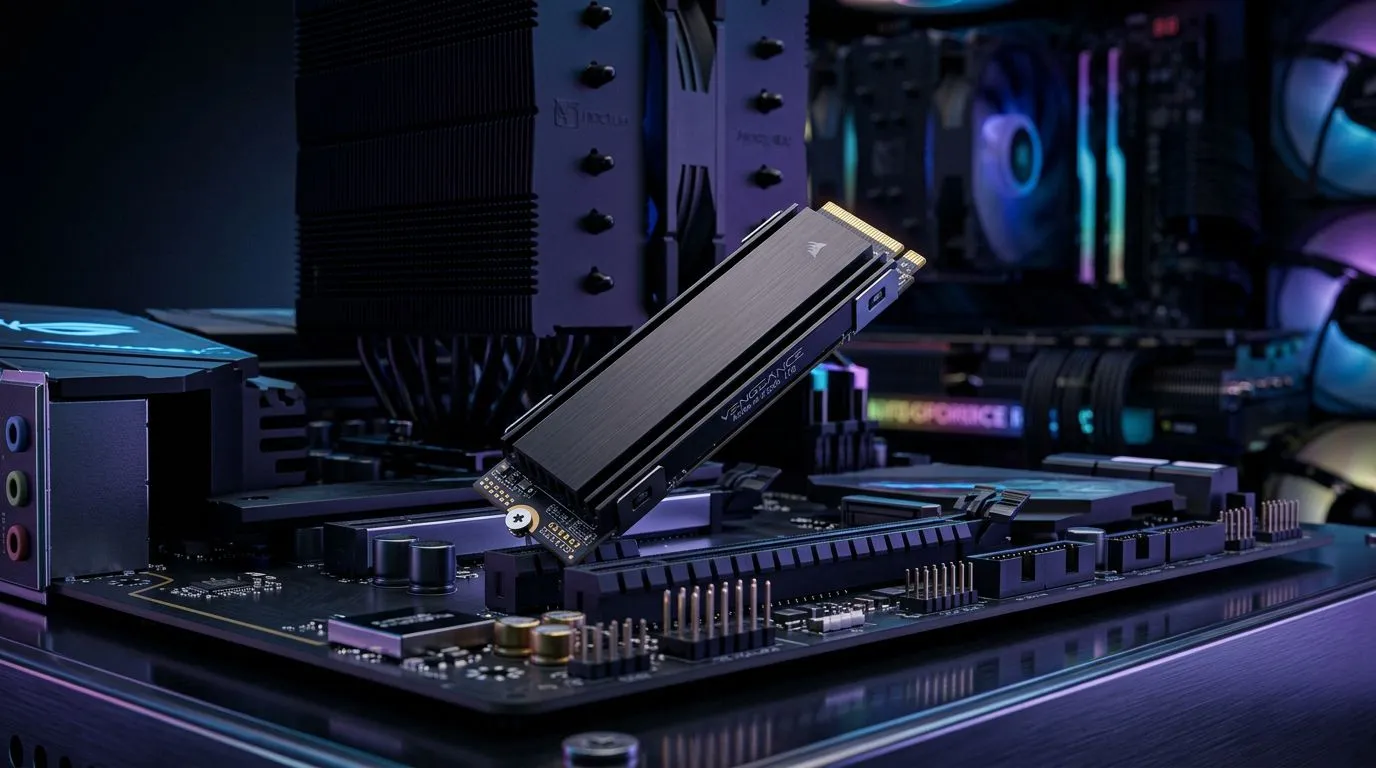
Insert the drive at a 30-degree angle into the M.2 slot. It should slide in without force. Once seated, push it down gently and secure it with the tiny screw provided with your motherboard. If you prefer a portable solution for your files, you might consider external SSDs instead, which offer plug-and-play convenience for your gaming library. 🔧
Installation Pro Tip ⚡
If your motherboard comes with an M.2 heatsink, make sure to peel the plastic film off the thermal pad before screwing it down. This simple step ensures your drive stays cool under heavy loads, preventing thermal throttling during long gaming sessions.
Finalising Your Setup
Once installed, boot into your BIOS to ensure the drive is detected. For those who need extra reliability for creative work or heavy database tasks, ADATA drives provide excellent value for money in the South African market. If you are working on a laptop, you might need external form factor drives if your internal slots are already maxed out. ✨
Ready to Find Your Perfect Match? Upgrading your storage is the best way to speed up your workflow and gaming experience. Browse our massive range of SSDs and find the perfect drive to unleash your PC's true potential today.











