

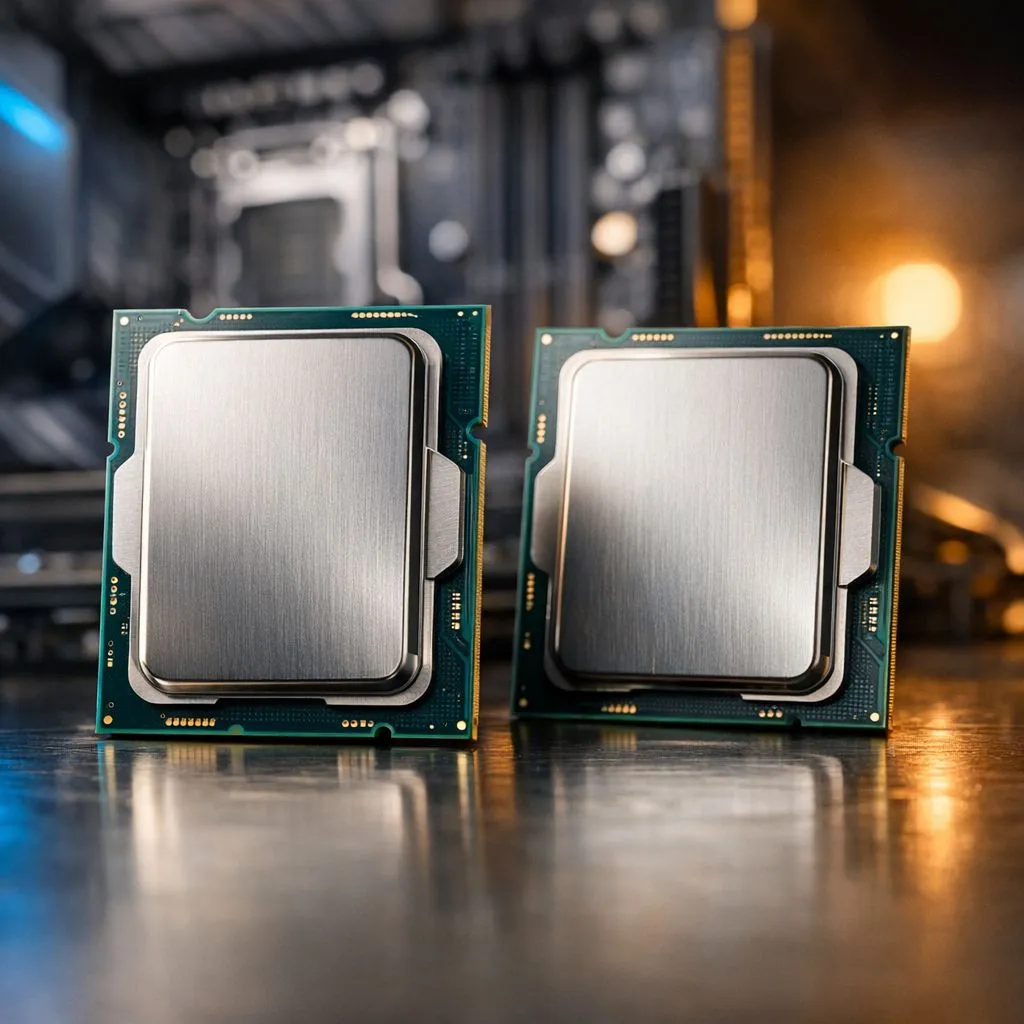
So, you're staring at your PC build list, and the big question hits: do you stick with the tried-and-tested Intel 12th Gen (Alder Lake) or splash out on the newer 13th Gen (Raptor Lake)? It’s a classic South African dilemma… getting the best bang for your buck without missing out on powerful new tech. Let's break down the real-world differences between Intel 13th Gen vs 12th Gen to see which CPU is the right choice for your next rig.
Core Architecture: A Refinement, Not a Revolution
At first glance, the contest of Intel 13th Gen vs 12th Gen seems like a simple generational bump. Both use the same LGA 1700 socket and a hybrid architecture of Performance-cores (P-cores) and Efficient-cores (E-cores). The key difference? 13th Gen is a supercharged version of its predecessor.
Intel essentially doubled the E-cores on most models (e.g., the i5-12600K has 4 E-cores, while the i5-13600K has 8). They also cranked up the clock speeds and increased the L2 cache. Think of it as taking a winning formula and optimising it for better multitasking and raw speed. 🚀
Gaming Performance: What Do the Frames Say?
For pure gaming, the difference between a top-tier 12th Gen and 13th Gen CPU can be subtle, but it's definitely there. Thanks to higher clock speeds and that larger cache, 13th Gen chips often pull ahead, delivering smoother frame rates, especially at 1080p where the CPU matters most.
If you're upgrading from an older generation, the performance leap will be massive. However, if you're already on a powerful i7 or i9 from the 12th Gen, the upgrade might not be as pronounced for gaming alone. The best choice often comes down to the specific games you play and the price on the day. You can browse the full lineup of current Intel CPUs to compare real-time pricing.
Productivity and Multitasking Gains ⚡
This is where the 13th Gen truly flexes its muscles. Those extra E-cores make a huge difference when you’re juggling multiple tasks. Streaming your gameplay on Twitch while running Discord and a dozen browser tabs? Editing a 4K video in Premiere Pro? The 13th Gen handles these demanding workloads with less stutter and more responsiveness.
For content creators, programmers, and power users, the improved multi-core performance is a significant reason to choose Raptor Lake. A processor like the Core i5-13600K, with its impressive 14-cores (6P + 8E), offers incredible value for both gaming and productivity.
BIOS Update Check 🔧
Before you buy a 13th Gen CPU for your existing 600-series motherboard (like a Z690 or B660), make sure the board's BIOS is updated! Check the manufacturer's website for the latest version that adds "Raptor Lake support." Flashing the BIOS with your old 12th Gen CPU first can save you a massive headache.
What About the Competition?
Of course, the decision isn't just an internal Intel affair. Team Red has a strong lineup that competes fiercely at every price point. While Intel's 13th Gen often leads in raw multi-core power for productivity, AMD's X3D chips with their massive V-Cache are gaming beasts. It's always wise to see how the competition stacks up.
Comparing an Intel i7 to an equivalent AMD Ryzen 7 CPU can reveal different strengths in single-threaded vs multi-threaded tasks. If your primary use is gaming, exploring all available AMD CPUs is a crucial step before making your final decision.
The Verdict: Who Should Upgrade?
So, who wins in the Intel 13th Gen vs 12th Gen showdown? It all comes down to you.
- For New Builders: If you're building from scratch, going for a 13th Gen CPU is almost always the better choice. The price difference is often small for a solid performance uplift, especially in productivity.
- Upgrading from 12th Gen: If you have a Core i5-12600K or lower, moving to a 13600K or 13700K is a worthy upgrade, particularly if you do more than just game. If you have a 12900K, the jump to a 13900K is more of an enthusiast move.
- Upgrading from 11th Gen or Older: Don't hesitate. Either generation will be a monumental leap forward in performance, efficiency, and platform features. ✨
The good news is that with shared motherboards (600 and 700 series) and support for both DDR4 and DDR5 RAM, you have a flexible and powerful upgrade path whichever you choose.
Ready to Power Up Your Build? Deciding between Intel 13th Gen vs 12th Gen depends on your needs and budget. Whether you're chasing the highest frame rates or building a productivity beast, the right CPU is waiting. Explore our full range of Intel CPUs and find the perfect core for your rig.











