

Fortnite Requirements: Do You Need Upgrade in GPU?
Fortnite Requirements: Do You Need Upgrade in GPU Detailed answer with SA data, expert analysis & practical recommendations for local buyers.
Read moreYes, a single liquid cooler can work on Intel and AMD without extra brackets in some cases. Here’s how to check socket support, mounting types, and brackets before you buy. ❄️🧠
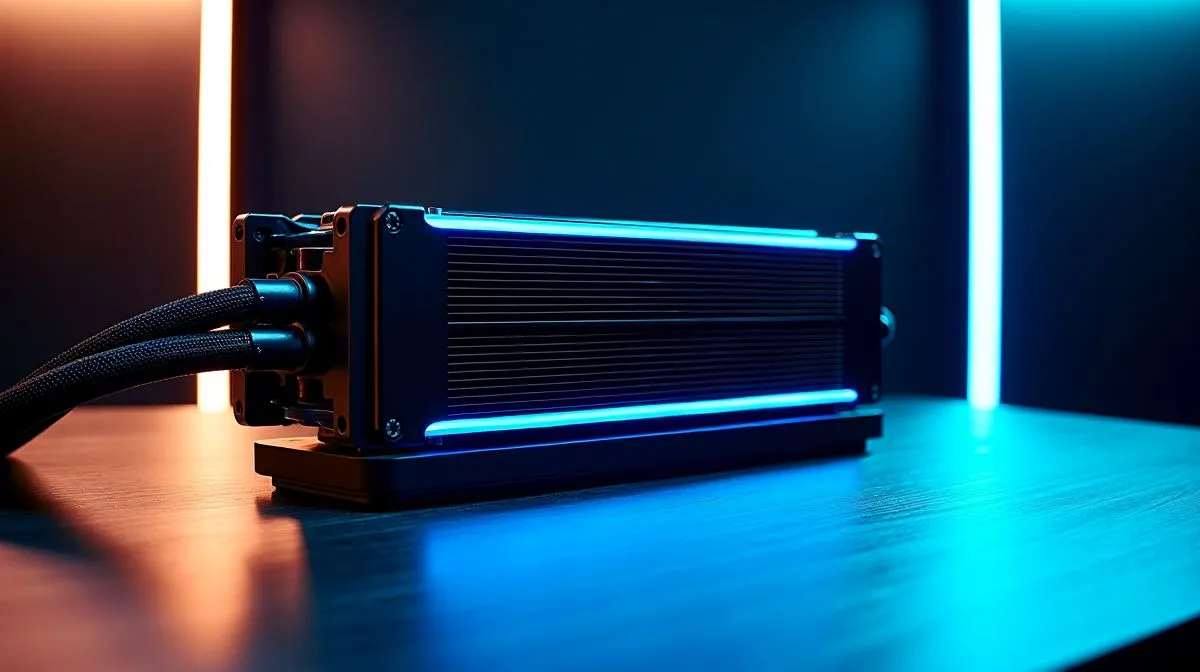
If you’re planning a new build in South Africa, the last thing you want is to buy the “right” liquid cooler twice. The question comes up a lot at local shops and in group chats: Can one liquid cooler work for Intel and AMD without brackets? The short answer is… usually, yes and sometimes, not exactly. It depends on the mounting hardware, the socket generation, and whether your AIO includes the right Intel and AMD kits.
In other words: the cooler itself can work across platforms, but the bracket and retention kit often matters 🔧. Let’s break it down in a way that helps you buy once and install confidently.
Most liquid coolers (AIOs) are designed to mount to multiple CPU platforms, but that’s done with interchangeable mounting hardware. The most important parts are:
So if a product listing says it supports both Intel and AMD sockets, it often means the AIO box includes the necessary mounting hardware. If it doesn’t, you may need an extra kit, depending on the specific Intel or AMD generation.
Before checkout, confirm:
If you’re upgrading, also check case clearance for the radiator size (240mm vs 360mm). You’ll see this clearly when filtering options on Evetech’s CPU cooler listings.
your next build, take a quick photo of your current motherboard socket area and case fan radiator clearance before you remove anything. When you compare AIO mounting kits and radiator sizes later, those photos save you from guessing, especially when South African stock varies by supplier. The goal is simple: order the correct bracket support the first time. ✨"
If your aim is a future-proof upgrade path, look for an AIO that’s commonly stocked with broad support and clear mounting details. Evetech’s AIO selection is easy to browse by cooler type and even by brand.
Here are some ways to shop with less risk:
For shopping shortcuts, use these Evetech listings during your decision:
You can install an AIO across Intel and AMD without buying extra brackets when:
If your upgrade is within the same socket family, you may also find compatibility is simpler. But if you’re switching generations, expect mounting hardware to be the deciding factor.
Here’s the practical checklist to take into checkout:
If you do those three things, you’ll avoid the most common frustration… arriving with the “right cooler” and missing the “right bracket”. That’s a repair you shouldn’t have to do twice.
Ready to Find Your Perfect Match? The Mac vs Windows debate is complex, but for maximum power, choice, and value in South Africa, Windows is hard to beat. Explore our massive range of laptop specials and find the perfect machine to conquer your world.
Yes, if the AIO supports both sockets and includes the needed mounting hardware. Many coolers are socket-specific, so always verify compatibility.
Often yes. Intel (like LGA1700) and AMD (like AM5) typically use different mounting kits, but some models ship with both.
Match the cooler’s listed socket support (example: LGA1700 and AM5) and confirm what mounting hardware is included in the box.
Not always. True bracketless support is uncommon and usually limited to specific socket generations. Look for explicit 'multi-socket' claims.
Mounting points, backplate requirements, and screw patterns differ by socket. Even the same cooler may need different brackets or backplates.
Usually not. Unless the cooler specifically lists both sockets with included hardware, you should expect to swap mounting parts.
Buy based on socket compatibility, confirm what’s included (brackets/backplate), and check for documented mounting kits for your exact CPU.
Fortnite Requirements: Do You Need Upgrade in GPU Detailed answer with SA data, expert analysis & practical recommendations for local buyers.
Read more
Top Valorant Settings for RTX 5070: FPS Optimisation picks evaluated on performance, value & SA availability with current Rand pricing from Evetech.

RDNA 3.5 Graphics in Ryzen AI 400? Can You Game. Plain-English explanation of what it means, why it matters & how it affects your buying decisions in SA.

GPU Price Index : December Report. Current stock data & price tracking for SA buyers. See what is available and where prices are heading.

RX 9070 XT Elden Ring Nightreign at 4K: FPS. Real-world benchmark data, FPS numbers & performance analysis. What SA gamers can actually expect.

Core i5-14600K + B760 + RTX 5060 Build Under. Full parts list, Rand pricing & expected performance. Build confidently with SA-available components.

RX 7600 Apex Legends at 4K: FPS Benchmark. Real-world benchmark data, FPS numbers & performance analysis. What SA gamers can actually expect.

RX 7900 XTX GTA 6 at 4K: FPS Benchmark & Optimal. Real-world benchmark data, FPS numbers & performance analysis. What SA gamers can actually expect.

Head-to-head comparison of RTX 5070 vs RX 9070 XT: Gaming Performance for SA gamers. Performance benchmarks, Rand pricing & which delivers better value.

Top RTX 5070 Under R25,000 picks evaluated on performance, value & SA availability with current Rand pricing from Evetech.
Core i5-14600K + B760 + RTX 5060 Build Under. Full parts list, Rand pricing & expected performance. Build confidently with SA-available components.

Top Monitor for RX 9070: Resolution & Refresh Rate picks evaluated on performance, value & SA availability with current Rand pricing from Evetech.

Valorant Settings on RX 9060 XT: Performance. Real-world benchmark data, FPS numbers & performance analysis. What SA gamers can actually expect.