

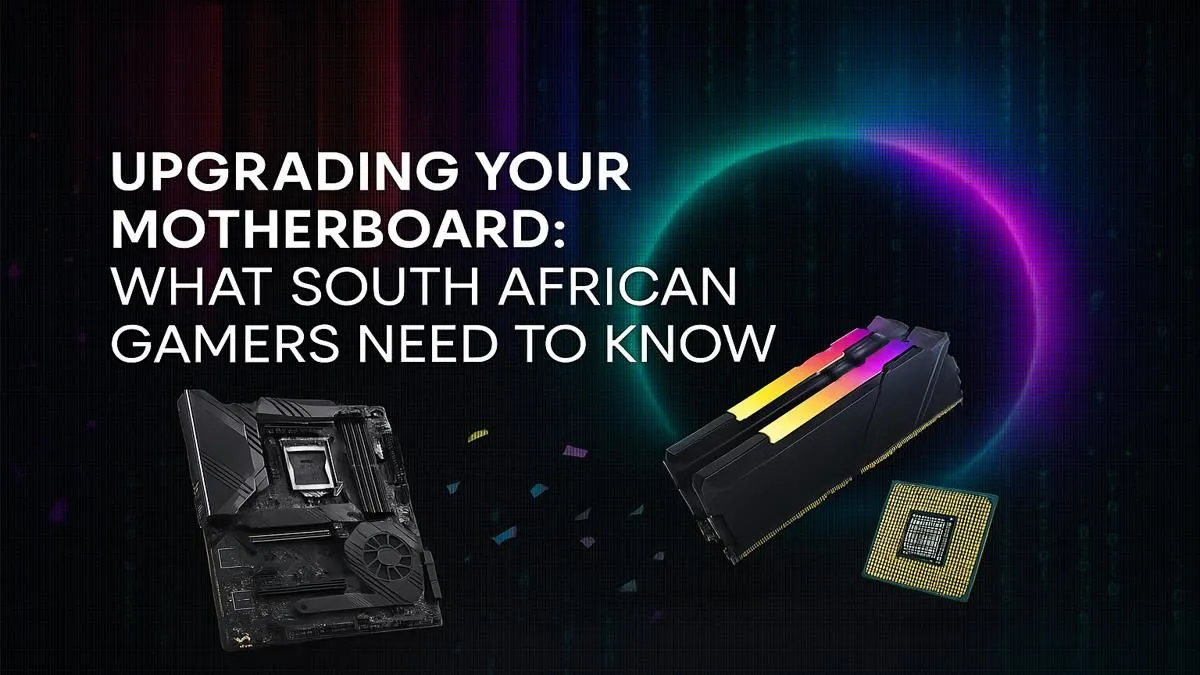
Is your gaming rig feeling a bit sluggish? You've got the latest GPU, but frames are still dropping in Helldivers 2. Before you blame your CPU, look at your PC’s foundation: the motherboard. A strategic motherboard upgrade is one of the smartest investments a South African gamer can make, unlocking better performance, new features, and a smoother path for future upgrades. Let's get your PC prepped for the next generation of gaming. 🚀
Why Your Motherboard Upgrade is a Big Deal
Think of your motherboard as the central nervous system of your PC. It connects every single component, from your graphics card to your RAM, and dictates how well they communicate. An older board can create bottlenecks, even with powerful new parts. A proper motherboard upgrade in South Africa isn't just about fitting a new CPU; it's about unlocking next-gen tech.
This means faster RAM speeds (hello, DDR5), speedier storage with more M.2 slots for NVMe SSDs, and access to newer standards like PCIe 5.0 for future-proofing. It’s the difference between a PC that just runs games and one that flies.
Key Factors for Your Motherboard Upgrade
Choosing the right board can feel complex, but it boils down to a few key decisions. Nailing these will ensure your upgrade is smooth and effective.
The CPU Socket: Your First and Most Important Choice
This is non-negotiable. Your motherboard's socket must match your CPU. You can't put an AMD processor in an Intel motherboard, or a new Intel CPU in an old Intel socket. Brands like Intel (using LGA sockets) and AMD (using AM5 for their latest chips) have distinct ecosystems. Your entire motherboard upgrade journey starts with choosing the right CPU or deciding to stick with your current one if it's compatible.
Chipset and Form Factor
The chipset is the board's brain, managing data flow and enabling features like overclocking or extra USB ports.
- For Intel: B-series (e.g., B760) are great all-rounders, while Z-series (e.g., Z790) are for enthusiasts who want to overclock.
- For AMD: B-series (e.g., B650) offer a fantastic balance of price and performance, while X-series (e.g., X670) provide maximum features.
Your form factor (ATX, Micro-ATX, or Mini-ITX) simply needs to fit in your PC case. Check your case specs before you buy! 🔧
Don't Forget the Power! ⚡
Before you finalise your motherboard upgrade, check your Power Supply Unit (PSU). A new motherboard and CPU, especially a high-end one, might draw more power than your old setup. Ensure your PSU has enough wattage and the correct connectors (like the extra 4 8-pin CPU power) to avoid stability issues. It's a small check that prevents big headaches!
The Smart Route: Considering a Barebones Kit
Feeling overwhelmed by compatibility checks? There’s a simpler way. A barebones kit, which bundles a motherboard and a perfectly matched CPU, takes the guesswork out of the equation. This is often the most cost-effective path for a major motherboard upgrade in South Africa.
These bundles are tested for stability and performance, giving you a rock-solid foundation to build upon. If you're on Team Red, you'll find that modern AMD barebone kits offer incredible multi-core performance for both gaming and content creation, making them a popular choice locally.
Of course, if you prioritise raw single-core gaming speed and a massive ecosystem of compatible parts, the latest Intel upgrade bundles are hard to beat. They provide a reliable and powerful core for any high-performance gaming rig, ensuring you get a hassle-free, optimised starting point for your build.
Ready for a Rock-Solid Foundation? A motherboard upgrade is your ticket to a faster, more capable, and future-proof PC. Stop letting old hardware hold you back. Explore our massive range of motherboards and find the perfect backbone for your ultimate South African gaming rig.











